8
DETAILED INSTRUCTIONS
CONTROLS - ON/OFF
AUTO POWER ON/OFF
MANUAL POWER ON/OFF
Turn OFF - Placing your earbuds into the charging case will automatically
turn them off.
Turn ON - Removing your earbuds from the charging case will
automatically turn them on.
When your earbuds are out of the charging case and are not being used
they automatically power off after about 15 minutes.
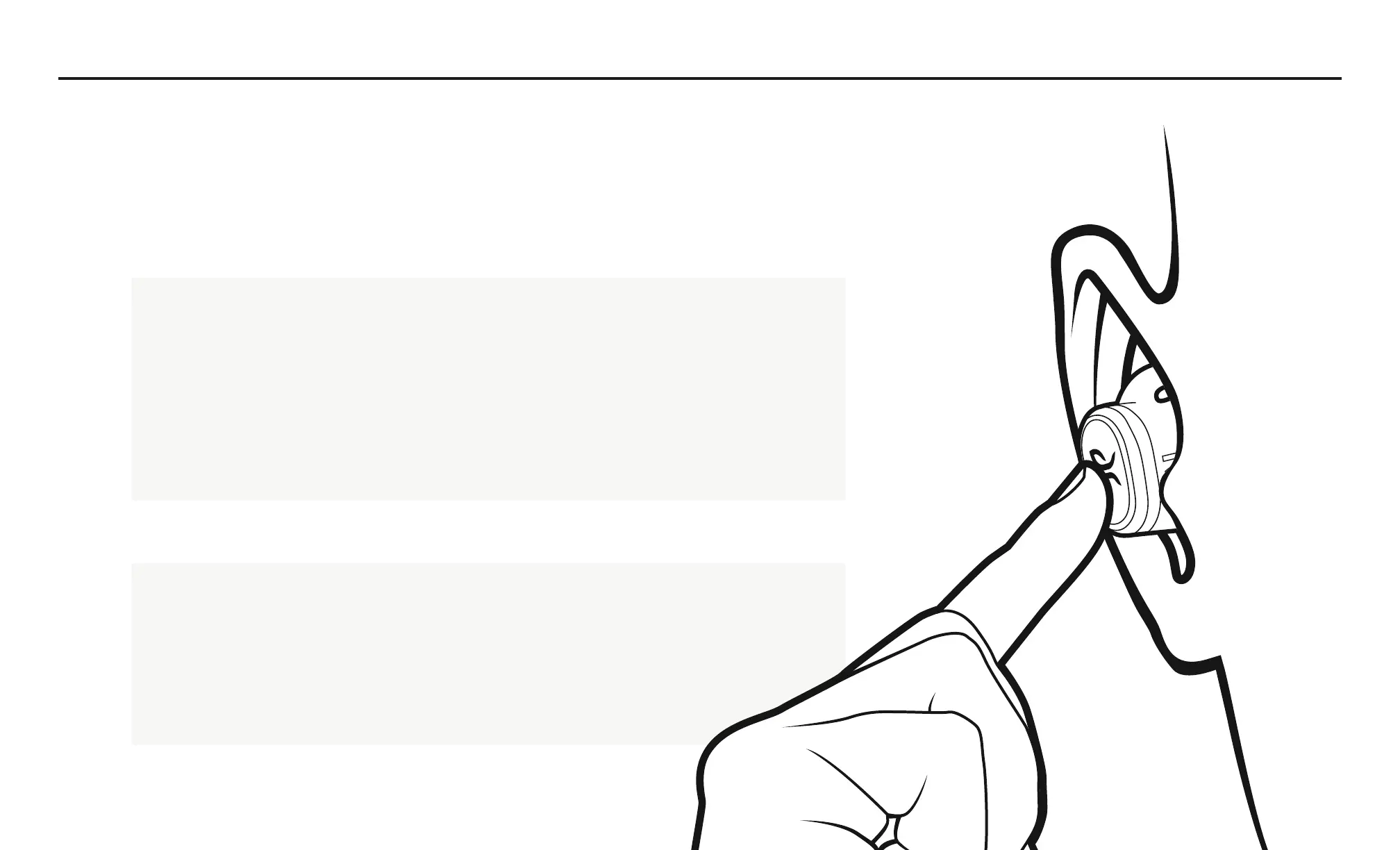
Turn OFF – Long press on either the left or right button will turn off both
earbuds.
Turn ON – A single press or long press will turn on only that particular
earbud. Repeat the same procedure on the other earbud to turn on the
earbud.


 To Next Page