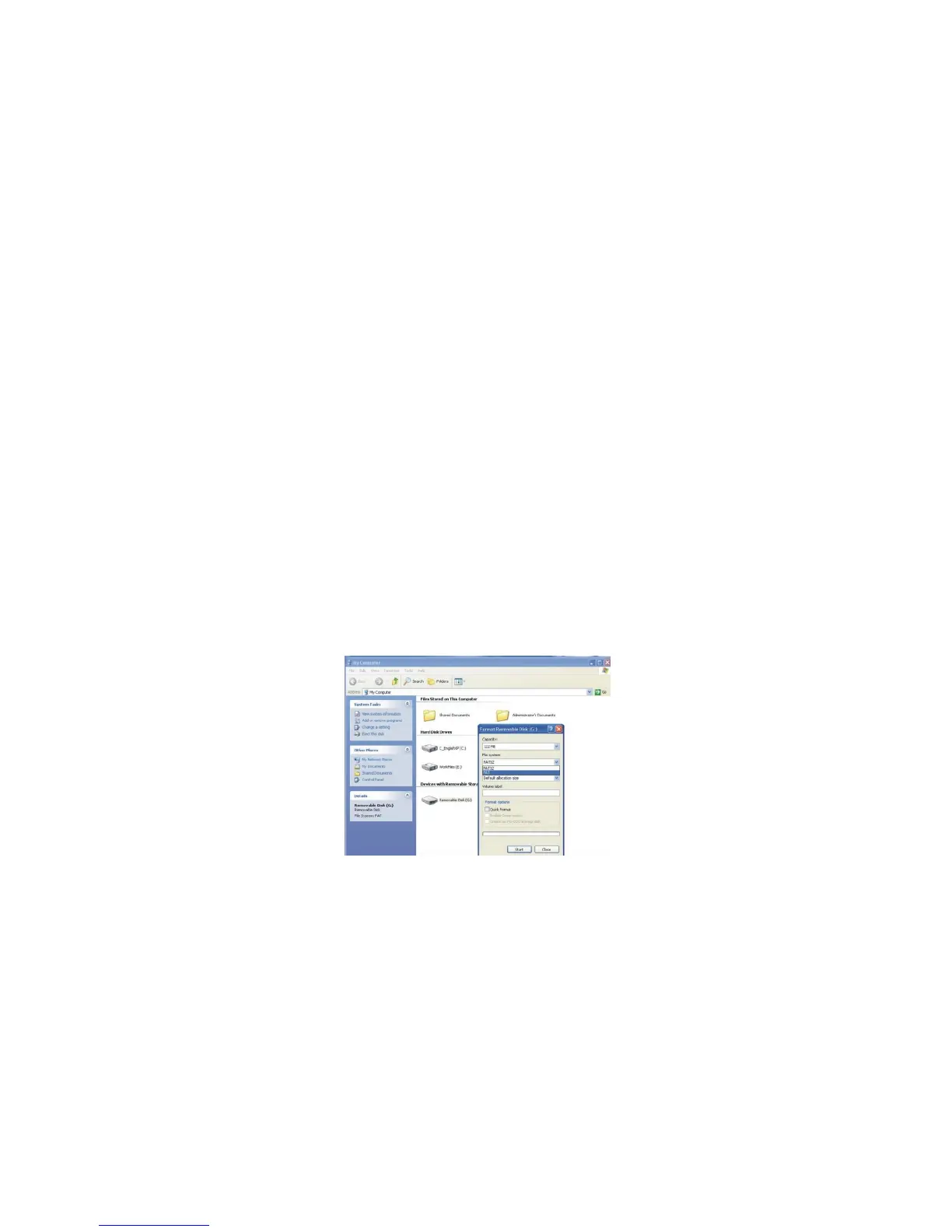
Click and open My Computer, then select “Removable Disc” which represents your camera.
Click and open Removable Disc to see file containing recorded video clips.
Double click on selected video to play back the video on computer monitor.
You may copy, move, save video clips file to any desired location in your computer – the same as you would do
with any other file.
Formatting the memory card
You may not be able to record video clip if inserted card has been used with other devices; you need to first
format the SD card.
When your camera is connected to the computer, go to My Computer, and point to Removable Disc.
Right click on the Removable Disc and open small supporting window with several options; select Format option,
see below.
Please use the FAT format when you format the SD card in windows system to obtain synchronization rate for
read or write data with camera.



 To Next Page