EasyManua.ls Logo

Jazz HDV147 - User Manual

Jazz HDV147
38 pages
Print Icon
To Next Page IconTo Next Page
Loading...
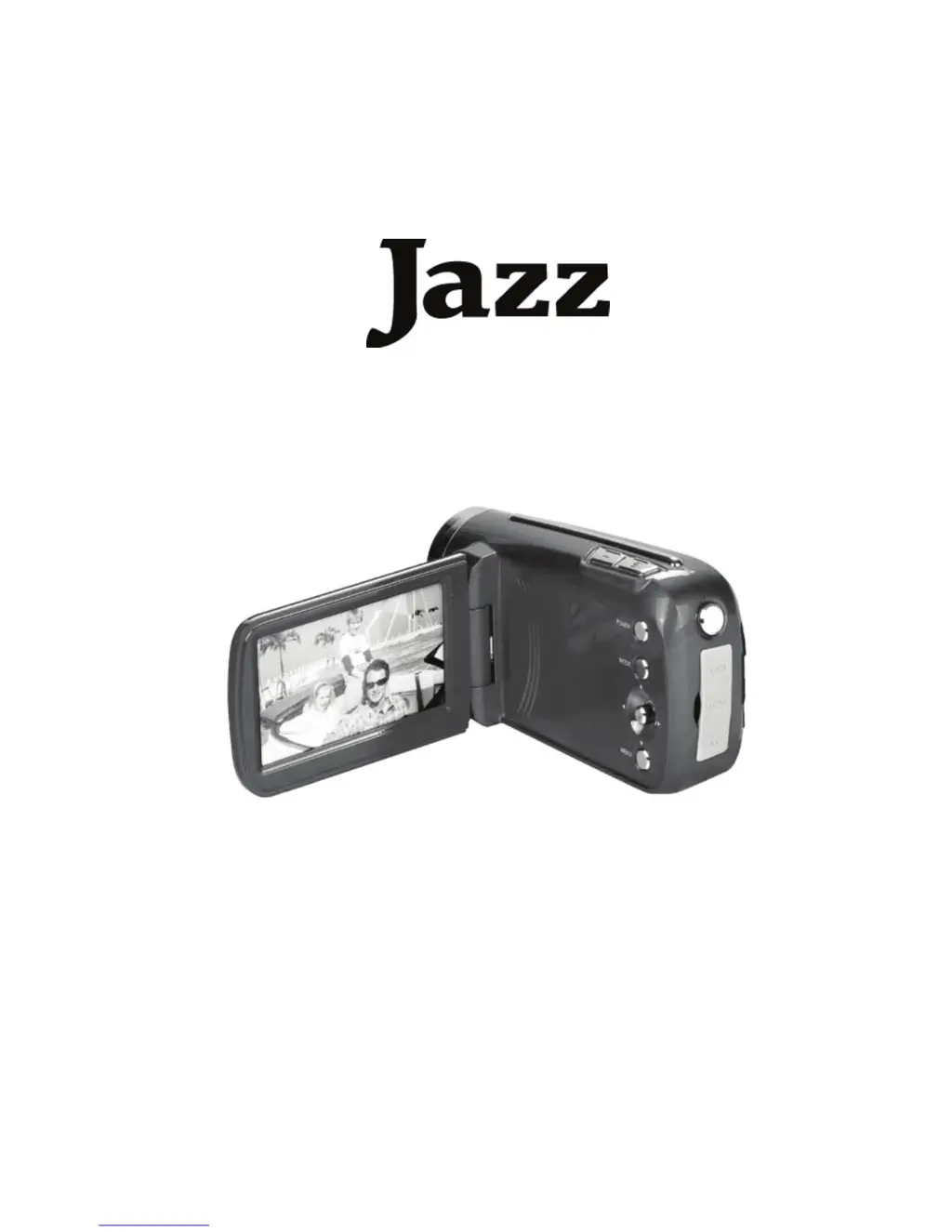
Hi Definition
Video Recorder with
Camera
HDV147
User Manual

Questions and Answers

  • C
    Charles MorganAug 2, 2025
    Why my Jazz Camcorder video recorder could not be turned on?
    • E
      elizabethcareyAug 2, 2025
      If your Jazz Camcorder isn't turning on, there are a couple of things to check: * **Incorrectly inserted batteries:** Make sure the batteries are installed correctly, paying close attention to the plus and minus terminal locations. * **Exhausted batteries:** The batteries may be dead. Try replacing them with new ones.
  • W
    William GomezAug 9, 2025
    What to do if Jazz HDV147 does not take pictures?
    • S
      Shannon WiseAug 9, 2025
      If your Jazz Camcorder isn't taking pictures, it might be due to: * **Full memory:** The memory card may be full. Try inserting a new memory card. * **Unformatted memory card:** The memory card might not be formatted correctly. Try formatting the memory card or using a different card.
  • J
    Joseph TurnerAug 16, 2025
    Why recorded images are not saved on the SD memory card of Jazz HDV147 Camcorder?
    • R
      reedjamesAug 16, 2025
      If recorded images are not being saved on the SD memory card of your Jazz Camcorder, it could be because the video recorder was turned off before the images were fully saved. If the battery low indicator appears on the LCD monitor, replace the battery immediately.
  • C
    Christopher MezaAug 25, 2025
    How to fix blurry image on Jazz Camcorder?
    • B
      Brianna WatkinsAug 26, 2025
      If the image on your Jazz Camcorder is blurry or out of focus, it might be because the video recorder was moving when the image was captured. Ensure you hold the video recorder steady when shooting a picture.

Summary

Preparing for Using

Installing Batteries

Instructions for inserting AA-size batteries into the device's battery compartment.

Inserting the Memory Card

Steps for correctly inserting and removing an SD memory card, including lock switch usage.

Using Your Video Recorder

Turning the Video Recorder On and Off

Step-by-step guide on how to power the video recorder on and off, including power save features.

Recording a Video Clip

Instructions for recording video clips, including starting, pausing, and stopping.

Capture; Taking Still Images

Guide on how to take still photographs, framing the subject and pressing the shutter.

Making Connections

Troubleshooting

Video Recorder Not Turning ON

Addresses issues related to the device failing to power on, focusing on battery problems.

Device Not Taking Pictures

Solutions for when the device fails to capture images, related to memory and formatting.

Image Quality Issues

Tips for resolving issues with blurry images or no display on the monitor.

Jazz HDV147 Specifications

General IconGeneral
Sensor TypeCMOS
Screen size2.7 inches
Video Resolution1080p
Display2.7-inch LCD
StorageSD/SDHC card
ConnectivityHDMI, USB
BatteryLi-ion rechargeable

Related product manuals