10
Select the Mode
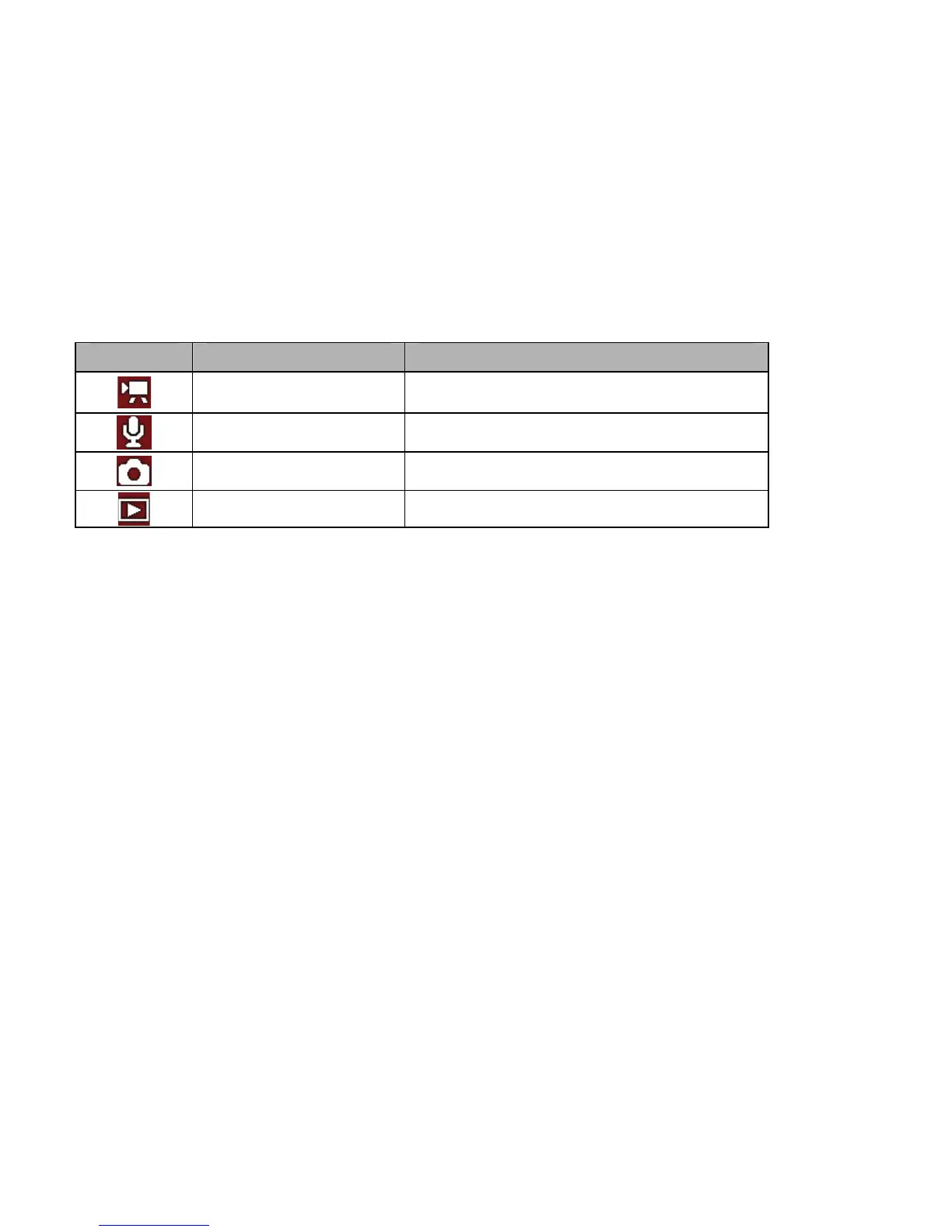
Your video recorder has following selectable Modes
1. After pressing the POWER button the video recorder will become active
and set in Video Recording Mode.
2. Pressing the MODE button will select next mode in sequential order to
change the record mode. The Mode icons – displayed on the LCD
screen – will identify selected Mode.
Recording the Video clip
1: Turn the video recorder ON and it becomes active in Video Recording
mode.
2: Observe the scene on LCD screen and press the SHUTTER button to
Display Mode Function
Video mode Recording video clips.
Audio mode Recording audio files.
Capture mode Taking still photos.
Playback mode Playing back all files.



 To Next Page