4
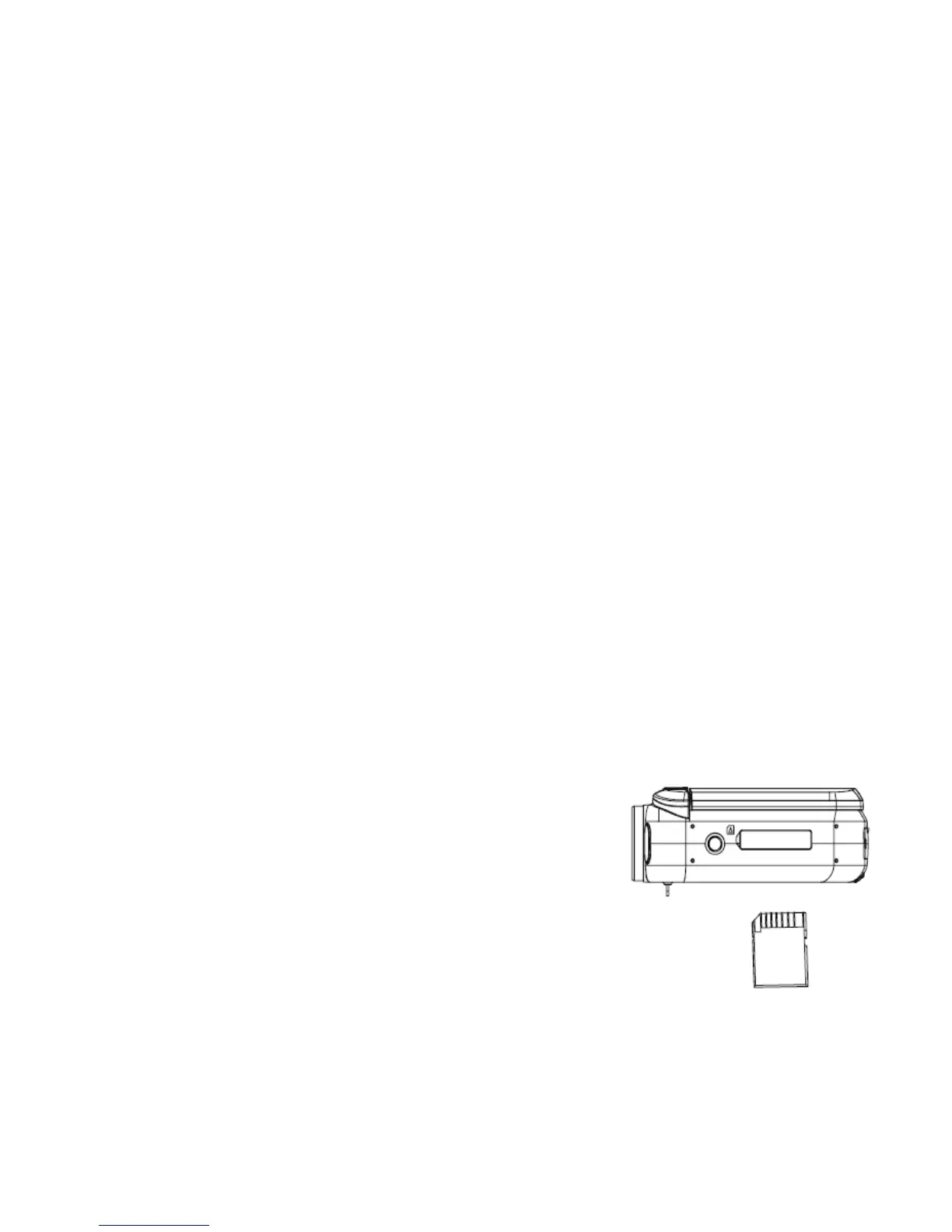
Inserting the Memory Card
Video recorder requires SD Memory Card inserted to record and store
video clips, taken images or recorded audio files.
1. Turn off the video recorder before inserting or removing the SD memory
card.
2. Orient the card correctly and do not force the card when inserting
-The SD memory card has the LOCK protect switch used to protect data
from accidental deletion. Therefore, whenever you want to record, format
or delete files from the SD card, set the protect switch to the non-LOCKed
position.
3. Lift the Rubber Cover on the bottom of the video recorder and insert the
SD card as illustrated. Press the card until the card is fully down and
latched.
4. To remove; press the card down, then the card
will pop up and be easily removed.
• Do not insert any other object except the
SD/SDHC memory card into the video
recorder SD card slot.



 To Next Page