EasyManua.ls Logo

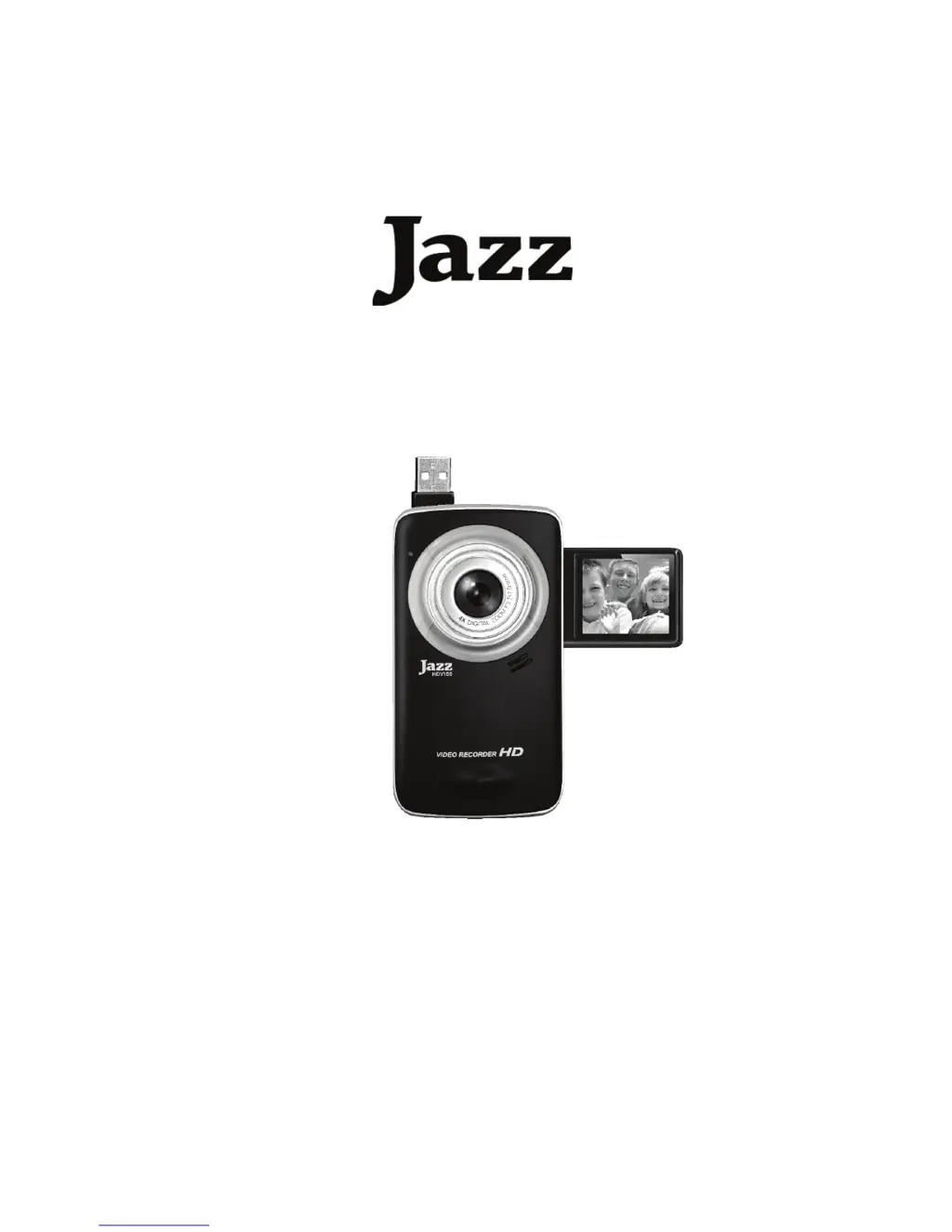
Jazz HDV155 - User Manual

Jazz HDV155
39 pages
Print Icon
To Next Page IconTo Next Page
Loading...
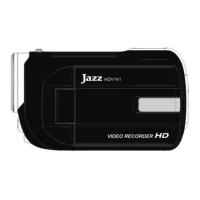
High Definition
Video Recorder with Camera
HDV155
User Manual

Questions and Answers

  • L
    Lauren WhitakerAug 1, 2025
    What to do if recorded images are not saved on Jazz Camcorder?
    • D
      douglas59Aug 1, 2025
      If your Jazz Camcorder isn't saving recorded images, it might be because the camcorder was turned off before the images finished saving. To prevent this, replace the batteries immediately if the low battery indicator appears.
  • S
    steve16Aug 7, 2025
    Why my Jazz Camcorder power does not turn on?
    • S
      sbrownAug 8, 2025
      If your Jazz Camcorder isn't turning on, it could be due to the batteries being inserted incorrectly. Make sure to reinstall the batteries in the correct direction. Alternatively, the battery power might be insufficient, in which case you should reinstall new batteries.
  • C
    Christopher SloanAug 13, 2025
    What to do if Jazz Camcorder does not take pictures?
    • J
      julie27Aug 13, 2025
      If your Jazz Camcorder isn't taking pictures, it may be because the memory is full. Try inserting a new memory card. Another reason could be that the memory card is not formatted. In this case, format the card or use a new one.
  • J
    Jessica SparksAug 19, 2025
    Why image is not displayed on the LCD monitor of my Jazz Camcorder?
    • K
      Katherine LopezAug 19, 2025
      If the image on your Jazz Camcorder's LCD monitor isn't displaying, it's likely because a memory card with non-SUNP**** images (recorded with another camera) is loaded. This video camera cannot display non-SUNP**** images.
  • P
    Patricia DanielsAug 25, 2025
    How to fix blurry image on Jazz Camcorder?
    • C
      cgrahamAug 26, 2025
      If your image is blurry or out of focus on your Jazz Camcorder, it could be because the video recorder was moving when the image was captured. To fix this, hold the video recorder steady when shooting the picture.

Summary

Safety Precautions

Preparing for Use

Installing the Battery

Instructions for inserting AAA batteries into the video recorder.

Inserting the Memory Card

Guide on how to insert and remove SD memory cards.

Formatting the Memory Card

Steps to format the SD card before first use or re-use.

Using Your Video Recorder

Turning Recorder On and Off

How to power the video recorder on and off.

Changing the Recorder Mode

Switching between Video, Capture, and Playback modes.

Recording Video Clips

Step-by-step guide to record video clips.

Taking Still Images

Instructions for capturing still photographs.

Using the Menu in Recording Mode

Menu in Video Mode

Navigating and using menu options in video recording mode.

Menu in Capture Mode

Navigating and using menu options in capture mode.

Setup Menu and Internal Settings

Making Connections

Software Installation

Troubleshooting Common Issues

Jazz HDV155 Specifications

General IconGeneral
BrandJazz
ModelHDV155
CategoryCamcorder
LanguageEnglish

Related product manuals