31
When the TV is connected, the cameras LCD screen becomes blank and
TV screen becomes the monitor for your camera.
Connecting the Video Recorder to a PC
Open the USB cover on the top of the recorder with a fingernail and swing
out the USB connector. Insert connector into computer USB port. If
necessary, use the supplied USB extension cable to gain easier access to
connect. Download files from the recorder’s stored memory to computer.
Alternatively insert the memory card into a card reader to download files.
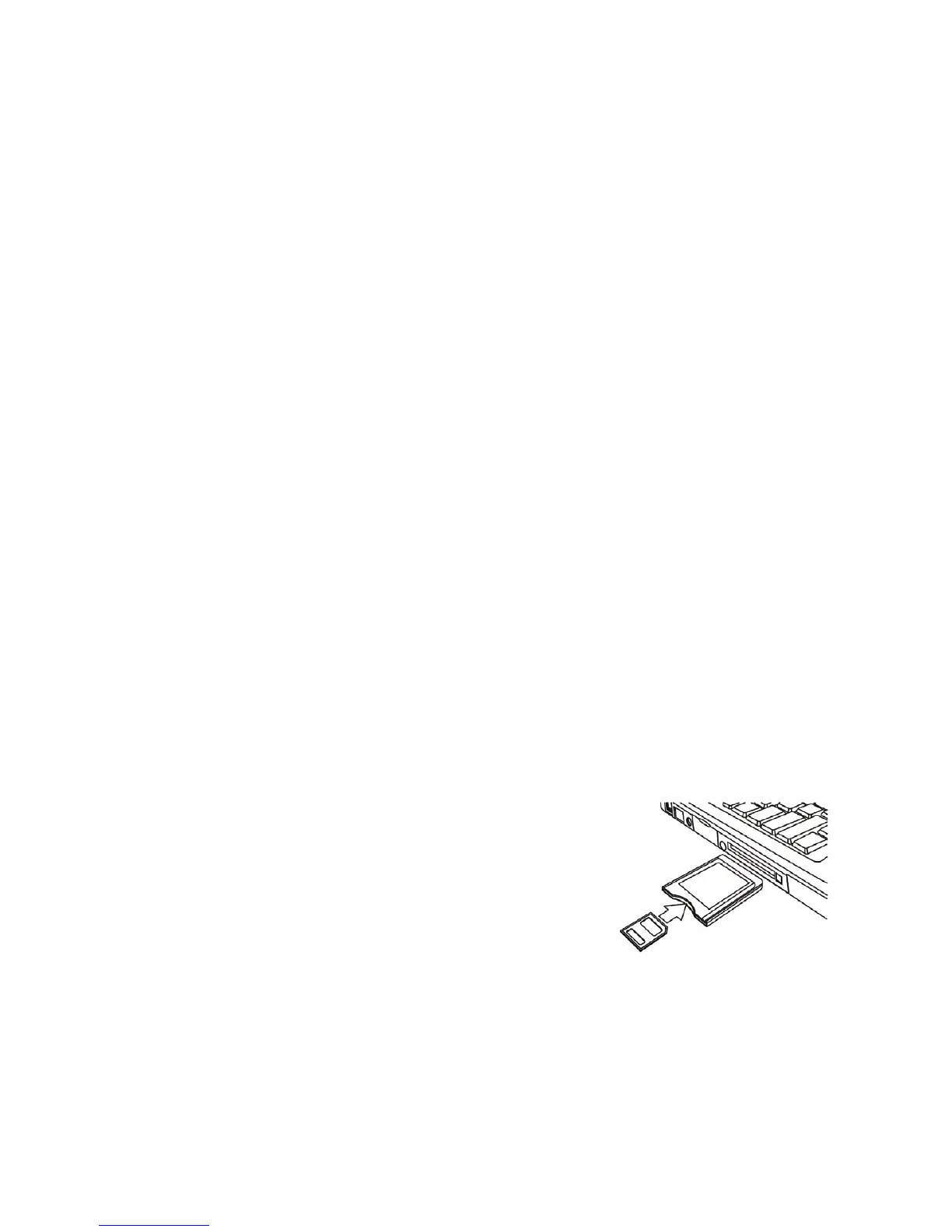
Using a Card Reader
1: Eject the memory card from the recorder
and insert into a card reader connected to a
computer.
2: Open [My Computer] or [Windows Explorer]
and double-click the Removable Disk icon which represents the



 To Next Page