15
still pictures.
3. Press button again to select the Playback Mode.
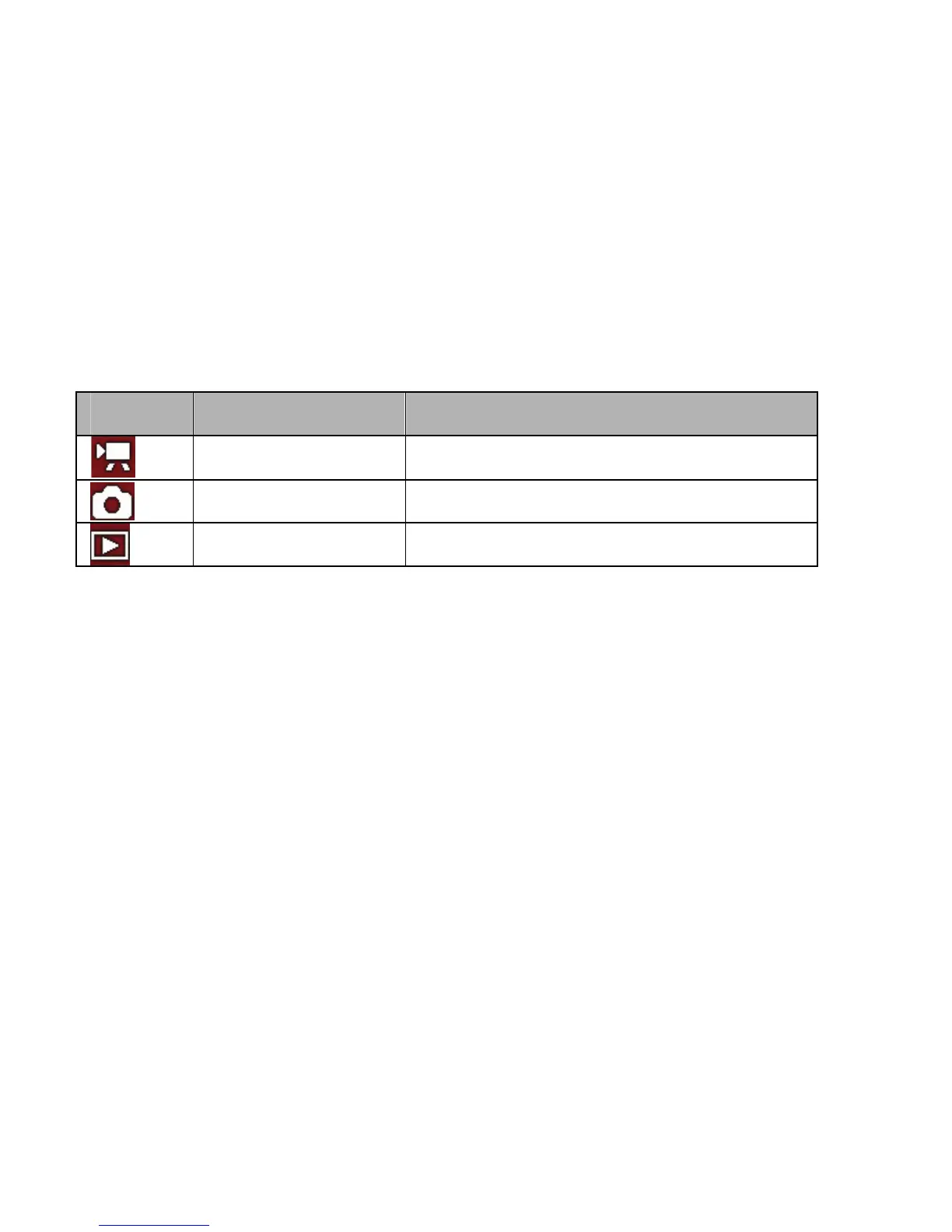
The icons – displayed on the LCD screen – will identify selected Mode.
Recording video clip
1: Turn on and set recorder to Video recording mode. Frame the scene in
LCD screen. To quickly change resolution setting press LEFT button.
2: Press the SHUTTER/ OK button to start recording. Press the RIGHT
button to pause and press it again to continue.
3: Press the SHUTTER/ OK button again to stop recording. If the memory
is full the video camera will stop recording automatically.
• The LCD monitor displays the recorded time during recording.
Display Title Description
Video mode Recording video clips.
Capture mode Taking still photos.
Playback mode Preview photos and video clips.



 To Next Page