13
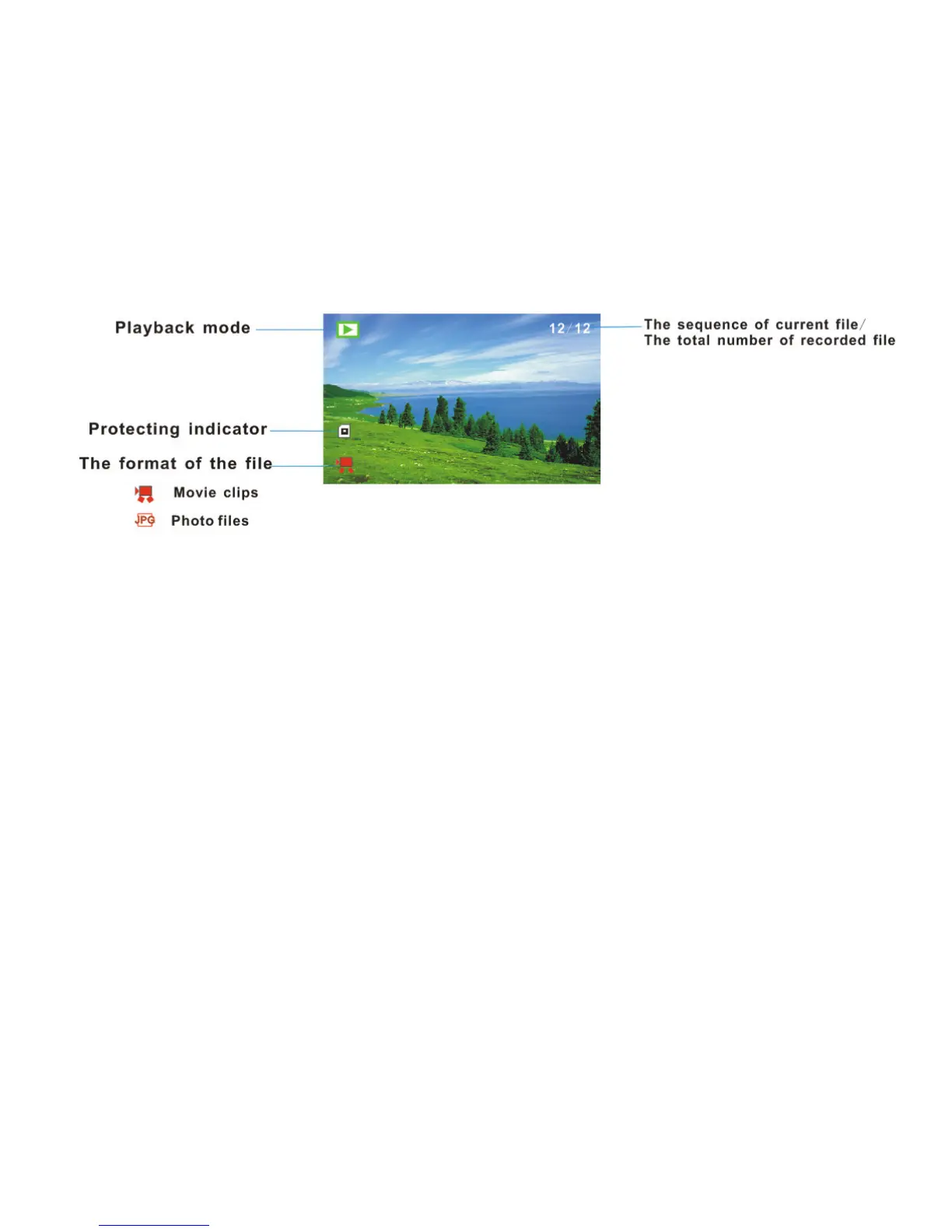
Playback mode
Display/ Delete Button (part 10) – Press this display button once in
video mode or Capture mode to display live image (no icons will be visible),
press button again to dim the image and press again to restore original
bright screen with icons. This button (10) is also used as quick delete
button in Playback mode to delete current image. See page 26 for details.



 To Next Page