EasyManua.ls Logo

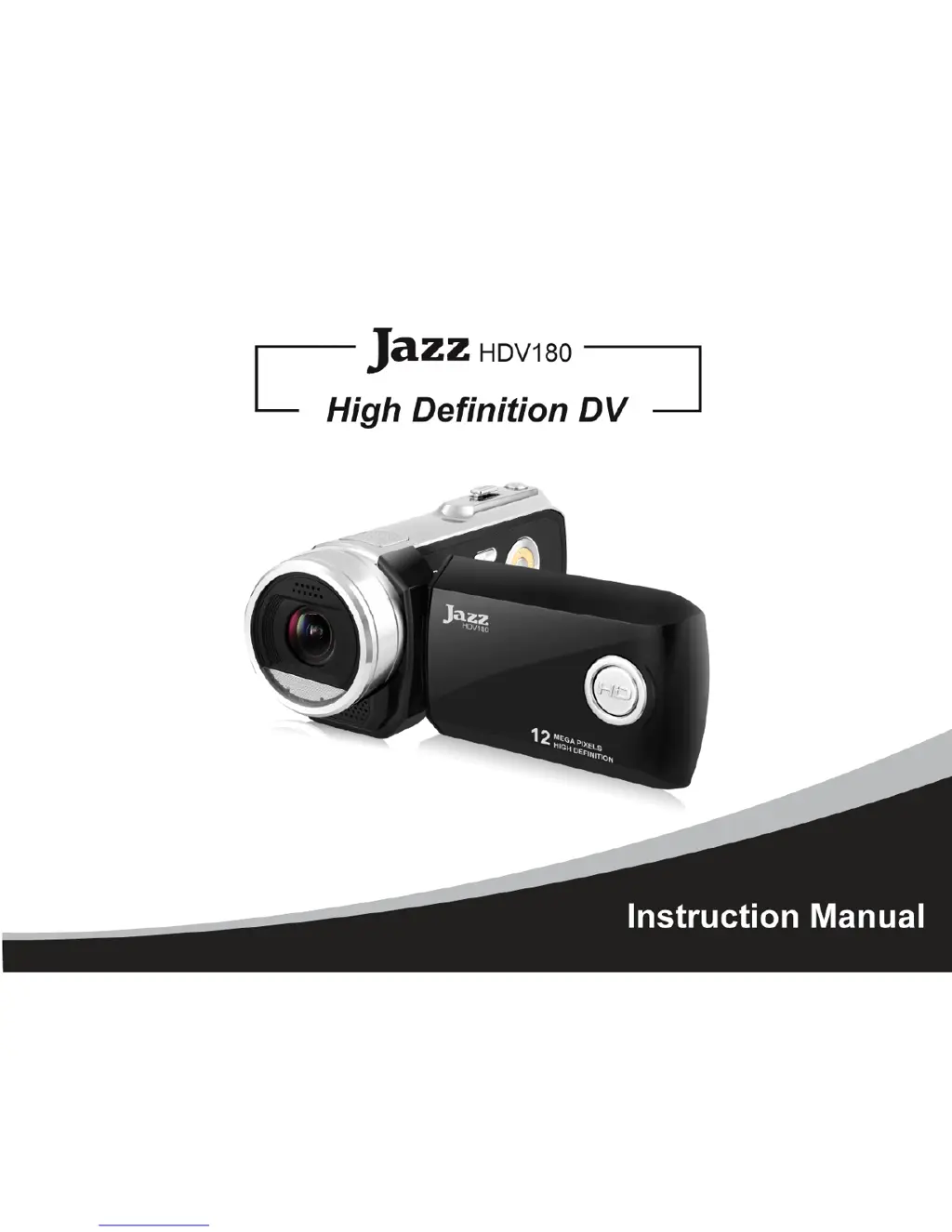
Jazz HDV180 - User Manual

Jazz HDV180
53 pages
Print Icon
To Next Page IconTo Next Page
Loading...
0

Questions and Answers

  • W
    William HarrisAug 2, 2025
    Why does my Jazz Camcorder automatically shut down?
    • J
      James LandryAug 2, 2025
      Your Jazz Camcorder might be shutting down automatically due to insufficient power. In this case, please replace the batteries. Also, to save power, the video recorder automatically shuts down after one minute, three, or five minutes of inactivity.
  • D
    Dana FarmerAug 8, 2025
    What to do if my Jazz HDV180 Camcorder can't take pictures or record?
    • J
      Jasmine HansenAug 8, 2025
      If your Jazz Camcorder can't take pictures or make recordings, it might be because the SD Card is not inserted. Insert the SD card for photo taking / video recording. Another cause may be that the write protection switch on the SD card is set to the LOCK-ed position. Remove the SD Card and set the switch to the non-LOCK position.
  • J
    John SchwartzAug 14, 2025
    Why can't I delete video or photo files on my Jazz Camcorder?
    • K
      Kristin HoltAug 14, 2025
      If you can't delete video or photo files on your Jazz Camcorder, the write protection switch on the SD card might be set to the LOCK position. Remove the SD card and set the switch to the un-LOCK position, then re-insert the card.
  • D
    Dale VelasquezAug 19, 2025
    Why are my Jazz Camcorder photos and videos dark?
    • J
      Joseph GilbertAug 19, 2025
      If your Jazz Camcorder photos or videos are dark, it's likely due to insufficient light during video or picture taking. Use exposure control or add an additional light to improve the light condition.
  • J
    Jerry FrazierAug 27, 2025
    How to fix unclear or blurred photos on Jazz Camcorder?
    • F
      Francisco LewisAug 27, 2025
      To avoid unclear or blurred photos with your Jazz Camcorder, keep the recorder steady while taking records or taking photos. Use a tripod or support the video recorder while recording.

Summary

Video Recorder Maintenance

Inserting the SD Card

Instructions for inserting and removing the SD card, with a note about recorder power status.

Know Your Video Recorder

External Component Overview

Identifies key external controls and indicators like Screen, Buttons, and Connectors.

Buttons and Function Indicators

Button Operations

Details the function of each button on the recorder, including Power, Record, Shutter, and Navigation.

Basic Operation

Installation Procedures

Covers battery and memory card installation steps.

Powering On and Mode Selection

Guide to powering on the recorder and selecting Video, Camera, or Audio modes.

Playback Mode Operations

Media Playback and Browsing

Instructions for playing back videos and browsing photos.

Turning the Recorder Off

Menu Setup and Internal Settings

Menu Navigation and Options

Guide to accessing and using menu options for various settings.

Settings Date and Time

Computer Connection Guide

Advanced Operation

Camera Mode Operations

Audio Recording Mode

Playback Mode Interface

Computer Connection for File Download

PC Camera Functionality

Operating the PC Camera

MediaImpression Software Installation

Using MediaImpression Software

Product Specifications

Troubleshooting Common Issues

Power and Recording Problems

Troubleshooting steps for power issues, recording failures, and SD card problems.

Image Quality Issues

Solutions for unclear, blurred, or dark photos and videos.

Shutdown and Deletion Issues

Troubleshooting for automatic shutdown and problems deleting files.

Jazz HDV180 Specifications

General IconGeneral
BrandJazz
ModelHDV180
CategoryCamcorder
LanguageEnglish

Related product manuals