43
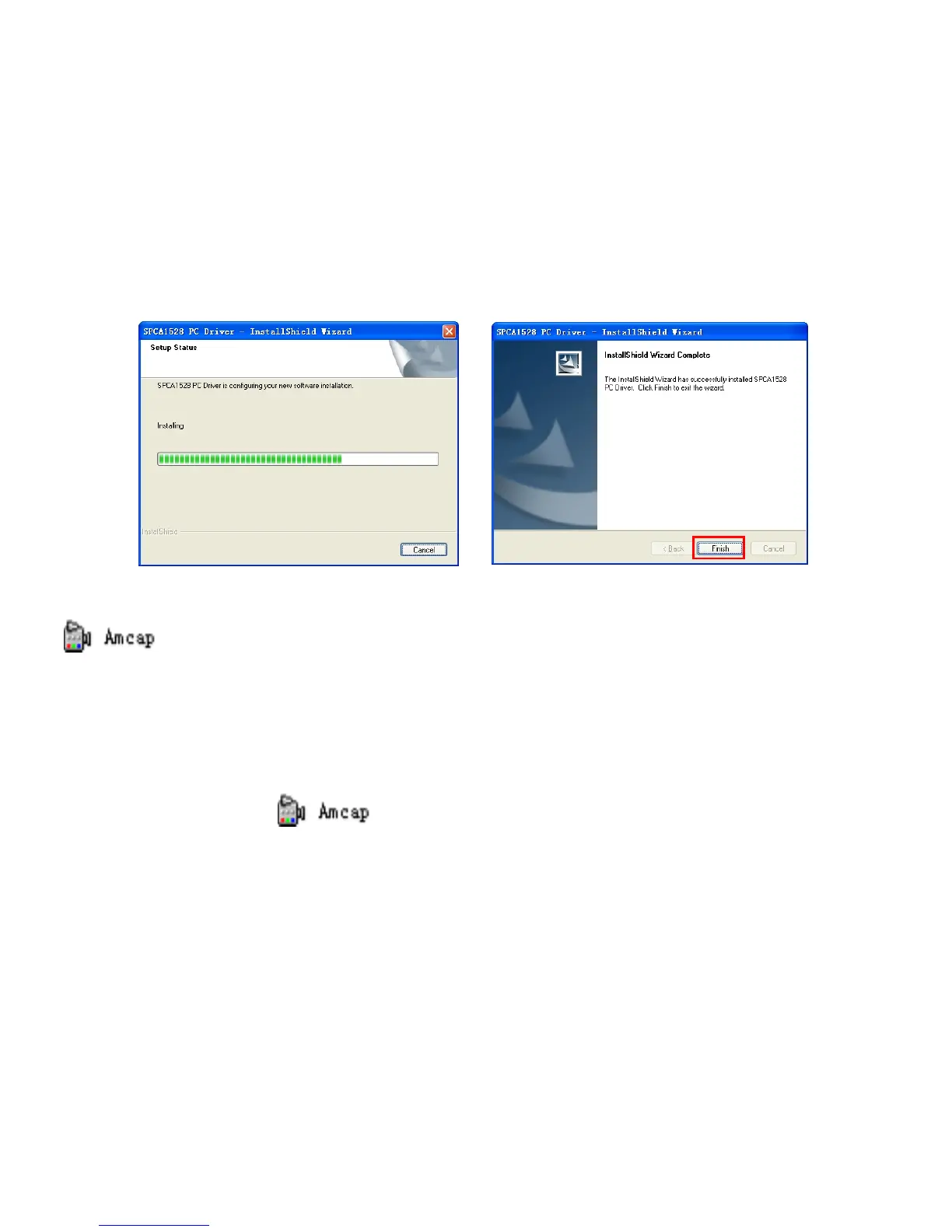
Restart computer when installation completed.
The installed Driver will be indicated as the “SPCA1528 PC Driver” with an
icon inside computer’s Start → All Programs list.
Now you can connect video recorder to the computer using USB cable and activate PC
web-cam mode.
Operating PC Camera
Click the shortcut icon to open AMCAP window.
The AMCAP computer window will display the scene visible through the recorder lens.



 To Next Page