30
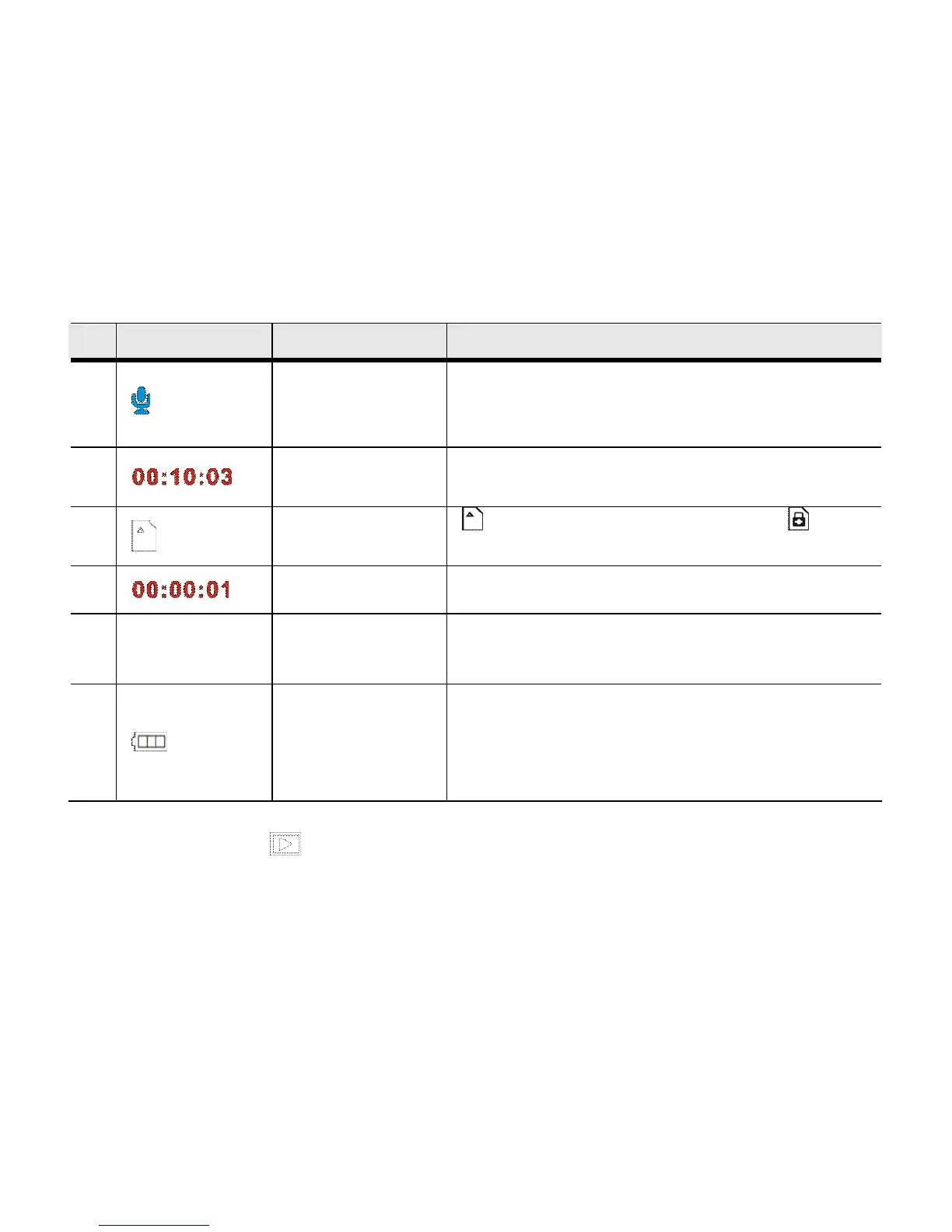
Icon Name of Icon Description
1
Audio
Recording
Mode
Indicates Audio Recording Mode is
activated
2
Recording
Time
Indicate the amount of time still available for
recording
3
SD Card
SD Card is being Loaded; Card
Write-Protection LOCK is activated
4
It indicates recorded time.
5
5PAUSE/
5REC
Pause/Continue
Record prompt
Prompt to press UP Button to make pause or
continue RECORD.
6
Battery Power
Indicates the current status of battery power
and when displayed in red, it indicates
imminent battery depletion when the device
will shut down automatically.
PLAYBACK Mode
- Press the PLAYBACK button to enter the PLAYBACK Mode.



 To Next Page