18
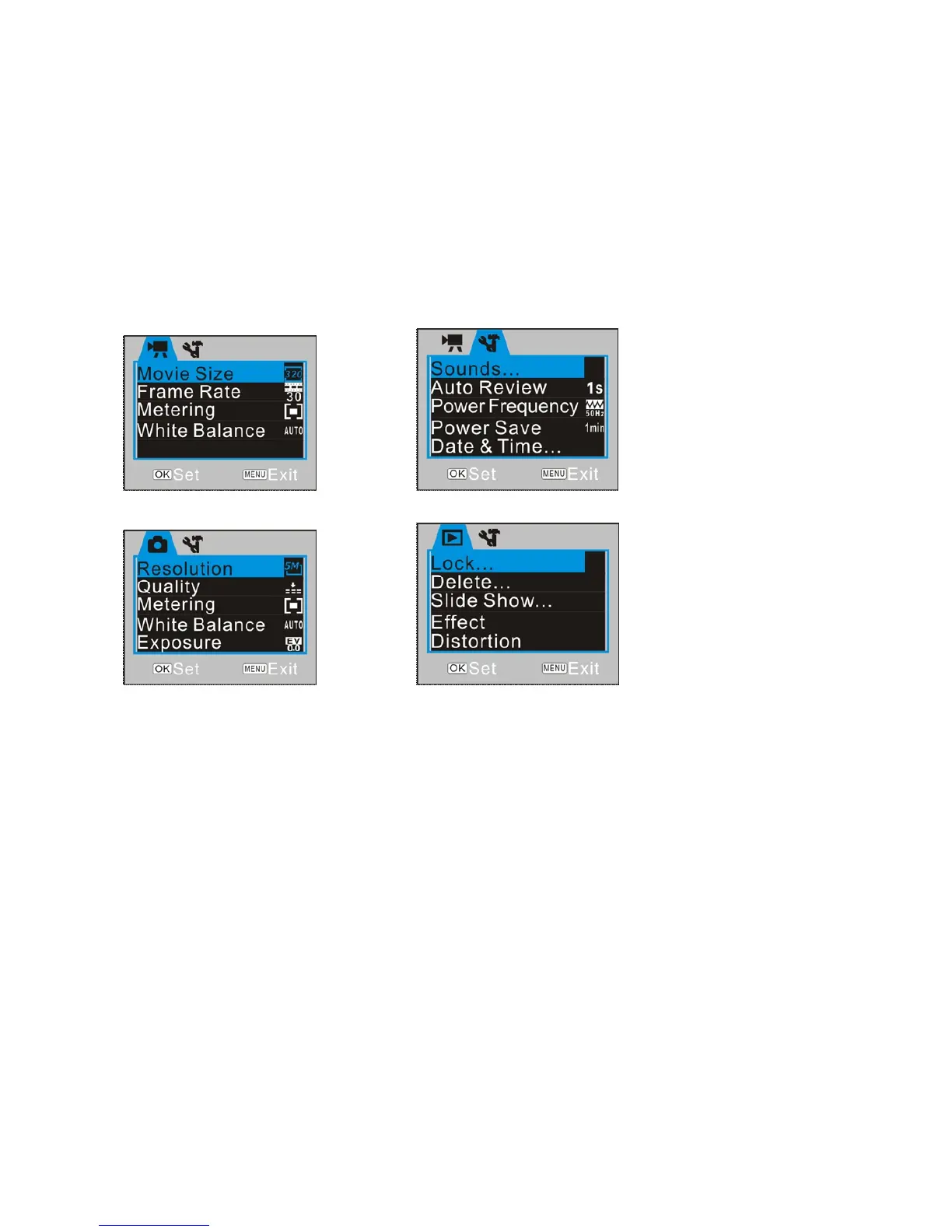
▲Video Recording Menu ▲Internal Setting Menu
▲Camera Menu ▲Playback Menu
- Press RIGHT Button to enter highlighted option / setting and use UP / DOWN
Buttons to select one from available setting options.
- Press OK Button to execute setting.
Settings Date and Time
Press the MENU Button to open menu, and press RIGHT Button to enter Internal Setting



 To Next Page