24
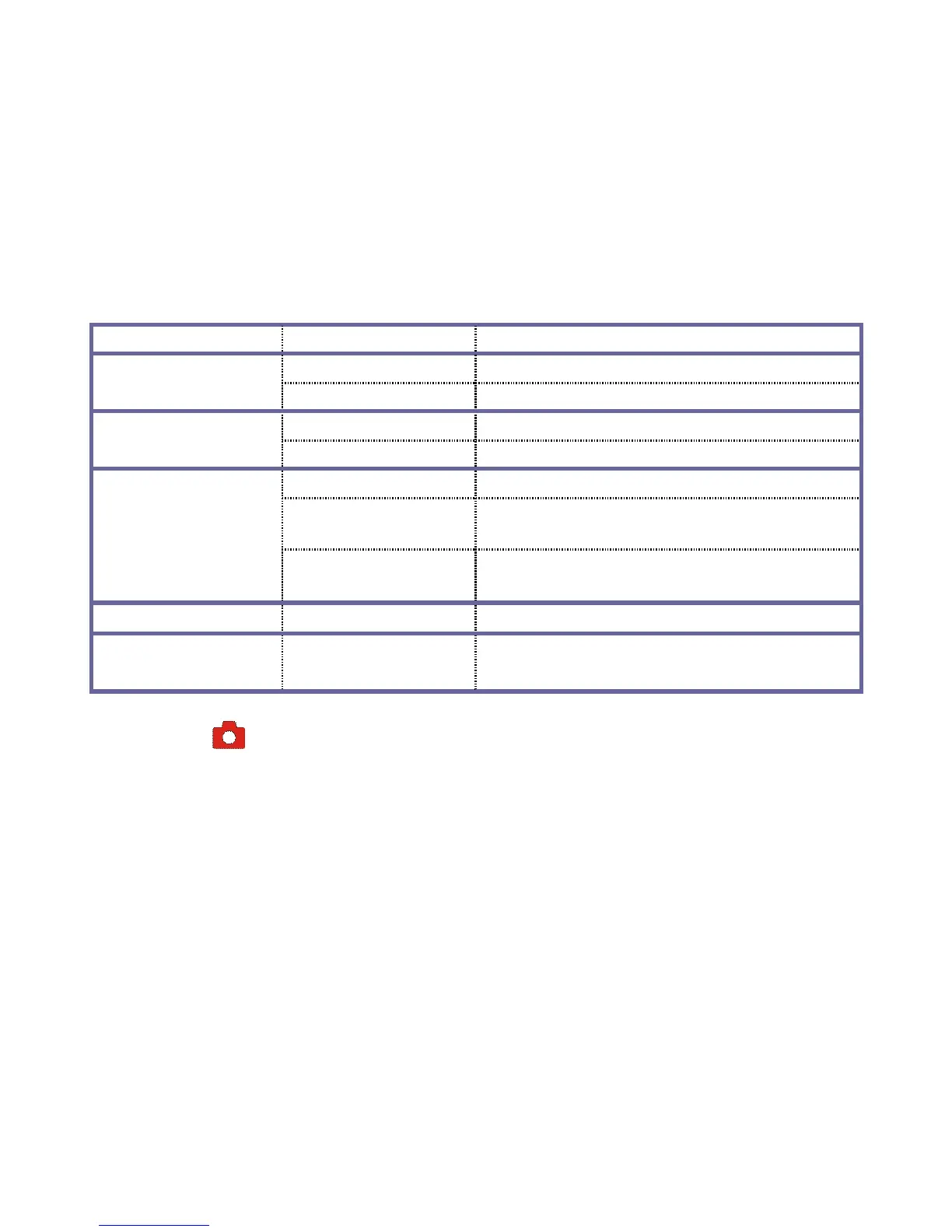
Language English Sets the menu language to English
NTSC NTSC TV System is selected
TV Out
PAL PAL TV System is selected
MSDC Used as Removable Disk
USB
PC CAM Used as PC Camera
Off No image on Welcome screen.
System
Default Welcome screen displayed
after main power on.
Start-up Image
My Image
Customized picture displayed after
main power on.
Format Yes/No Formats the memory card.
Reset All Yes/No
Factory Setting Recovery (Default
settings)
Camera Mode
Enter the Camera Mode after power-on by adjusting Mode Knob as needed.
Press the Shutter Button to take photos, keep video recorder steady.
- Zoom: Tilt the Button T/W to “zoom” the photographed scene or subject.
- Self Timer: Press the RIGHT Button to select 2 second / 10 second delay time, or select
Self Timer OFF (disable). Press the Shutter Button and the recorder will take photo
automatically in 2 or 10 seconds as selected.



 To Next Page