25
- LED Support Light: Press LED Light Button to enable or disable the LED Support Light.
────────────────────────────────────────────────────
Notes:
l Hold video recorder steady while taking photos and ideally place on firm support
like tripod to obtain sharpest result.
lWhen pressing the Shutter Button, the Busy Indicator will light up. At this time
take care not to move the recorder at all. Wait until the busy light turns off to avoid
blurred photos.
────────────────────────────────────────────────────
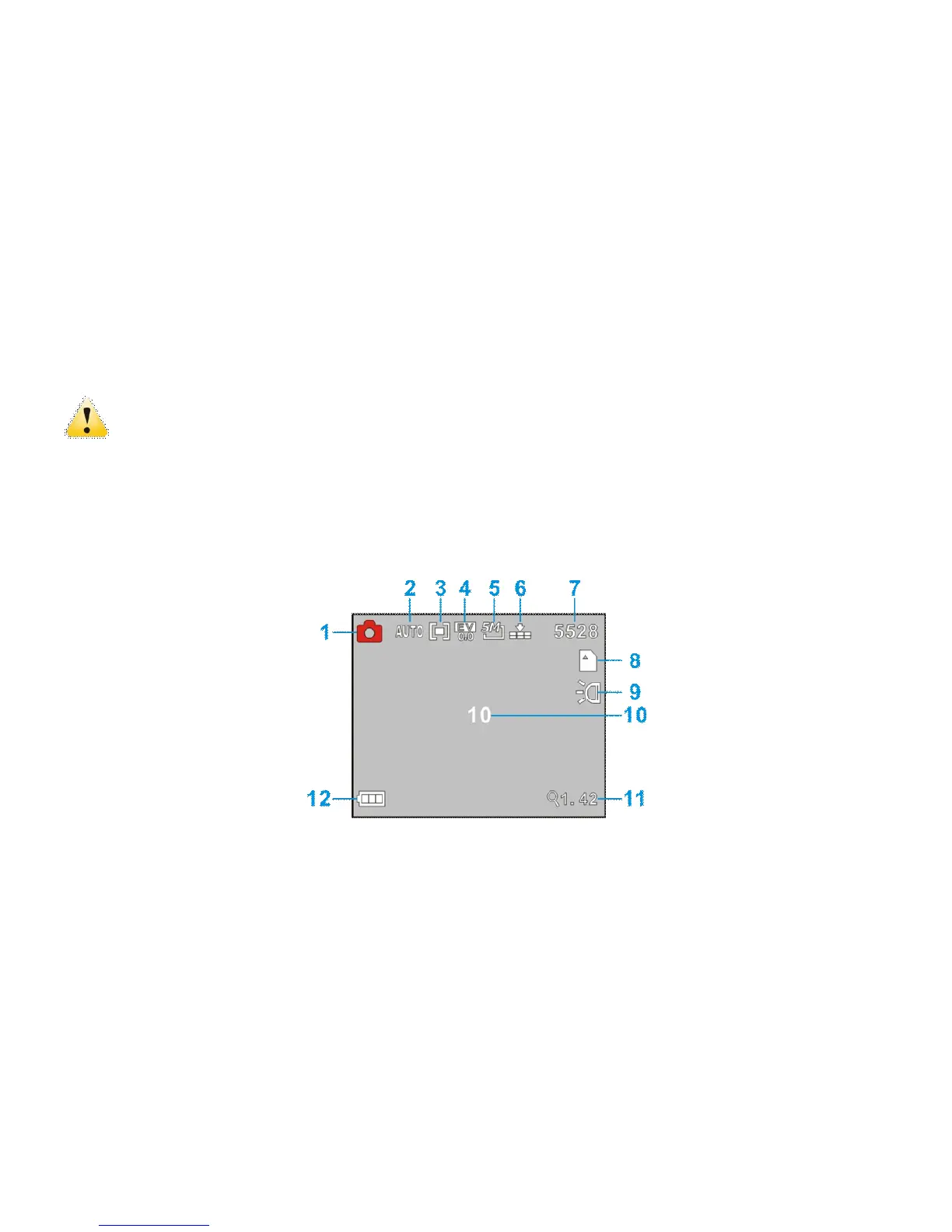
◆ The following icons / indicators are visible on the DISPLAY when the Camera Mode
is selected:



 To Next Page