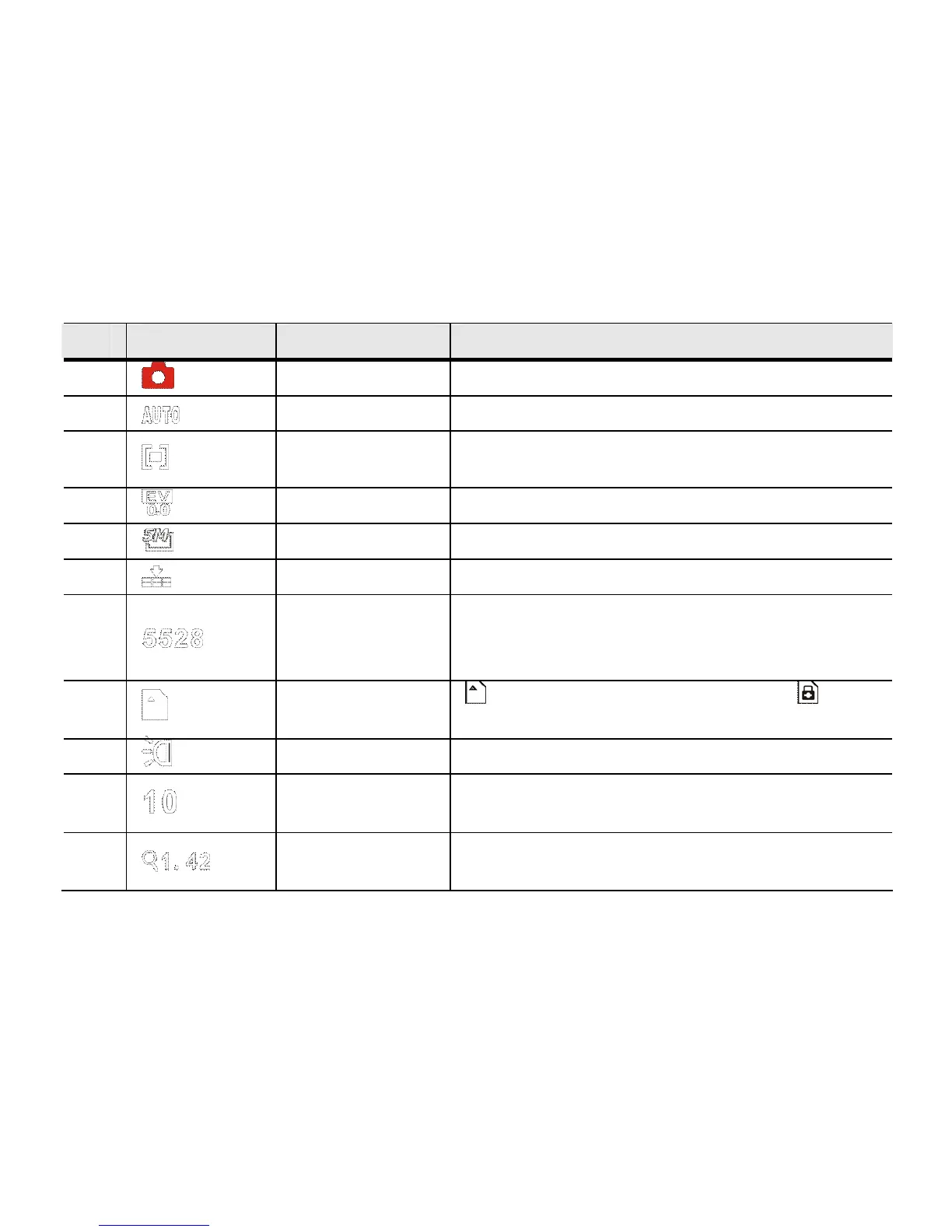
It indicates the metering mode; currently
Multi-metering mode.
4 Exposure It indicates current selected exposure value.
5 Photo Size Indicates the current still picture resolution
6 Image quality It indicates current selected image quality.
7
Number of
Photos
Remaining
Indicates number of photos that may still be
taken
8 SD Card
SD Card is being Loaded; Card
Write-Protection LOCK is activated
9 Flash
LED Flash Support Light is ON.
10
Self-timer
count down
It indicates self-timer count down.
11
Zooming
Indication
Indicates the digital zoom current
magnification



 To Next Page