14
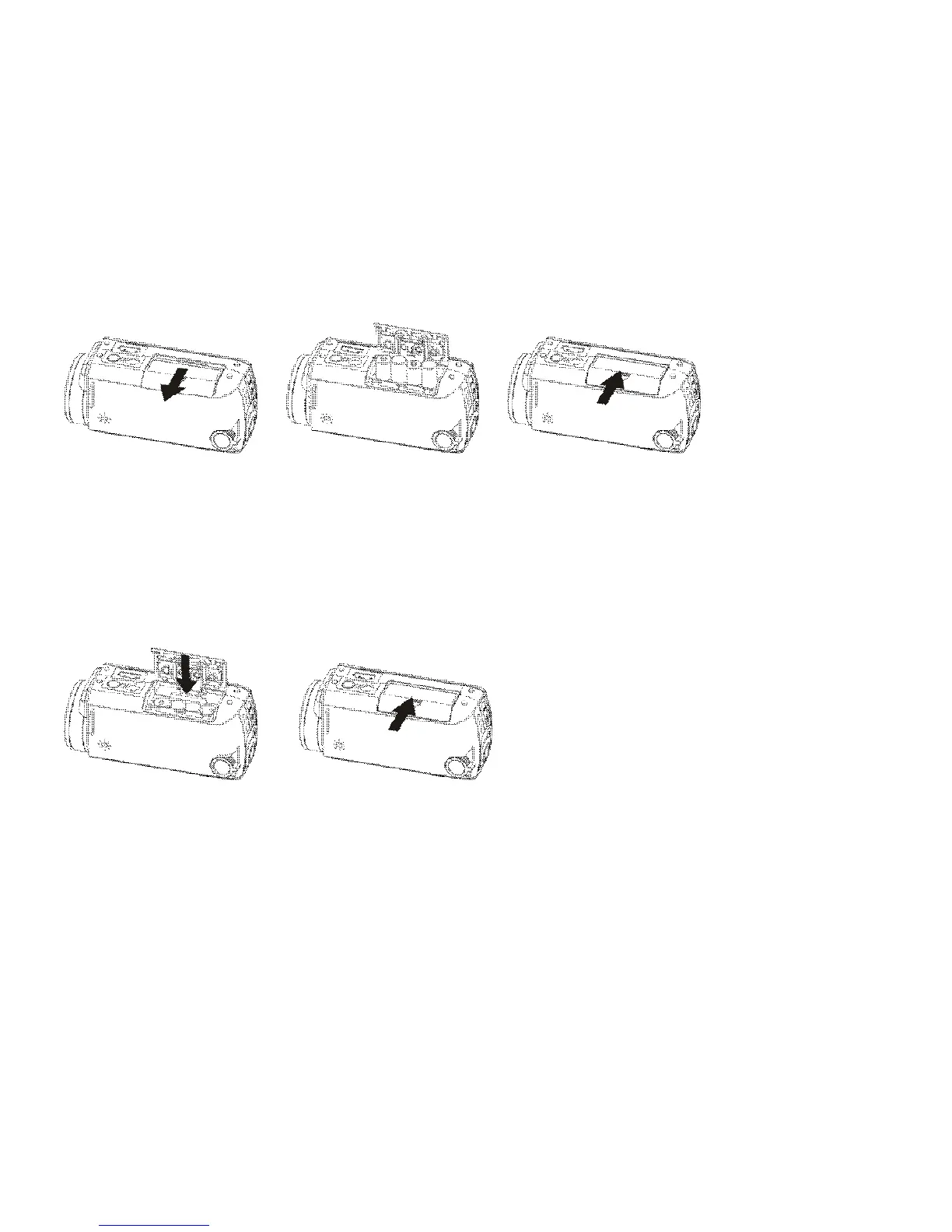
Before changing installed but exhausted batteries, first turn OFF the recorder.
2. SD/SDHC Memory Card Installation
Open the Battery Cover and insert the SD/SDHC memory card into the Card Slot.
Follow the printed mark indicating SD Card position with the metal connector facing
inwards the slot.
To remove / replace the SD/MMC memory card press the card again; the card will pop up
and you may remove the card from the recorder.
───────────────────────────────────────────────────────────



 To Next Page