31
- Press the LEFT / RIGHT Buttons to browse or select through saved records.
- When the Video file is selected press OK Button to START playing Video; the
time will appear in upper right corner on the Screen.
- You can “pause” the playback by pressing the UP Button or STOP playing video
by pressing OK Button.
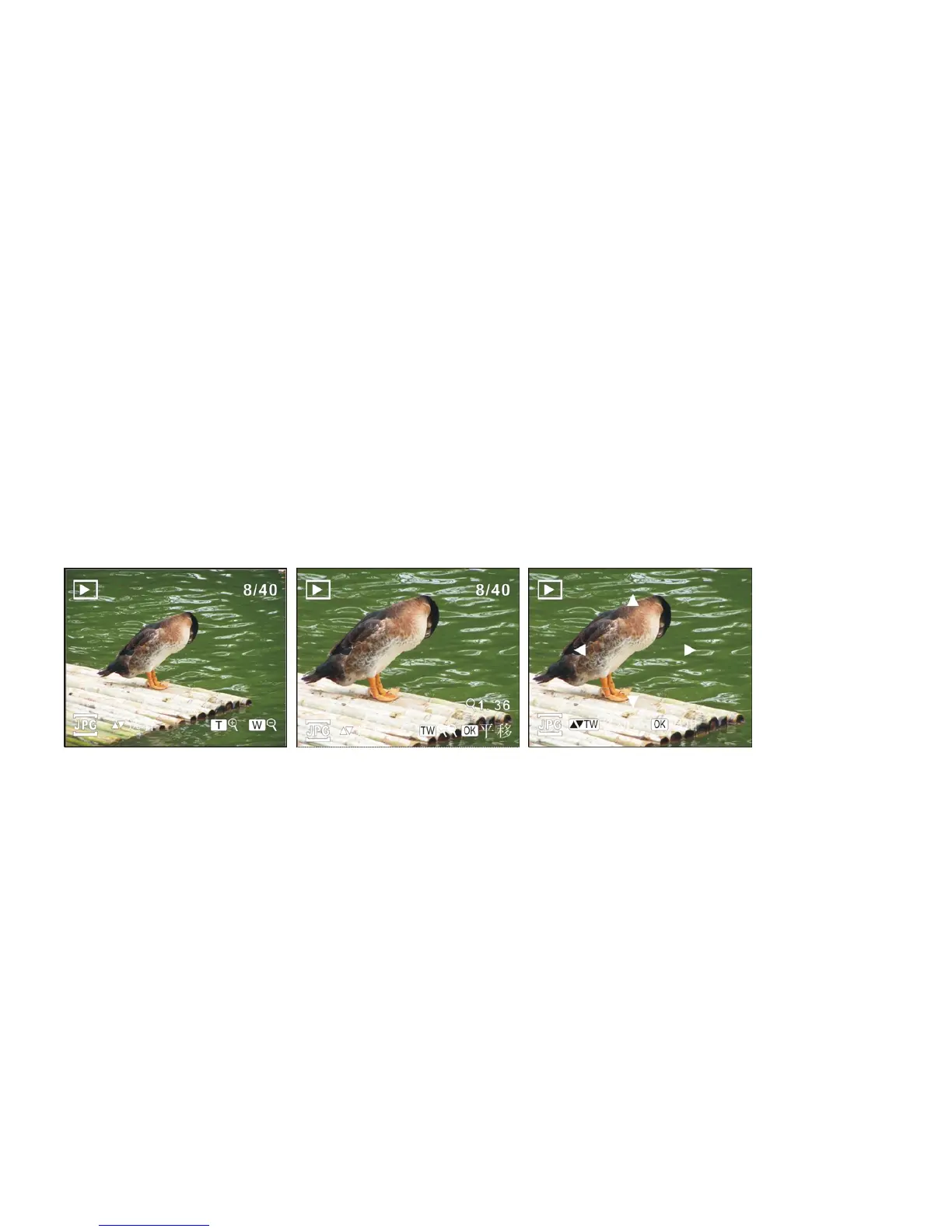
When a still photo is selected you may tilt Zoom Button to enlarge image. By pressing OK
Button, the video recorder enters into Pan Mode. You can use Directional Buttons to pan
and move the photo.
Note: Your recorder may have Quick Browse review feature that will give you instant
review of “thumbnail” format.
• In PLAYBACK Mode, tilt Zoom Button towards W position, selecting the
“thumbnail” limited resolution format.



 To Next Page