32
• Press UP, DOWN, LEFT or RIGHT Button to browse through images, then
press OK Button to enlarge selected image for an instant review.
• Quickly tilt Zoom Button towards T position to view enlarged image in finer
detail or continue browsing using LEFT / RIGHT Buttons.
• Tilt Zoom Button towards W position to return to normal size. Tilt the same
Button again towards W position to return to “thumbnail” format.
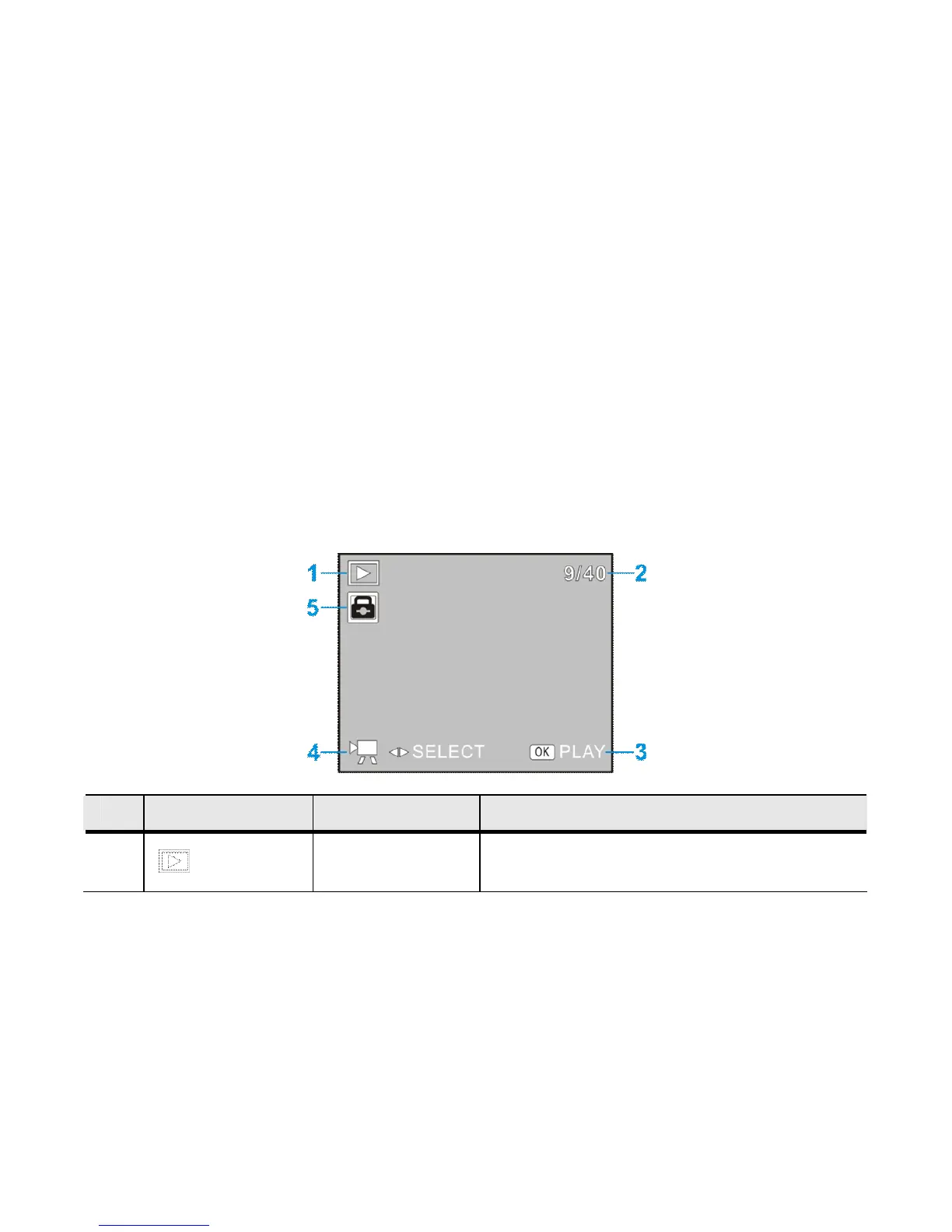
◆The following icons / indicators are visible on the DISPLAY when PLAYBACK Mode is
selected (with the image at the beginning of the video displayed on the screen):
Icon Name of Icon Description
1
Playback
Mode
Indicates Playback Mode is activated.



 To Next Page