36
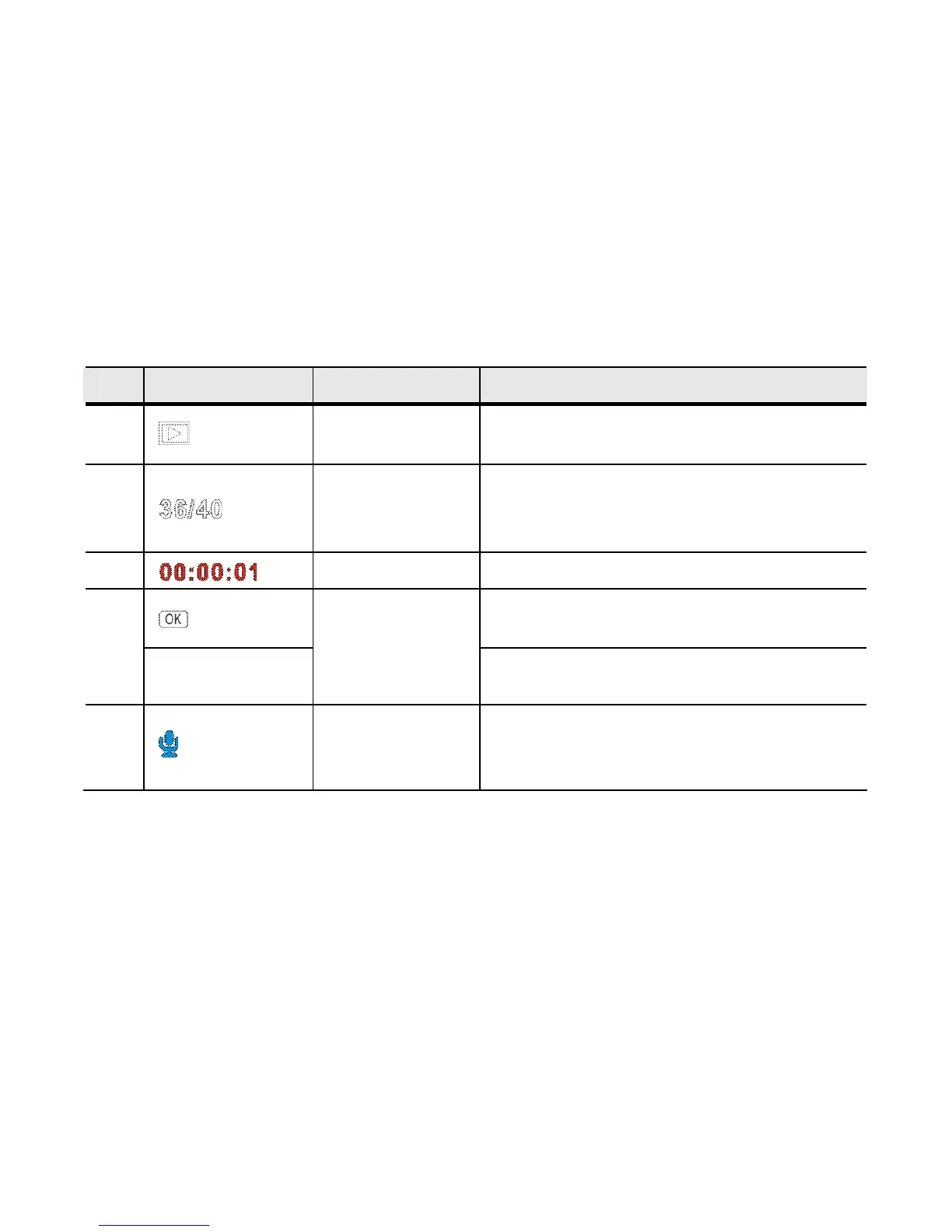
Icon Name of Icon Description
1
Playback
Mode
Indicates Playback Mode is activated.
2
File Number
Indicates the location of current file
and the total number of files (timer
appears while playing back video clips)
Selects previous or next photo/ video/
audio file with the Left / Right Button
5
Audio
Recording
icon
It indicates the currently selected file is
audio recording file.
- MENU Setup / PLAYBACK Mode
When you see the enlarged photo or initial frame image of the Video, you may enter the
PLAYBACK MENU options, see below:



 To Next Page