17
3: Press the OK or RIGHT button to
enter the submenu.
4: Use the UP or DOWN button to
select the desired setting.
5: Press the OK button to confirm the setting.
6: Press the MENU button to close and enter the Menu.
Menu item Function
Movie Size
There are three available options to select from:
HD (1280x720), D1 (720x480), VGA (640x480).
Frame Rate Available High and Low frames per sec rate
Metering See the details on page 15.
White Balance See the details on page 15.
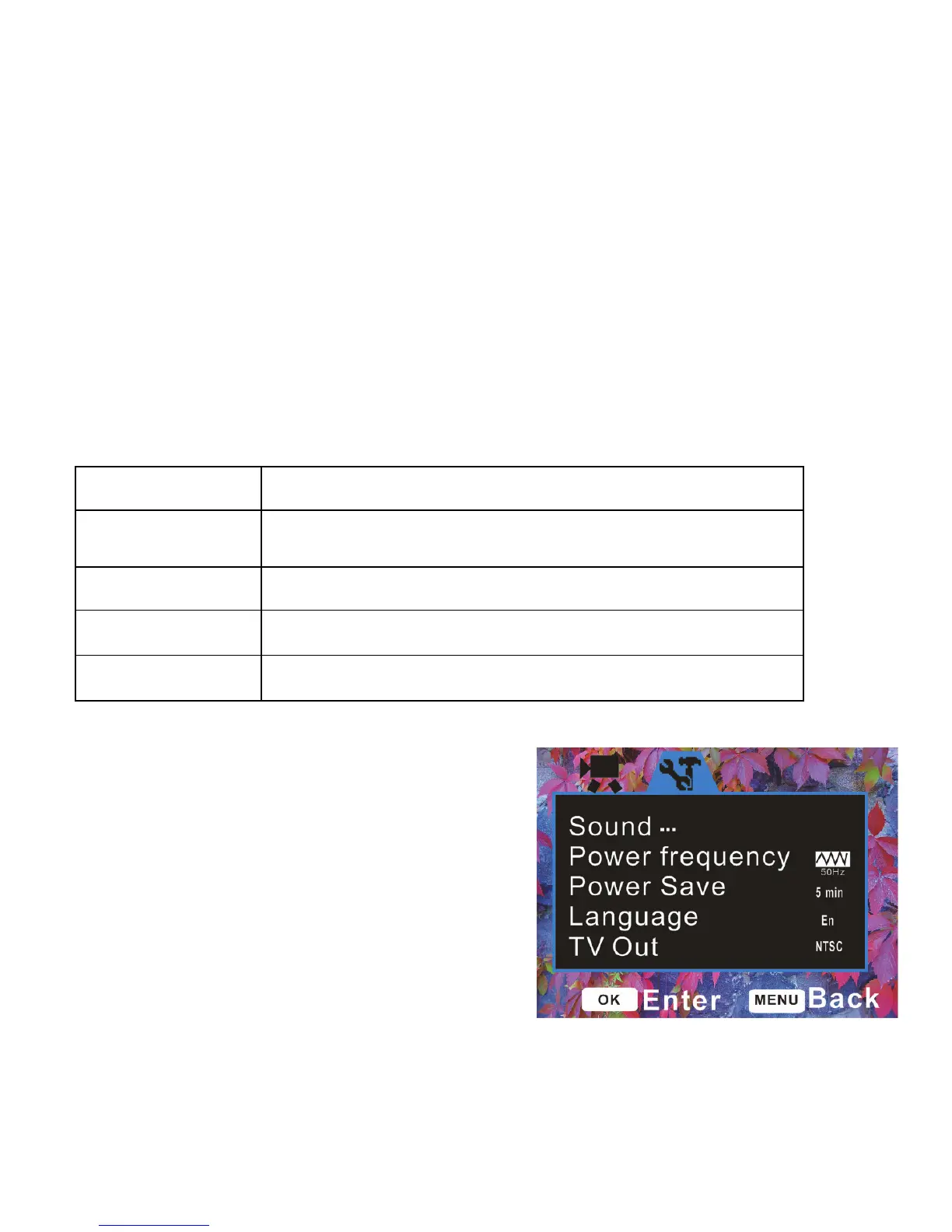
Setup Menu / System Setting
You can select Set-up Menu / System
Setting and adjust recorder’s internal
settings:
1: Power ON the video recorder and



 To Next Page