6
1: Turn the power ON (when the card is inserted) then press the MENU
button to display options and press the RIGHT button to select Setup
.
2: Press the UP or DOWN button to select [Language] then press the OK
or RIGHT button to display available languages.
3: Press the UP or DOWN button to select the desired language and
press the OK button to confirm selected language.
4: Press the MENU button to close the menu.
LCD screen display
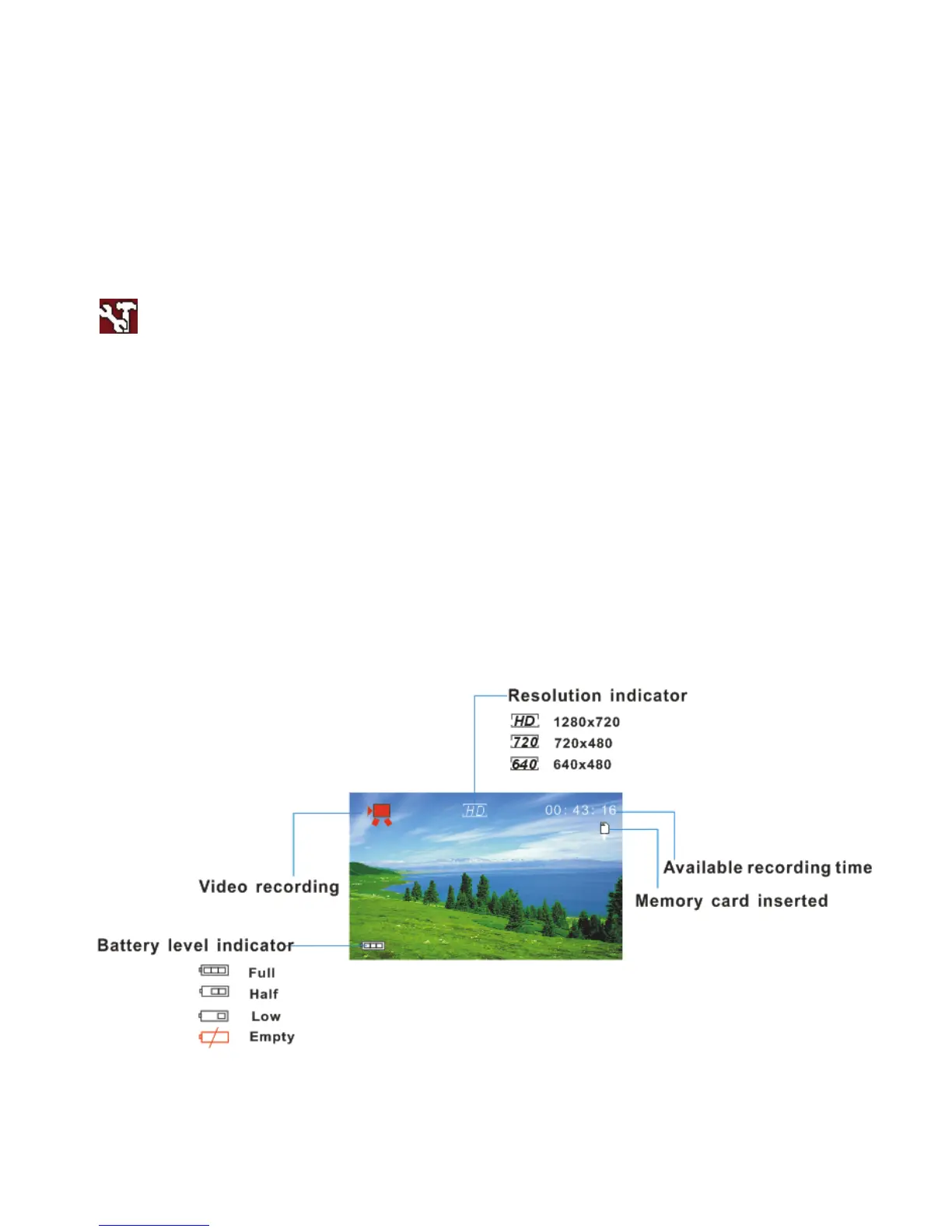
A. Video Recording Mode



 To Next Page