31
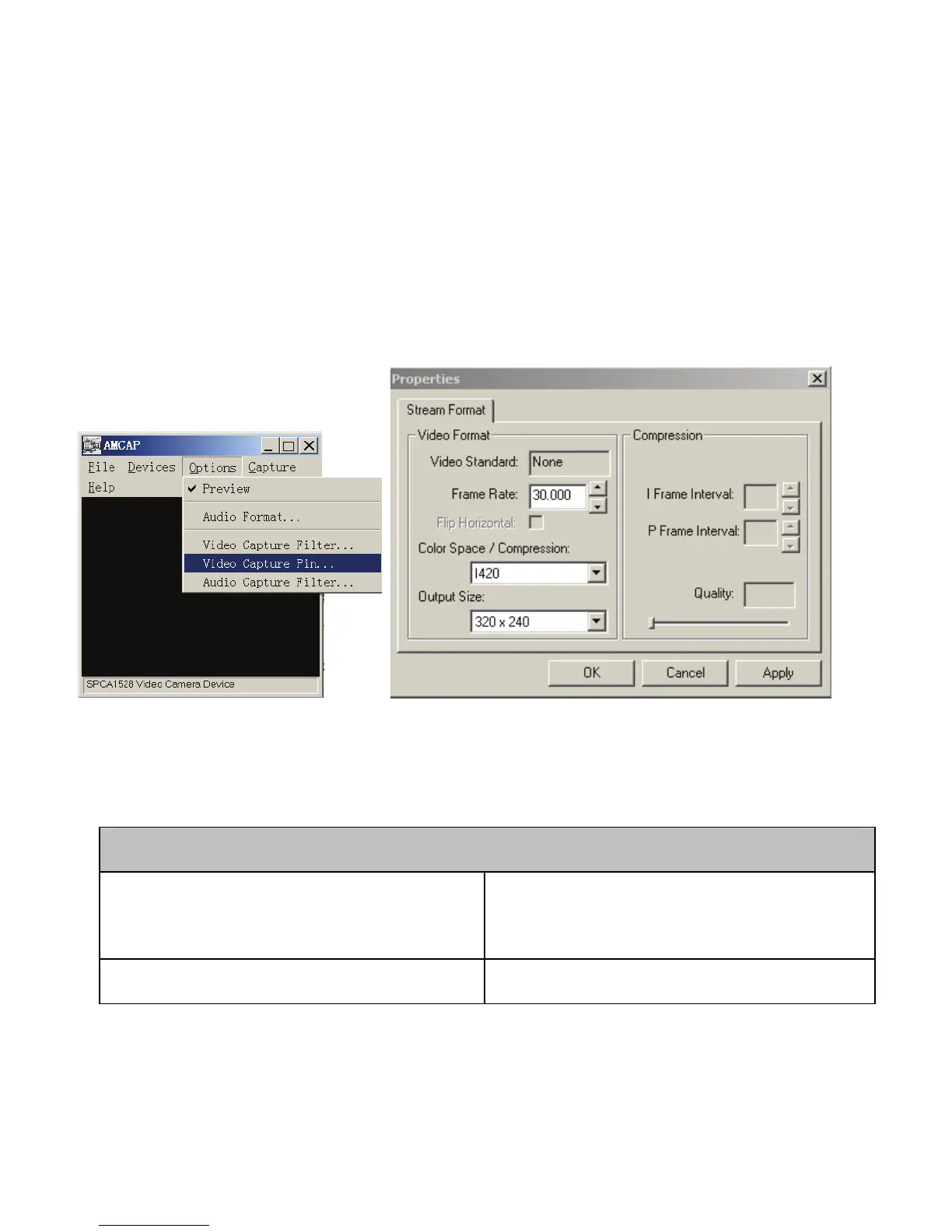
shown below.
Now you can use video recorder in the PC/web cam function; you may
change the imaging size. Select <Video Capture Pin> to change the
Output Size if required.
8. Troubleshooting
Video Recorder could not be turned ON
1. Batteries are inserted
incorrectly.
★ Reinstall batteries; note plus
and minus terminals location
2. Batteries are exhausted and ★ Replace / reinstall new



 To Next Page