26
8. To Delete the voice memo, repeat up to Step 5 but select Delete instead
of Add and press the OK button。
6. Making connections
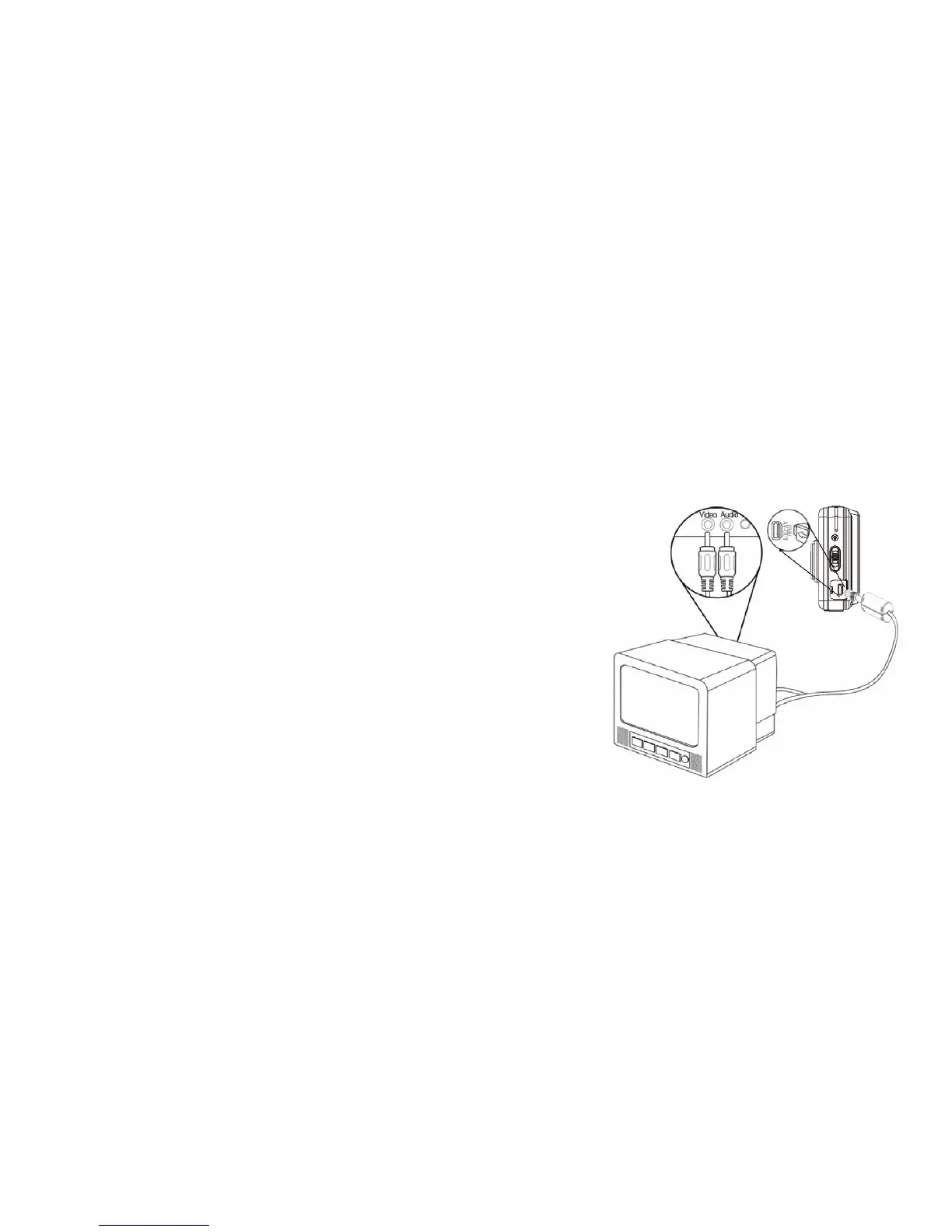
Connecting the Video Recorder to a TV
You may connect video recorder to TV, then
display all images and recorded video on large
TV screen!
1. Connect the video recorder to a TV using
supplied AV/TV cable.
2. Turn ON the TV and the video recorder;
set the TV to AV INPUT mode, review
the manual for your TV if necessary.
3. At the Playback mode, all the pictures,
video and audio clips stored in the video recorder can be reviewed
and played back on the TV screen.
When the TV is connected, the video recorder LCD screen becomes blank
and TV screen becomes the monitor for your video recorder.



 To Next Page