16
White
Balance
Adjust the White Balance to suit different light sources.
Available options: Auto, Daylight, Cloudy, Fluorescent,
Tungsten
Exposure Set the Exposure Value manually to compensate for
unusual lighting conditions such as indirect indoor lighting
or dark background. The Exposure Value may be set in
minus 2.0 EV to plus 2.0 EV range
Capture
Mode
Use this setting to select Self-Timer and Burst options:
Off, 2sec, 10sec delay, continuous three pictures
Effect Use this option to change the image color tone: Normal,
B&W, Sepia, Negative, Red, Green, Blue, Binarize,
Sunset, Warm, Cold, Contrast
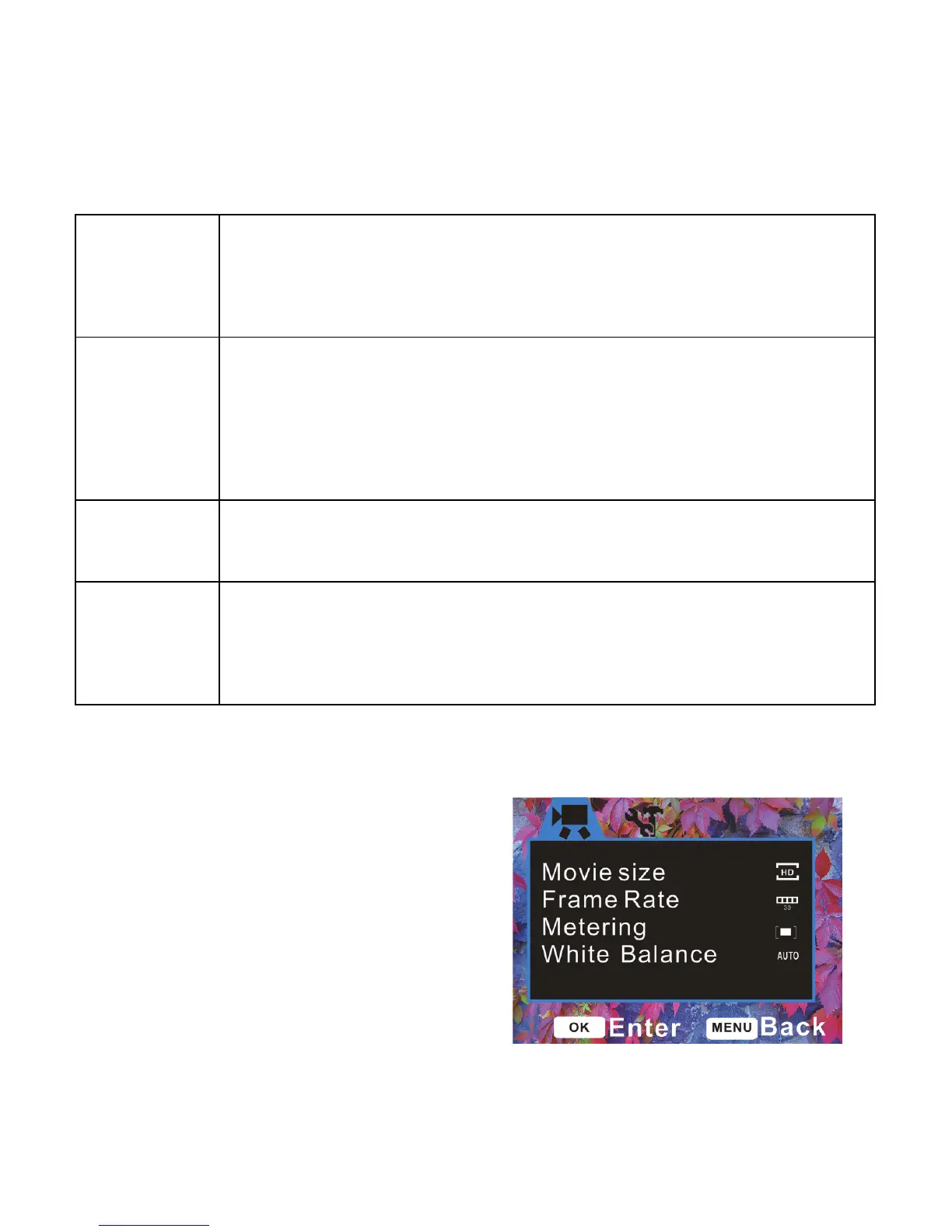
Menu in Video Recording Mode
1: Turn the video recorder ON and
press the Menu button to display the
Menu options.
2: Use the UP or DOWN button to
select required setting



 To Next Page