ArcSoft MediaImpression icon will appear on computer’s desktop when installation is complete.
2. Using ArcSoft MediaImpression
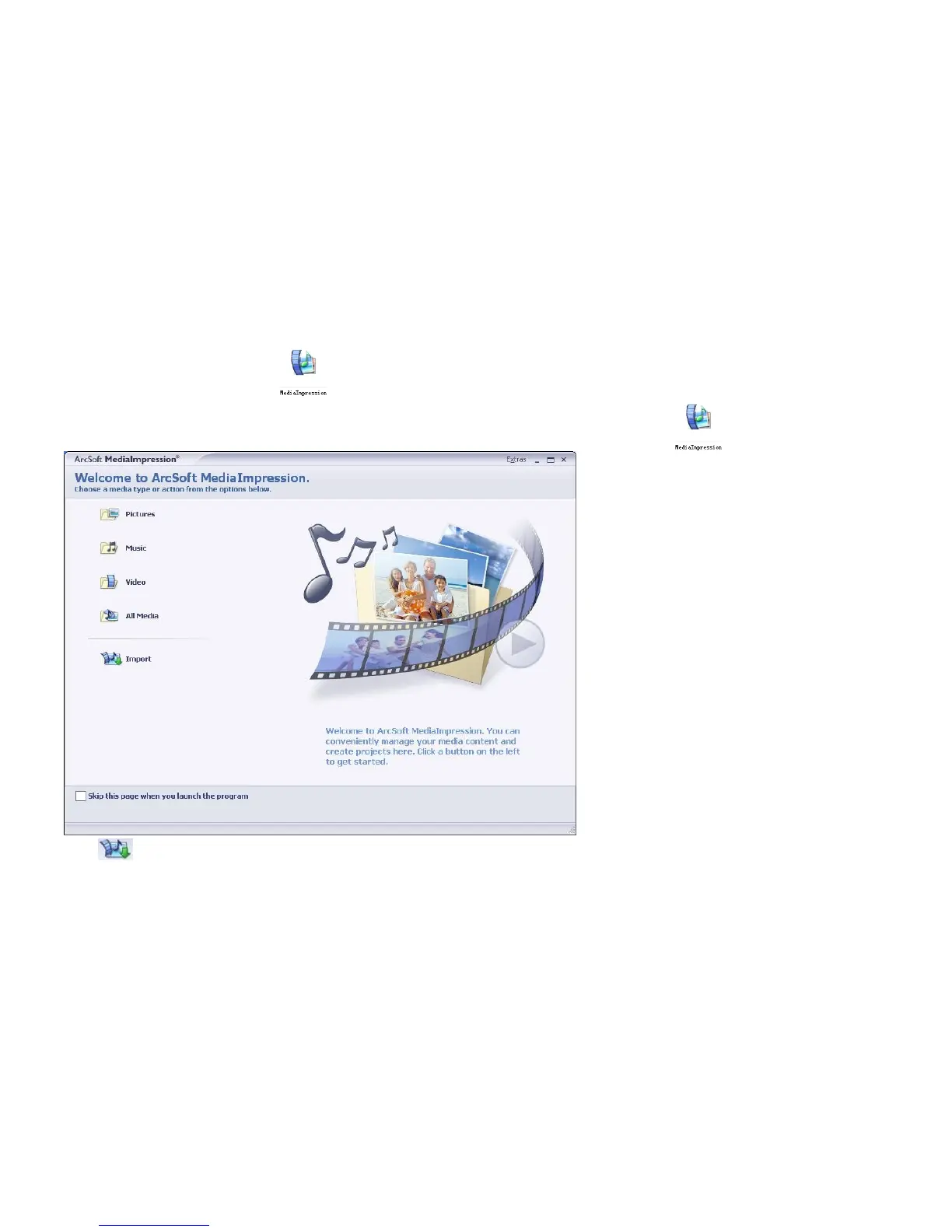
Connect your camcorder to the computer. Double click MediaImpression icon on the Desktop. The
MediaImpression software main screen will open on the computer’s desktop:
Click Import Option on the main screen and enter into “Import” screen. Then select the files in the camcorder



 To Next Page