14
On“Login”screen, please enter your YouTube Username and Password (you can select the corresponding option
underneath to save the Username and Password so that you do not need to input these data next time). Then click
option.
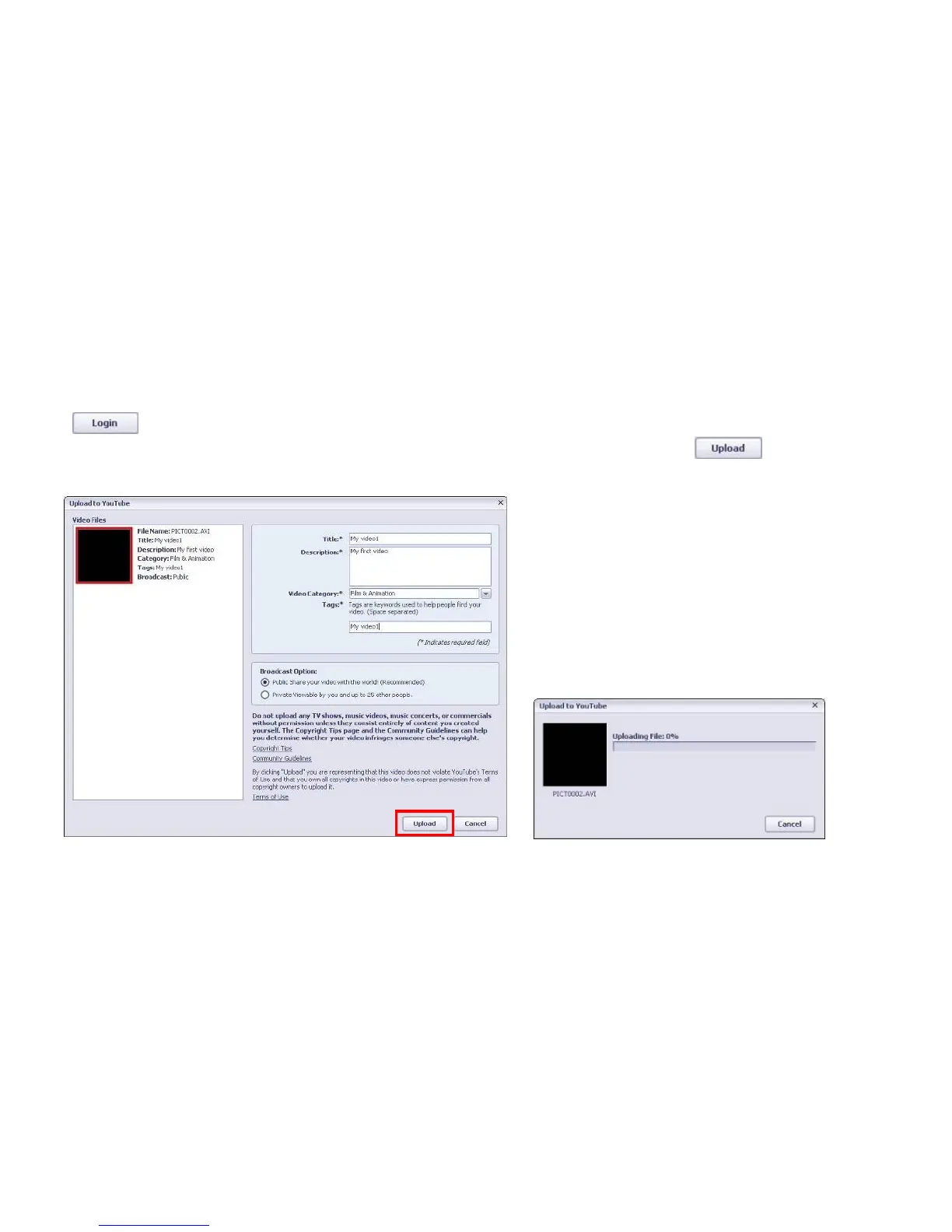
When“Upload to YouTube”screen appears, fill in Title, Description, etc. Then click option and start
uploading selected video.
Click “Cancel” if you wish to stop upload, otherwise continue for successful uploading.



 To Next Page