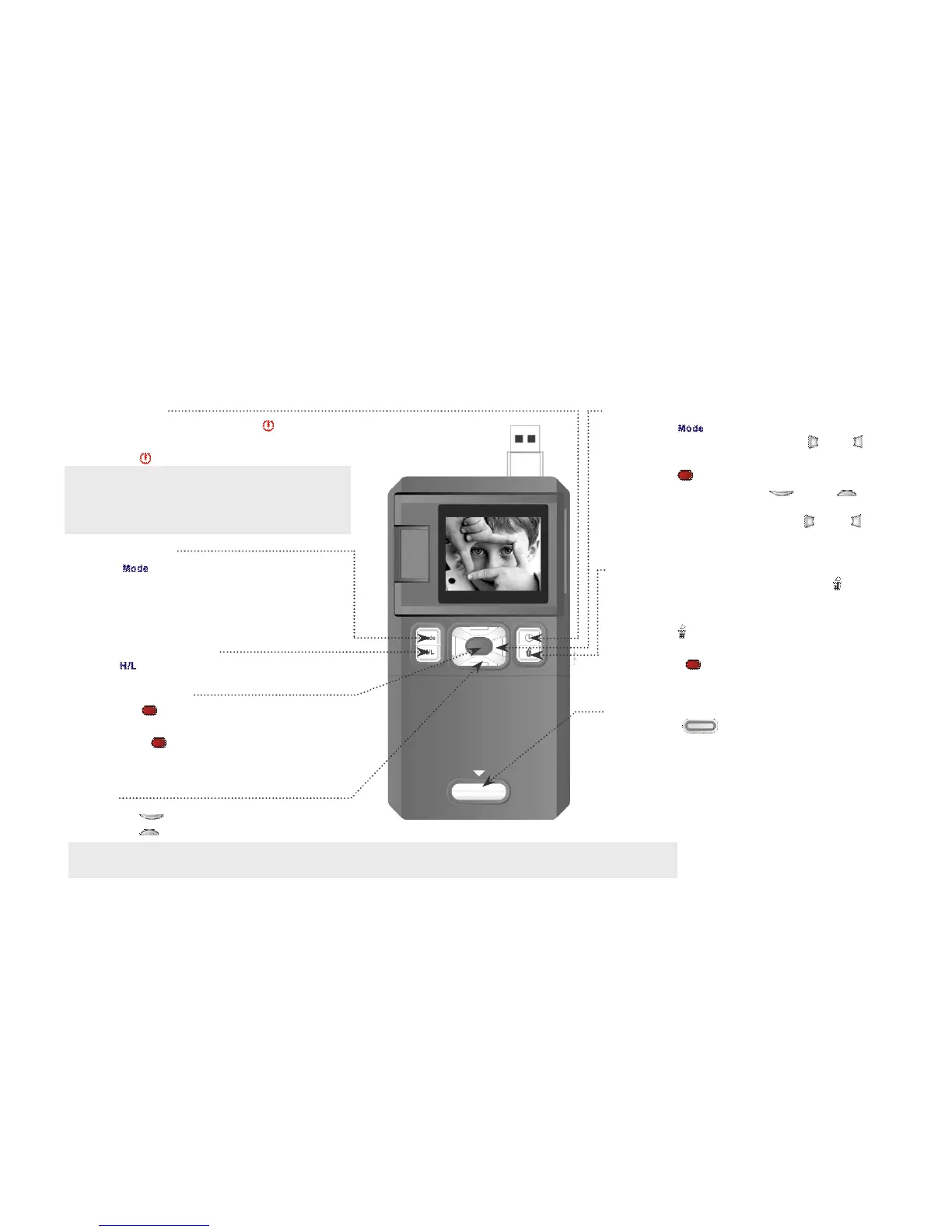
Using Your Camcorder
Turn On/Off
1. Press & hold down " " to turn
camcorder on.
Camcorder will power off after 1 minute
if not in used.
Change Mode
Press " " to change mode between
video record, still photo capture and
Record/Capture
1. Press " " to begin video recording
or take a photo.
2. Press " " again to stop video
recording.
Change Resolution
Press " " to change resolution.
Zoom
1. Press " " to zoom in.
2. Press " " to zoom out.
Playback
1. Press " " to enter playback mode.
2. In playback mode, press " " or " " to
select another file.
3. Press " " to begin or to stop playing
video, and press " " or " " to
zoom in/out photo.
4. When zoomed in press " " or " " to
enter PAN Mode to view image
Delete
1. In playback mode, press " " and
“Delete Current?” will appear on
display screen.
2. Press " " again and “Delete All?” will
appear on display screen.
3. Press " " to confirm. Press any
Change Batteries
1. Press “ ” switch to release the
battery cover, slide down the battery
cover to remove it.
2. Remove used batteries.
3. Reinstall two fresh AA batteries,
align “+”, “-” terminals as indicated.
4. Close the battery cover.



 To Next Page