2. Install ArcSoft MediaImpression, PhotoImpression and VideoImpression from CD supplied.
3. Use ArcSoft PhotoImpression and VideoImpression to edit videos and photos.
4. Use ArcSoft MediaImpression to upload your videos to YOUTUBE site.
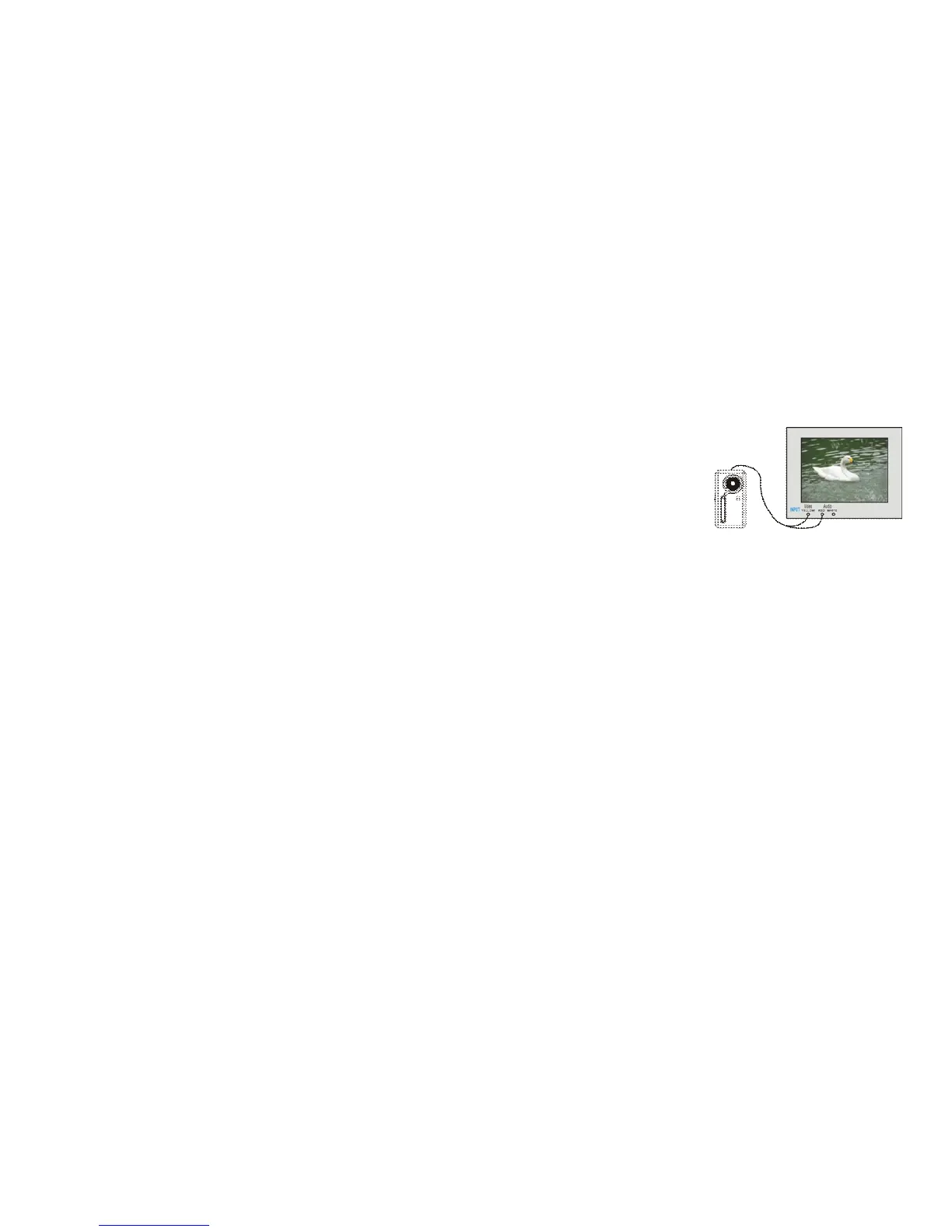
TV Output
1. Plug in TV cable: Insert single-connector end to camcorder. Connect the end with
double-connectors to video (yellow) and to audio (red or white) input jack on TV.
2. Turn on TV and camcorder.
3. Switch mode on TV to select video input (see your TV manual for instructions).
How to upload your video clips to YouTube
1. Install the ArcSoft MediaImpression program
Insert the CD-ROM into the computer’s CD-ROM drive. The auto-run screen will appear. Click “ Install
MediaImpression”



 To Next Page