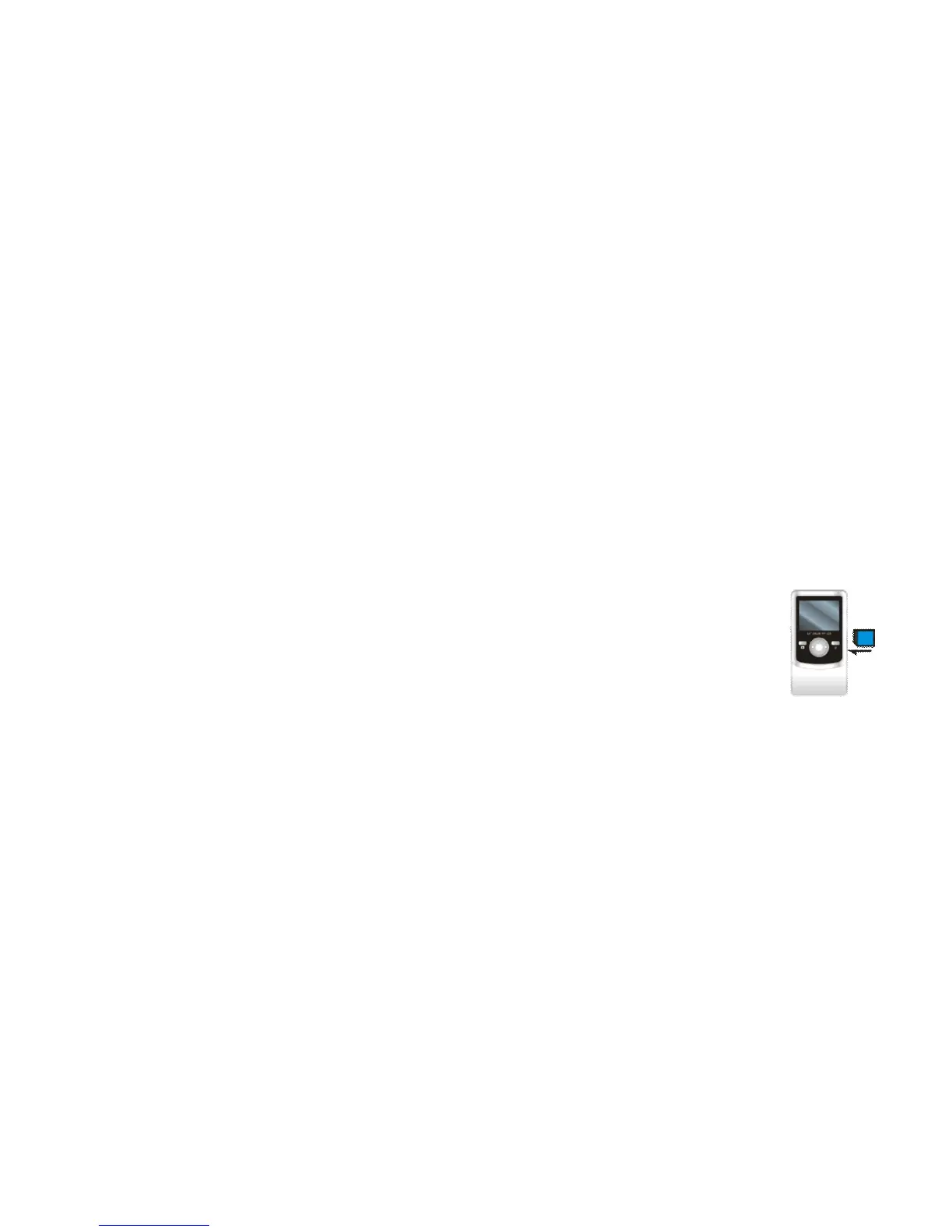
Note: Please insert two fresh AA batteries and SD card to operate the camera
• Installing Batteries
Slide the Battery Lid Switch to “unlock” position.
Press / slide down the Battery Cover and insert two new AA alkaline batteries. Align with correct polarity of
battery terminals. Close the Battery Cover and lock the Battery Lid Switch.
• Installing SD Card
Insert the SD Memory card into the SD/MMC Card Slot. Push it down until the card stays latched.
Do not force – check card’s position according to the position mark on the camera.
Push and release inserted card if you wish to remove or replace the card.
Turn your camcorder OFF before inserting / removing the SD Card.
- Note that the SD Card has a tiny LOCK switch on the side. Set the switch to un-LOCK
position to be able to store recorded videos, still pictures on inserted SD Memory Card.
• Selecting Video / Still Pictures Resolution
You can select High or Low resolution for recording videos or taking still pictures.
Slide the Resolution Switch located on camcorder’s side and select desired position.
LCD screen will display “Hi” or “Lo” indicating selected resolution.
- Note that higher resolution will produce better quality recorded videos or still pictures, but it
will occupy more memory space.



 To Next Page