14
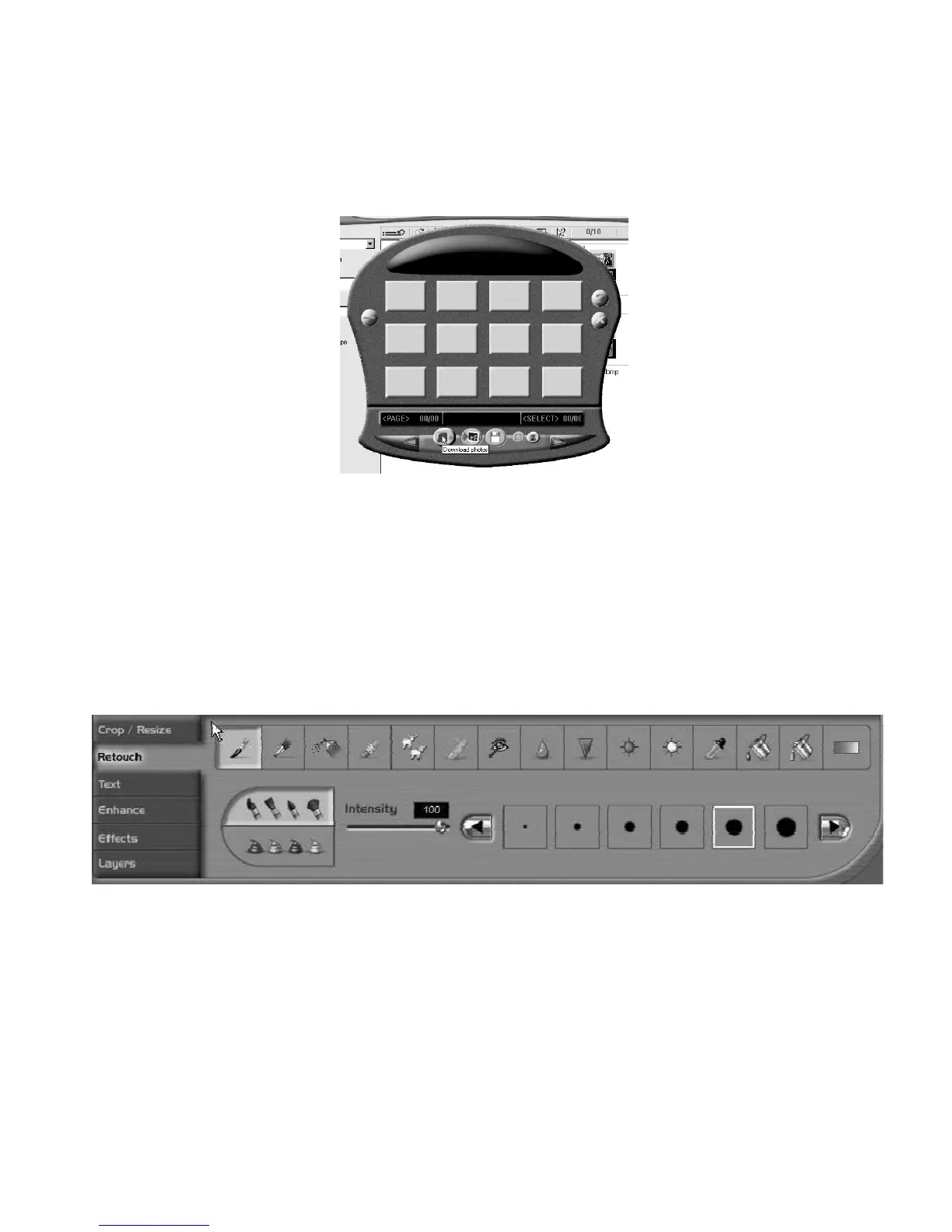
Click on the MyDSC2 icon and your pictures will be transferred to the
download program ,you can download all of the photos by clicking on the
Select all Photos icon. Clicking on the Transfer Photos button will transfer
the corresponding photo/s to the ArcSoft PhotoImpression 4™ interface.
Here you can edit, enhance, add special effects and save them on your
computer or on removable media e.g. floppy disc or a CD-R if you have the
facility.
6. PC/Webcam Function
By running the PCCam software you can capture real-time videos or images,


 To Next Page