13
2. Press Up or Down Direction key to select ‘Effect’ option.
3. Press Right Direction key.
4. Press Up or Down Direction key to select the required effect: Normal; B&W (Black and
White); Sepia or Negative.
5. Press OK button to confirm the selection. Then press OK button to exit the menu.
10. Playback mode:
1. Press / hold the Power key to turn the camera ON
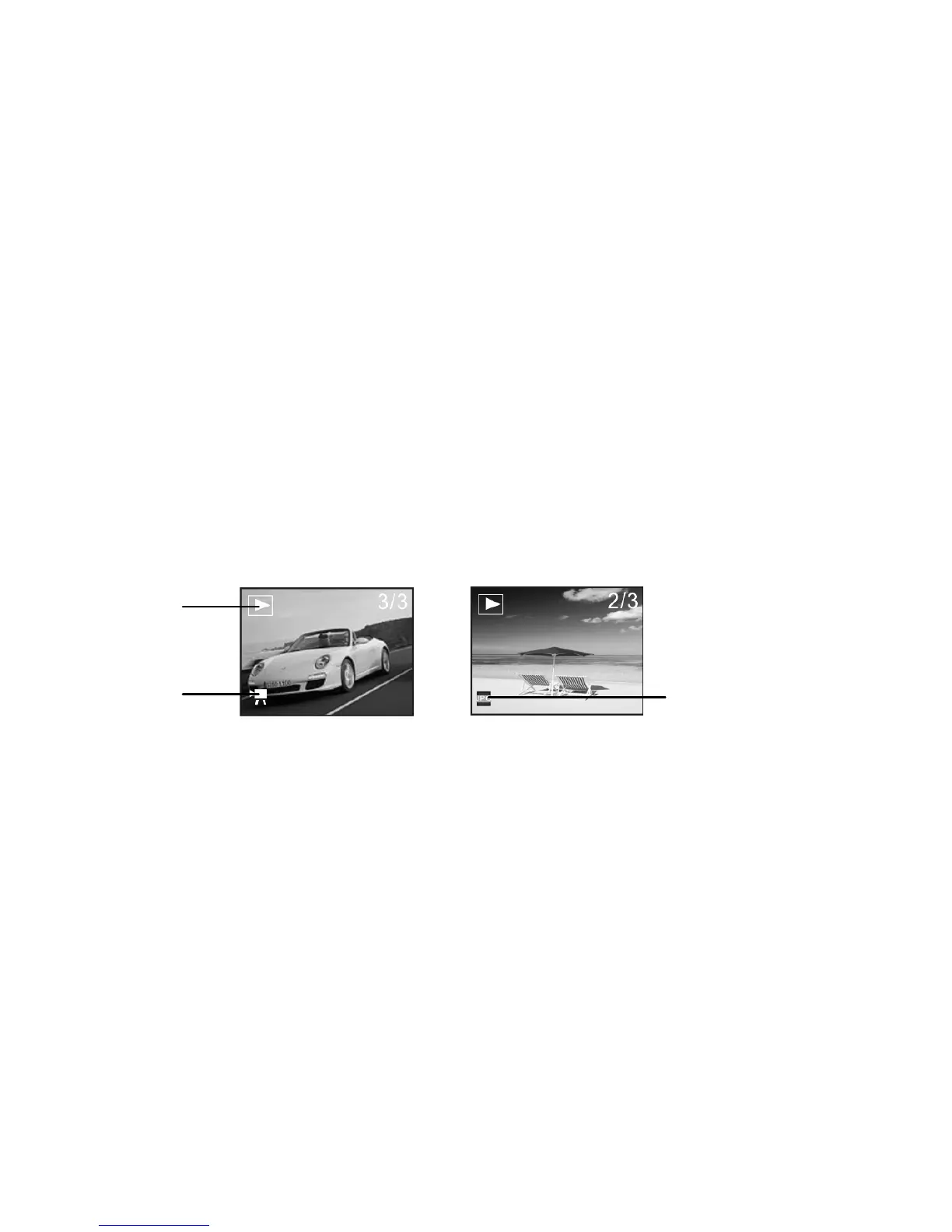
2. Press the Mode key twice to select the Playback mode.
You can view still images or video by pressing direction key Left or Right and for a
video file just press the shutter key to play it.
You can also zoom in or zoom out of the viewed photo by pressing zoom key. By
pressing Left or Right Direction key after zooming in, the camera will enter into pan mode
Playback
Video
Photo



 To Next Page