15
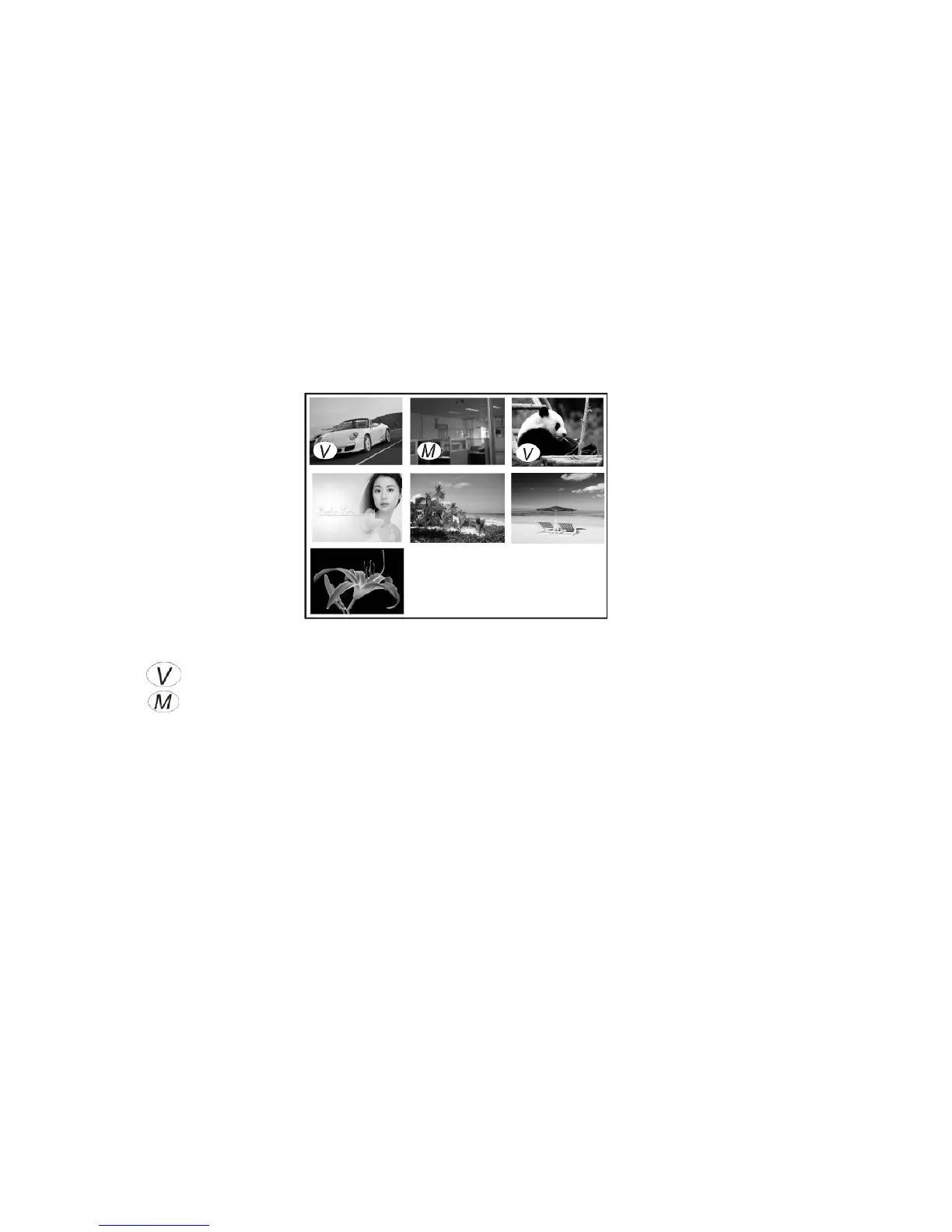
Thumbnail mode
Note:
: This icon indicates recorded Video (AVI file)
: This icon indicates still picture (JPG file) with added voice Memo.
: No icon is displayed on still pictures.
• In PLAYBACK mode, press Zoom Out Key (adjacent to LCD screen) selecting
the “thumbnail” format.
• Press UP, DOWN, LEFT or RIGHT buttons to browse through images, then
press OK (center button) to select image for an instant review.
• Press Zoom In Key to enlarge and view image in full resolution.
• Press Zoom Out Key to return to normal screen size and press same key
again to return to “thumbnail” format.



 To Next Page