21
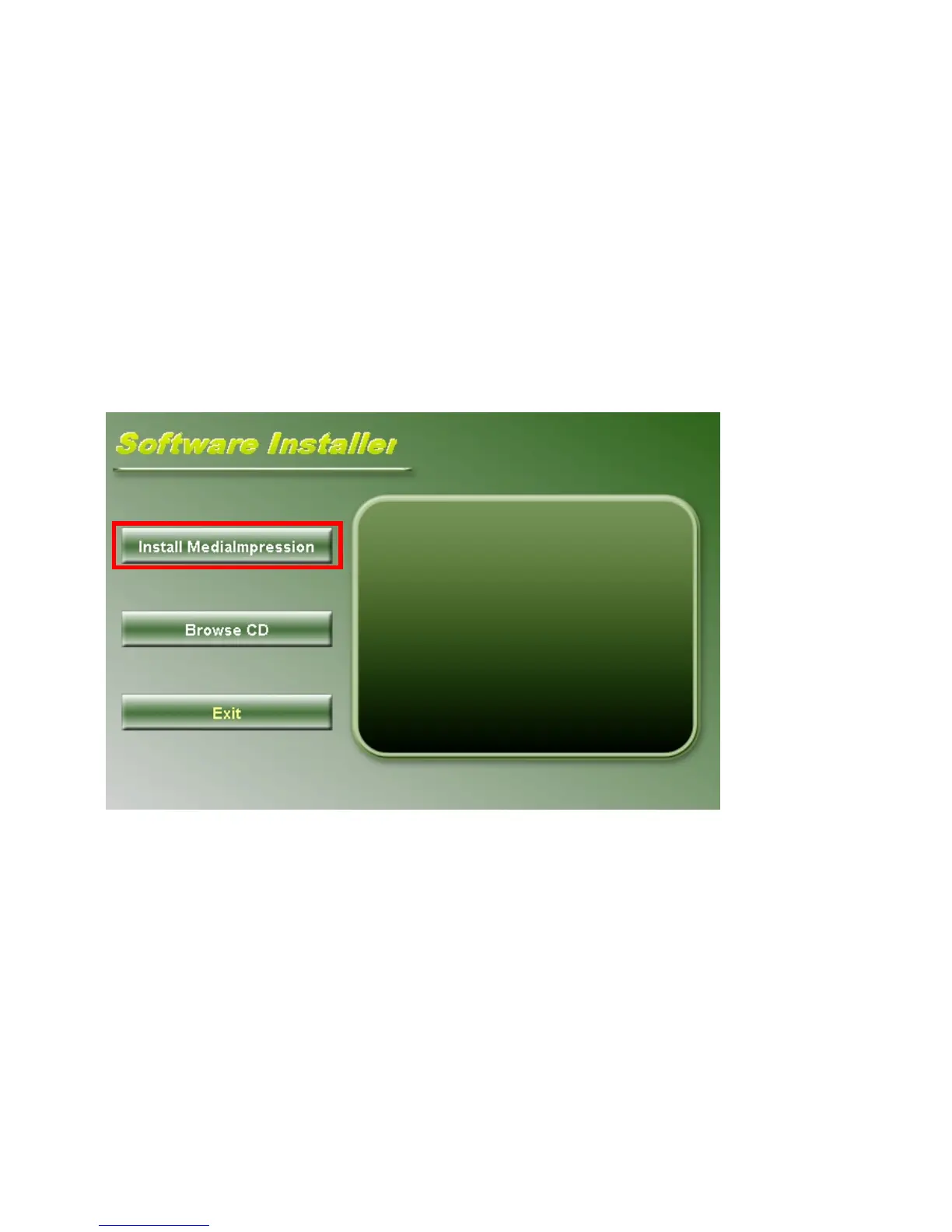
Insert the CD-ROM into the computer CD-ROM drive. The auto-run screen will appear. Click
“Install MediaImpression”
(If the screen does not appear as the auto-run, please click on SoftwareInstaller.exe under
the CD-ROM drive icon on the computer.)
Follow on-screen instructions and complete installation



 To Next Page