ENGLISH
3
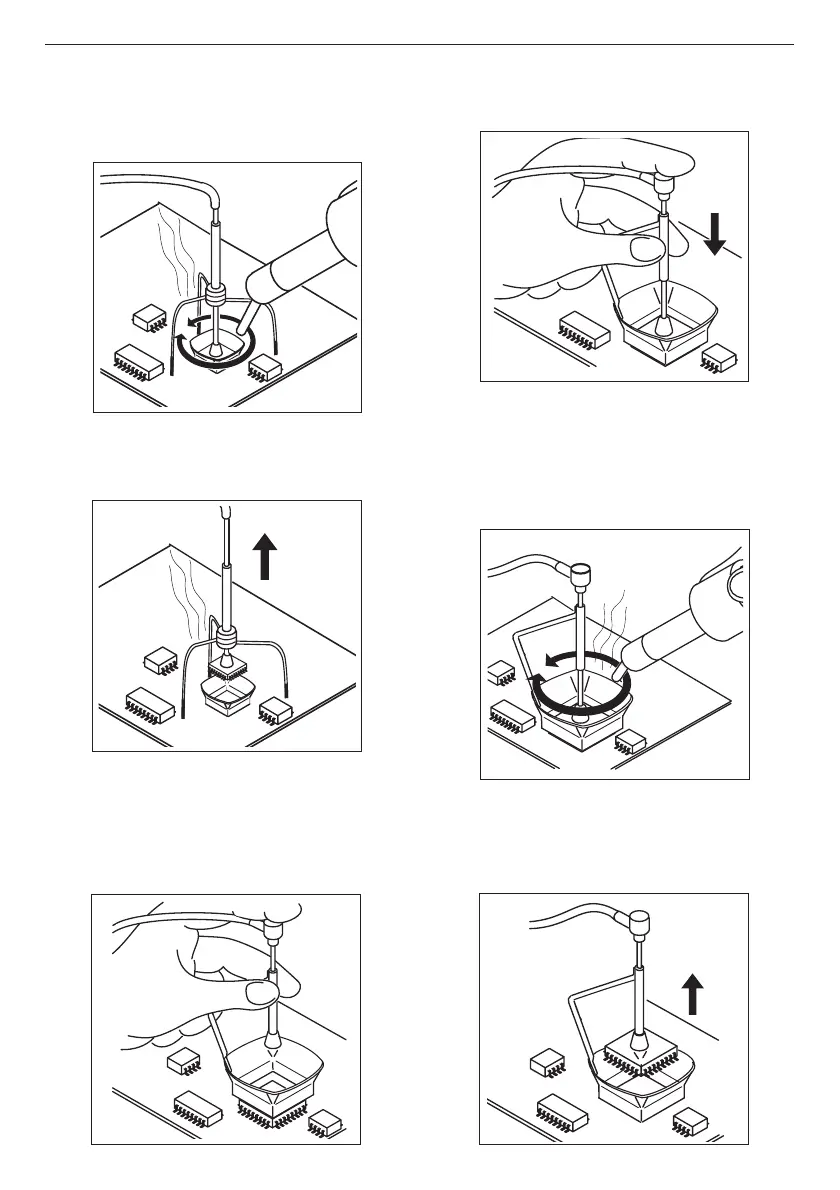
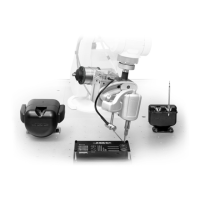
- Fit the extractor and press the sucker down until
it sticks onto the component.
- Use the pedal to start the hot-air generator,
directing it with a circular movement at the
component terminals and taking care to distribute
the heat evenly.
- When the soldering flux turns liquid the extractor
will automatically lift the component.
- Use the pedal to start the hot-air generator,
directing it with a circular movement at the
component terminals and taking care to
distribute the heat evenly.
- When the soldering flux turns liquid the extractor
will automatically lift the component.
B)Extractor:
- Select extractor size in function of the IC to be
desoldered. Use the
VACUUMVACUUM
VACUUMVACUUM
VACUUM button to start
the suction pump.


 To Next Page