• If there is no file in the folder, the folder will not appear.
• Files are recognized by alphabetical and numerical order. Files in root will be first recognized,
followed by files in folders. Thus, files will be played from file 1 to file 7 one by one.
Control USB playback
Use Play/ Pause/ Previous/ Next/ Shuffle to control music on your USB device.
Before you connect a USB device, be aware of the following:
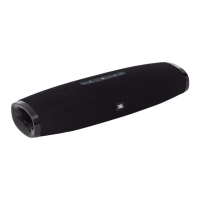
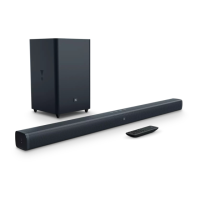
This soundbar can display file or folder names that contain numbers or English characters only.
Other languages and symbol are not supported.
If the file name of a file on a USB device exceeds 15 characters, it is not displayed on the
Soundbar’s display.
Do not remove the USB device while it is transferring files.
DRM-protected music files (MP3, WMA) from commercial web sites cannot be played.
Compatible USB devices


 To Next Page