2
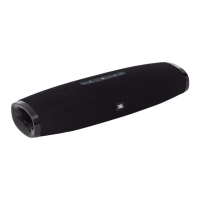
JBL BOOST TV
INTRODUCTION
Thank you for choosing this JBL product!
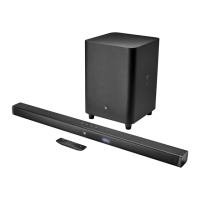
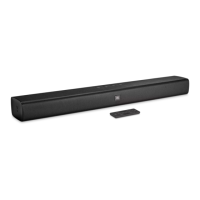
Thank you for purchasing the JBL Boost TV. The JBL Boost TV is designed to bring fun
and excitement to your home entertainment system. We urge you to take a few minutes
to read through this manual, which describes the product and includes step-by-step
instructions to help you set up and get started.
CONTACT US: If you have any questions about JBL Boost TV, its installation or its
operation, please contact your retailer or custom installer, or visit our website at:
www.JBL.com.
Included items
• 1 x JBL Boost TV
• 1 x Remote Control
• 1 x Optical Cable
• 1 x Analog Aux Cable
• 1 x Power Cable
• 1 x Quick Start Guide
• 1 x Safety Sheet
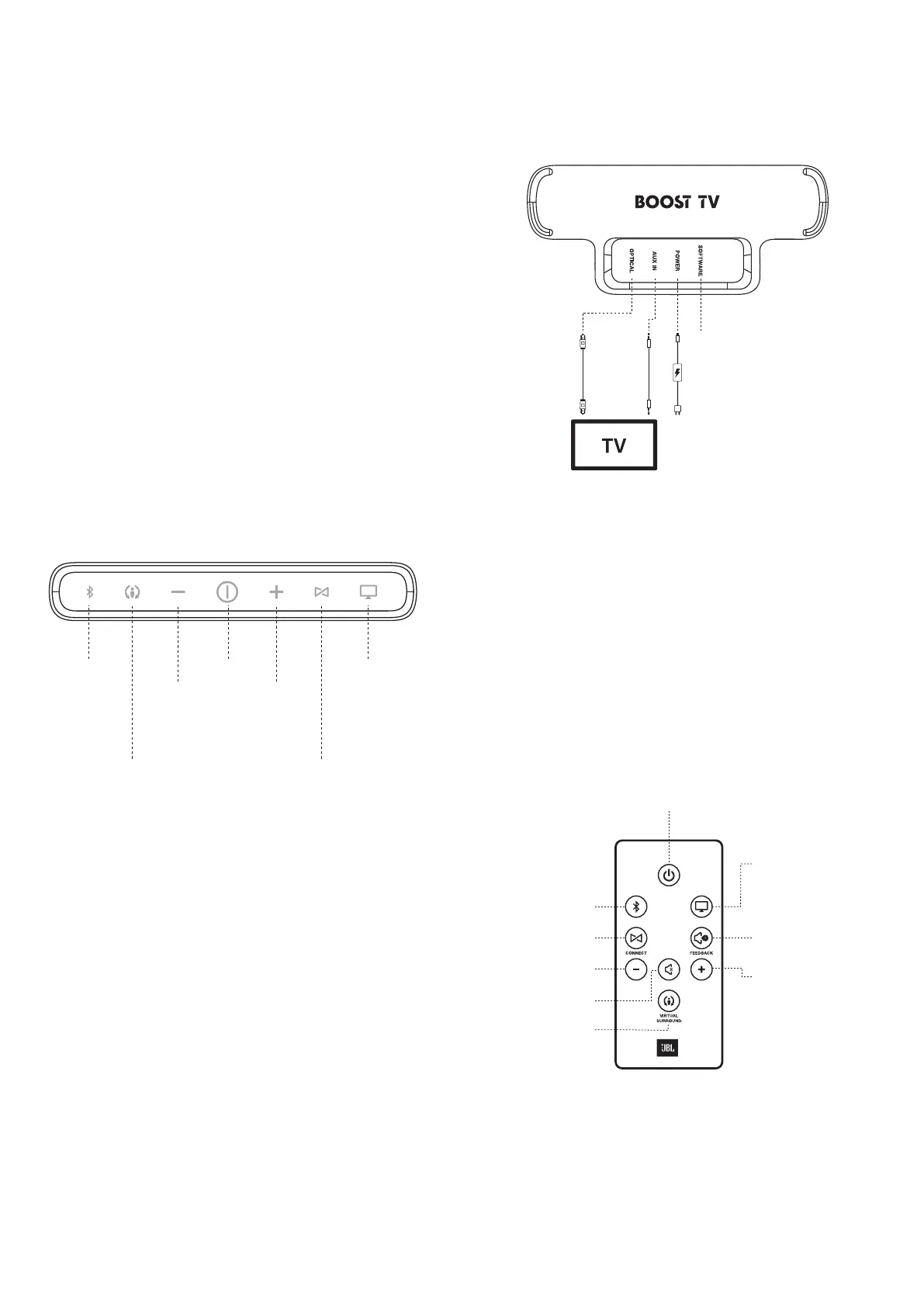
TOP PANEL CONTROLS
Harman Display
Surround
Power
JBL Connect
Volume
Down
Volume
Up
TV Input /
JBL SoundShift
Bluetooth
• Bluetooth (see Bluetooth section)
Switches to Bluetooth source
Adds a new Bluetooth device
• Harman Display Surround (see Virtual Surround Section)
Toggles virtual surround on/off
• Volume Down
Reduces the speaker volume
• Power
Toggles between power ON and STANDBY mode
• Volume Up
Increases the speaker volume
• JBL Connect (See JBL Connect section)
Engages the speaker in JBL Connect pairing mode
• TV Input/SoundShift™ (see JBL SoundShift section)
Switches to TV input
Toggles JBL SoundShift ON/OFF
NOTE: To MUTE press both Volume Up and Volume Down at the same time.
REAR PANEL CONNECTIONS
Service / Updates only
OR
• Optical
Digital audio input
• Aux
Analog audio input
• Power
Connection for JBL Boost TV power supply
• Software
Mini USB connection for manual software updates only. If a new software update
is released, JBL will notify you if your product is registered at www.JBL.com
NOTE: JBL Boost TV is designed to support one audio connection at a time, see
the “Connecting to your TV” section for more information.
REMOTE CONTROL FUNCTIONS
Power
Bluetooth
TV Input /
JBL SoundShift
Audio FeedbackJBL Connect
Volume Down
Volume Up
Mute
Harman Display
Surround
BLUETOOTH
TV
• Power
Toggles between power ON and STANDBY mode


 To Next Page