EasyManua.ls Logo

JBL CSMA 180 - User Manual

JBL CSMA 180
32 pages
Print Icon
To Next Page IconTo Next Page
Loading...
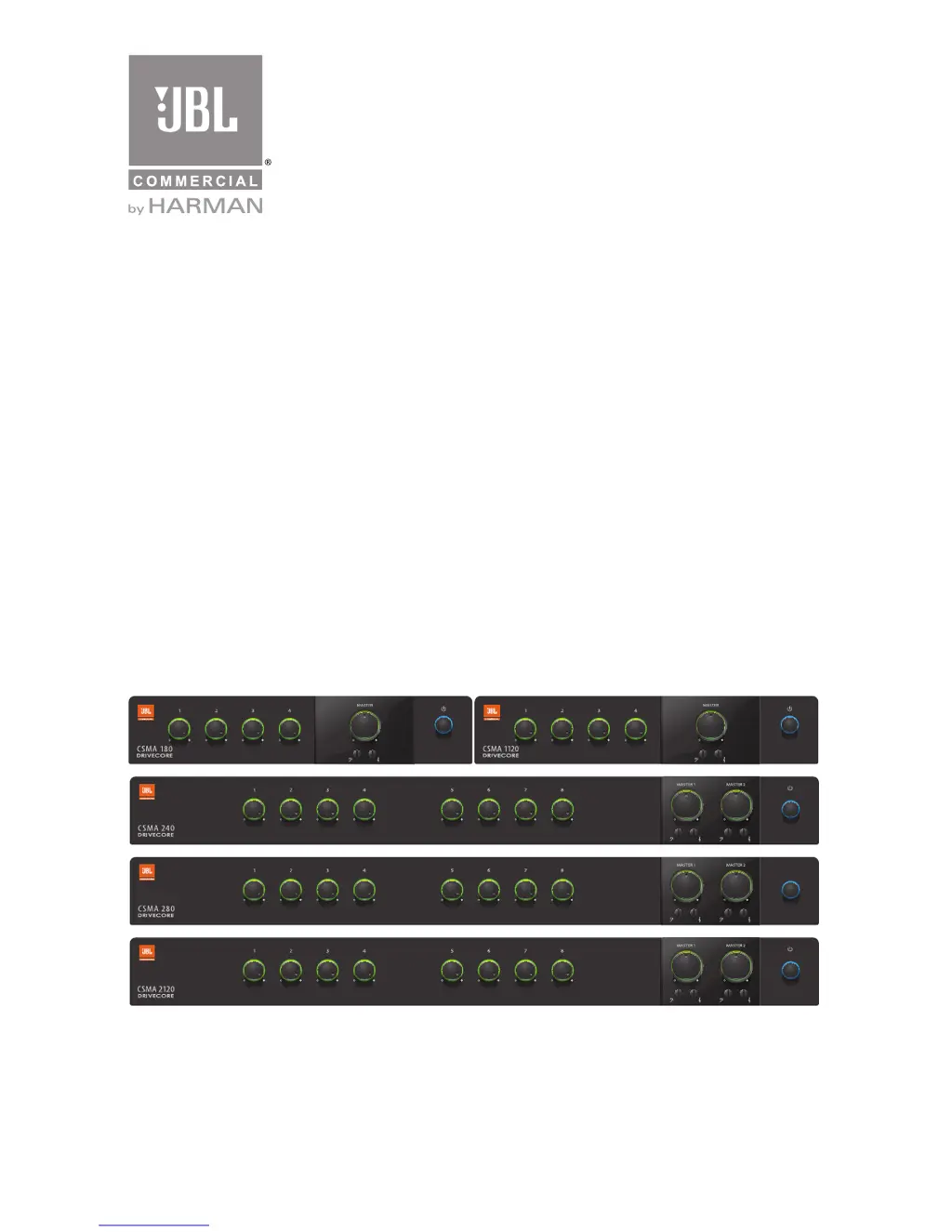
CSMA 180
CSMA 1120
CSMA 240
CSMA 280
CSMA 2120
Commercial Series
Mixer-Amplier
Operation Manual
CSMA Mixer-Amplifiers
CSMA Commercial Series

Questions and Answers

  • C
    Christopher HerringJul 27, 2025
    What to do if there is no sound from my JBL CSMA 180?
    • J
      Joseph TorresJul 27, 2025
      If you're experiencing no sound or low sound with your JBL Music Mixer, here are a few things to check: * Make sure that an input signal is present and at an adequate level. * Increase the master volume. * If a CSR-V is connected, check its connection and volume. * Increase the mixer channel inputs. * Ensure the Ch 1 Priority switch is open. * If using 70V or 100V outputs, verify the Hi-Z switch is ON. * Check that the power switch is ON.
  • J
    Jason MillerAug 5, 2025
    Why is the sound distorted on my JBL CSMA 180 Music Mixer?
    • A
      Arthur CooperAug 5, 2025
      If the sound from your JBL Music Mixer is distorted, try the following: * Reduce the input level controls. * Turn down the master volume. * If using a line-level source, ensure the MIC/LINE switch is set to the LINE position.
  • C
    Colleen CooperAug 15, 2025
    How to fix JBL Music Mixer when it has no power?
    • A
      Aaron SandersAug 15, 2025
      If your JBL Music Mixer has no power and the power ring isn't lit, the mixer-amplifier might not be properly plugged into the power receptacle. Plug the mixer-amplifier into the power receptacle.

Summary

Important Safety Information

General Safety Warnings and Precautions

Provides essential safety guidelines, warnings, and cautions for product operation and handling.

Electrical Safety and Grounding

Details proper connection to mains power, including plug safety and grounding requirements.

Front Panel Overview

Front Panel Controls and Indicators

Details the function and indicators of the controls located on the front panel of the mixer-amplifier.

Rear Panel Connectivity

Four Channel Rear Panel

Explains the rear panel controls and connectors for the four-channel CSMA models.

Eight Channel Rear Panel

Details the rear panel controls and connectors for the eight-channel CSMA models.

Setup and Installation

Amplifier Installation Guidelines

Offers guidance on safely installing the mixer-amplifier, including placement and cooling.

Input;Output Wiring and Connections

Input Wiring and Connectors

Explains how to connect input sources using Euroblock and RCA connectors.

Output Wiring and Connectors

Guides on wiring for 70V, 100V, and low impedance speaker systems.

Power and Operation Procedures

Operation and Functionality

Troubleshooting and Specifications

Troubleshooting Common Issues

Provides solutions for common operational problems such as no power, low sound, or distortion.

JBL CSMA 180 Specifications

General IconGeneral
BrandJBL
ModelCSMA 180
CategoryMusic Mixer
LanguageEnglish

Related product manuals