EasyManua.ls Logo

JBL CSM 14 - User Manual

JBL CSM 14
28 pages
Print Icon
To Next Page IconTo Next Page
Loading...
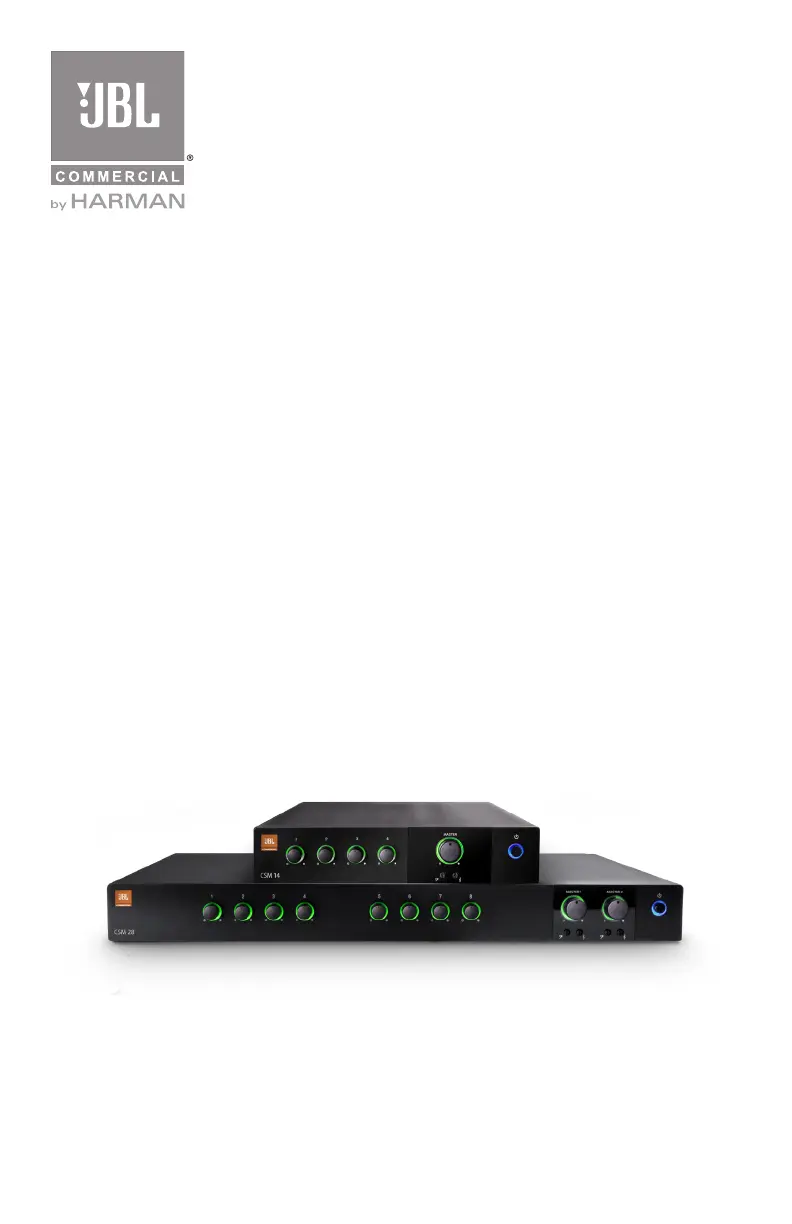
CSM 14
CSM 28
Commercial Series Mixer
Operation Manual
JBL Commercial Series

Questions and Answers

  • G
    gnewtonAug 8, 2025
    What to do if there is no sound or low sound on my JBL Music Mixer?
    • P
      phillipsjamesAug 8, 2025
      If you're experiencing no sound or low sound with your JBL Music Mixer, here are a few things to check: * Ensure the input signal isn't too low by increasing it. * Make sure the Master Volume control is adequately turned up. * If a CSR-V is connected, verify its volume is also turned up. * Check that the mixer channel inputs are not turned down; increase them if necessary. * Ensure the Ch 1 Priority switch is open, as a closed switch mutes all inputs except Ch 1. * Confirm that the power switch is turned ON.
  • P
    paulroyAug 25, 2025
    Why is the sound distorted on my JBL Music Mixer?
    • D
      Daniel Fields PhDAug 25, 2025
      If the sound from your JBL Music Mixer is distorted, the input signal level might be too high; try turning down the input level controls. Also, check if the Master Volume is set too high and reduce it if necessary. Finally, if you're using a line level source, ensure the MIC/LINE switch is set to the LINE position.

Summary

Safety and Compliance

General Safety Precautions

Essential warnings for electrical shock, fire prevention, and safe operational practices.

Power and Grounding Safety

Instructions for secure mains connection, proper earthing, and safe plug usage.

Front Panel Overview

CSM 14 Rear Panel Details

CSM 14 Rear Panel Connectors and Controls

Explains each connector and control on the rear panel of the CSM 14 model.

CSM 28 Rear Panel Details

CSM 28 Rear Panel Controls (A-F)

Details connectors A-F on the rear panel of the CSM 28 model.

CSM 28 Rear Panel Controls (G-I)

Explains connectors G-I on the rear panel of the CSM 28 model.

Unit Setup and Installation

Wiring and Connectivity

Power and Startup

Connecting to AC Mains

Steps for safely connecting the mixer to the AC power source.

Operation Guidelines

Operational Precautions

Key precautions for optimal performance, safety, and preventing unit damage.

Troubleshooting

Power and Sound Issues

Addresses common issues like no power, no sound, or low sound.

Sound Distortion Problems

Solutions for distorted audio, clipping, and incorrect MIC/LINE settings.

Block Diagrams

JBL CSM 14 Specifications

General IconGeneral
Number of Channels4
Frequency Response20 Hz - 20 kHz
TypeMixer
Inputs4
Phantom PowerYes

Related product manuals