22
4.0 Troubleshooting
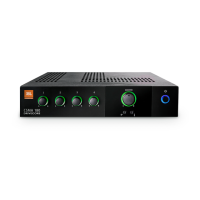
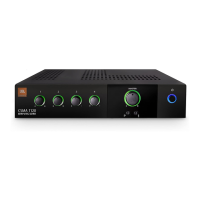
CONDITION: No power to the mixer so that the power ring is not illuminated.
POSSIBLE REASON: The mixer is not plugged into the power receptacle.
CONDITION: No sound or low sound.
POSSIBLE REASON: The input signal is not present or at a very low level.
POSSIBLE REASON: The Master Volume control is turned down.
POSSIBLE REASON: A CSR-V is connected and turned down.
POSSIBLE REASON: Mixer channel inputs are turned down.
POSSIBLE REASON: The Ch 1 Priority switch is closed, muting all except Ch 1 input.
POSSIBLE REASON: The power switch is OFF. (Note that while plugged in, the
unit will be in standby mode and the power ring will be
green until the power switch is activated and the power ring
will turn blue.)
CONDITION: Distorted sound.
POSSIBLE REASON: Input signal level is too high. Please turn down the input level
controls. Note that the mixer should not be operated at a level
that allows the clip indicator (red ring around the Master
Volume) to be constantly ON.
POSSIBLE REASON: Master Volume is too high.
POSSIBLE REASON: MIC/LINE switch is in MIC position when using a
line level source.


 To Next Page