EasyManua.ls Logo

JBL GTO 75.2 - User Manual

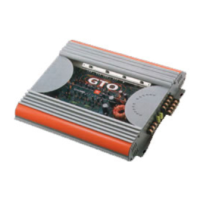
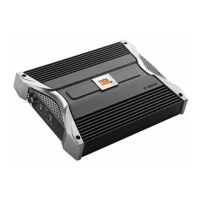
JBL GTO 75.2
24 pages
Print Icon
To Next Page IconTo Next Page
Loading...
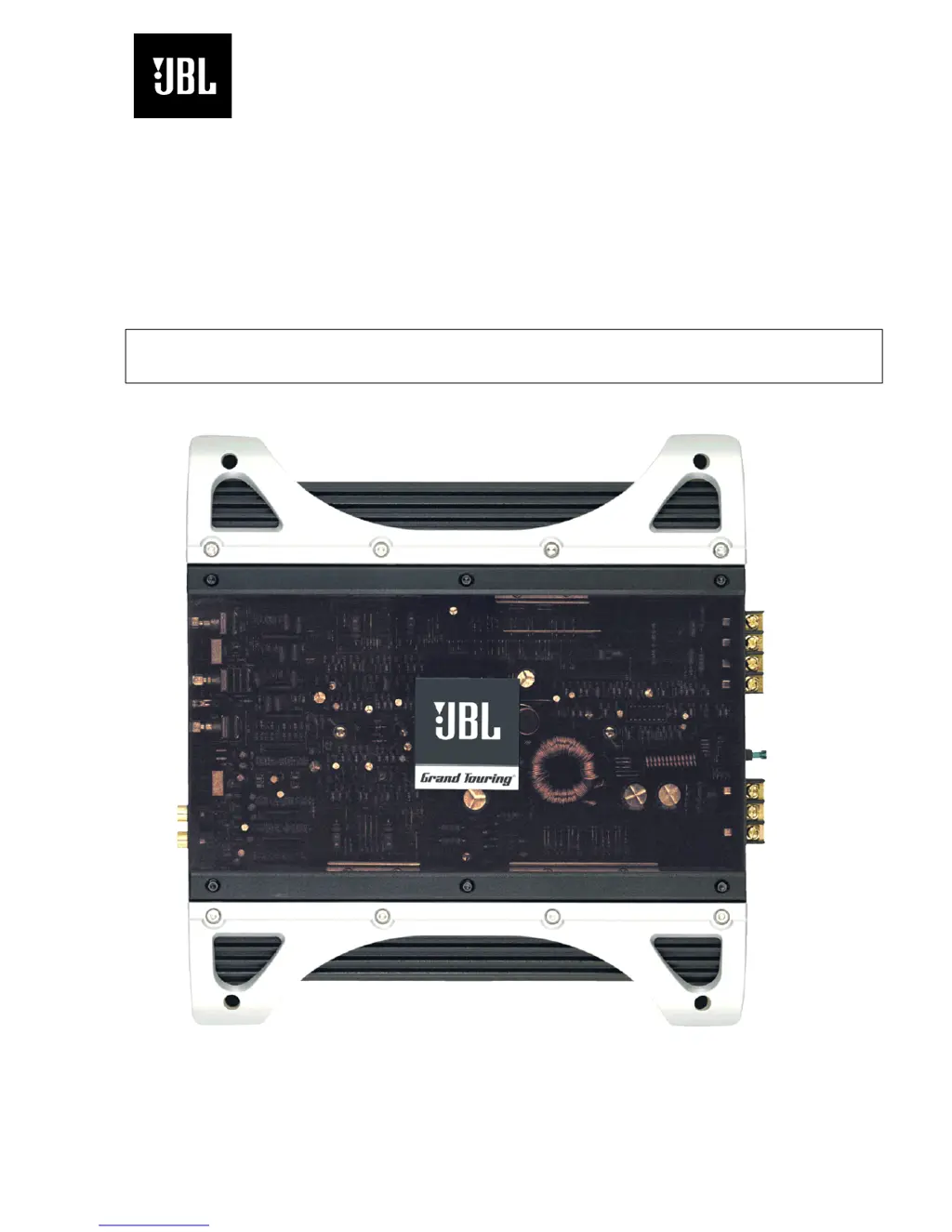
GTO Series
75.2
75.2II
2 CHANNEL POWER AMPLIFIER
SERVICE MANUAL
JBL Consumer Products
250 Crossways Park Dr.
Woodbury, New York 11797 Rev1 3/2005

Questions and Answers

  • R
    richardvasquezJul 30, 2025
    How to fix distorted audio on JBL Amplifier?
    • B
      baileytracyJul 30, 2025
      If you are experiencing distorted audio with your JBL Amplifier, it could be due to an improperly set input sensitivity or a defect in the amplifier or source unit. Check the INPUT LEVEL setting. Also, inspect the speaker wires for shorts or grounds.
  • A
    Anne Williams MDAug 3, 2025
    Why does my JBL Amplifier music lack punch?
    • R
      Ruben WardAug 4, 2025
      If your JBL Amplifier system's music lacks punch, the speakers may not be connected properly. Check the speaker connections to ensure they have the correct polarity.
  • M
    mitchell34Aug 8, 2025
    What to do if JBL GTO 75.2 Amplifier has distorted audio?
    • D
      Derek LopezAug 8, 2025
      If you notice distorted audio from your JBL Amplifier, a short circuit in the speaker or wire might be the cause. To resolve this, remove the speaker leads one at a time to identify the shorted speaker or wire, and then repair it.
  • C
    Catherine JohnsonAug 12, 2025
    Why is there no audio and the PROTECT LED is on for JBL Amplifier?
    • R
      Rose ReidAug 12, 2025
      If the PROTECT LED is on and there is no audio from your JBL Amplifier, it may be overheated. Ensure that the amplifier cooling is not blocked at the mounting location. Also, verify that the speaker system impedance is within the specified limits.
  • C
    Cynthia Martinez DDSAug 16, 2025
    How to troubleshoot JBL GTO 75.2 with no audio and POWER LED off?
    • N
      nmartinAug 17, 2025
      If there is no audio and the POWER LED is off on your JBL Amplifier, there might be no voltage at the BATT+ terminals or amplifier terminals, or there could be a bad or no ground connection. Check voltages.
  • W
    Walter WhiteAug 21, 2025
    Why JBL GTO 75.2 Amplifier has no audio and PROTECT LED is on?
    • L
      Lawrence OwenAug 21, 2025
      If the PROTECT LED is on and there is no audio from your JBL Amplifier, the voltage on the BATT+ connection may be more than 16V or less than 8.5V. Check the vehicle charging system for a defective voltage regulator.
  • L
    Lauren TorresAug 25, 2025
    What does it mean if PROTECT LED flashes every 4 seconds on JBL GTO 75.2?
    • Y
      ygeorgeAug 26, 2025
      If the PROTECT LED flashes every 4 seconds and there is no audio from your JBL Amplifier, there may be DC voltage on the amplifier output. The amplifier may need service.

Summary

GTO 75.2;75.211 Specifications

Product Features and Testing

Installation Guide

Installation Warnings and Tips

Provides crucial safety precautions and general advice for installing the amplifier.

Power Connections

Instructions for correctly connecting the amplifier's main power supply wires.

Ground Connection

Details on establishing a secure and effective ground connection for optimal performance.

Speaker Connections

Guidance on how to connect speakers to the amplifier's output terminals.

Connections Overview

Installation and Setup Procedures

Setting Input Sensitivity

Instructions for adjusting the input signal level for maximum output without distortion.

Troubleshooting Common Issues

No Audio Symptoms

Diagnosing and resolving issues where the amplifier produces no sound.

Distorted Audio Symptoms

Identifying causes and solutions for distorted audio output from the amplifier.

Typical System Wiring

Amplifier Block Diagram

Integrated Circuit Diagrams

Transistor Diagrams

GTO 75.2 Schematics

GTO 75.211 Schematics

Page 1 Circuit Diagram

Detailed circuit diagram for the GTO 75.211 amplifier, illustrating component interconnections.

JBL GTO 75.2 Specifications

General IconGeneral
BrandJBL
ModelGTO 75.2
CategoryAmplifier
LanguageEnglish

Related product manuals