6
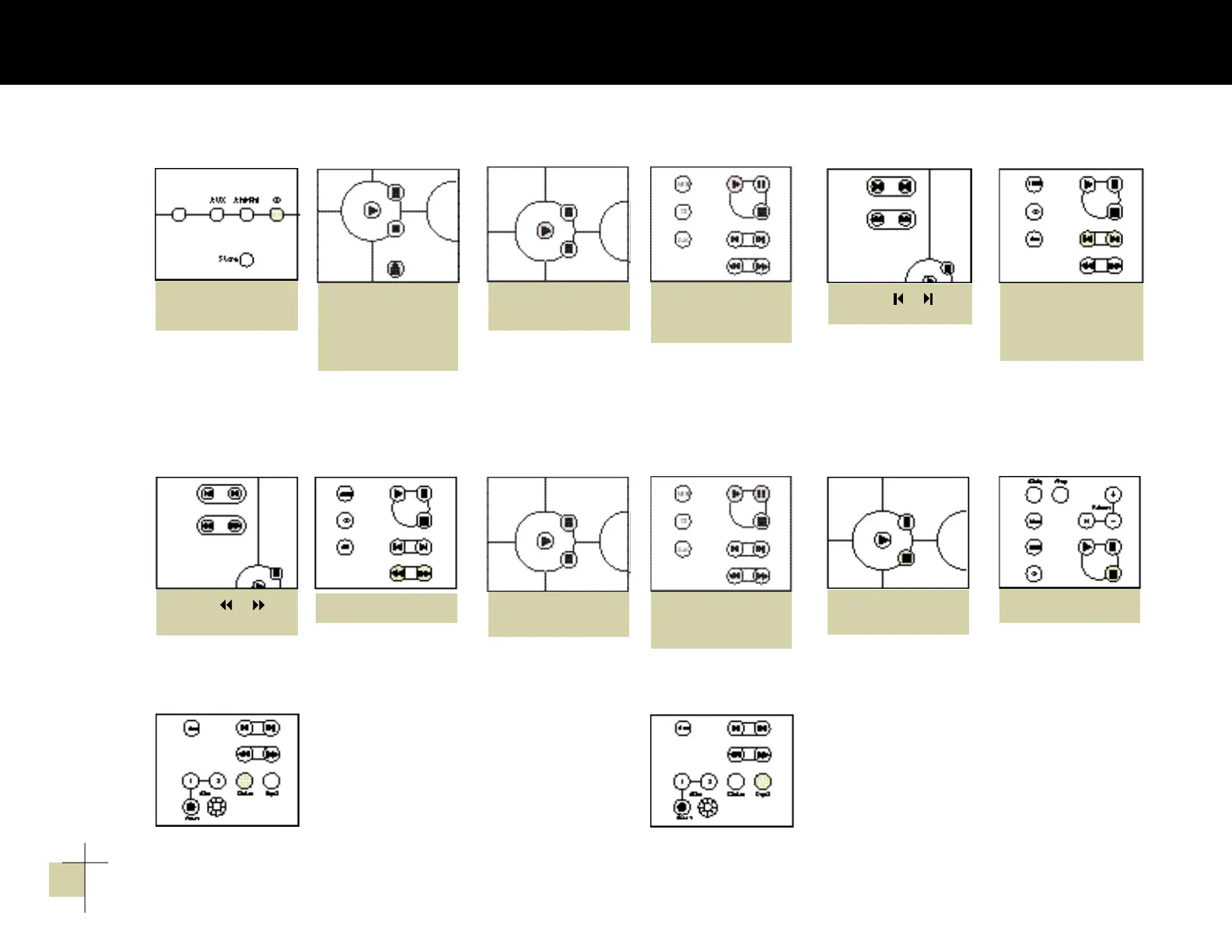
1. Push “CD” on
Harmony and/or
3. Push “Play” on
Harmony or
the remote control.
(The drawer will close
a u t o m a t i c a l l y. )
4. Push or on
Harmony or
the remote control
until the number of
the desired track
appears in the display.
to sca n wi thin
the same tra ck
Push or
on Harmony or
the remote control.
to pa use t he CD
Push “Pause” on
Harmony or
the remote control.
Push ”Play“ to resume
playing the CD.
to stop the CD
Push “Stop” on
Harmony or
the remote control.
to play the tracks of a CD
in rand om ord e r
Push “Random” on
the remote. Harmony
will automatically
delete each track it
has played.
to repea t the disc
Push “Repeat” on the
remote. Push ”Repeat“
again to repeat a single
track only. The ”Repeat“
indicator will flash.
Note: If “Random” and
“Repeat” are both
engaged, the CD player
will randomly play the
disc, deleting all played
tracks, until the disc is
finished. It will then
randomly play the disc
again.
3 . C D o p e r a t i o n
push “Eject” on
H a r m o n y.
2. Insert CD. Gently
push down until CD
locks into place.
to ski p to a diff e r ent t rack
Harmony Radio 230V OM 7/22/98 3:26 PM Page 6


 To Next Page