EasyManua.ls Logo

JBL JBL-R3500 - General Operation; Power On;Off and Mode Switching; Playback, Mute, and Preset Functions

JBL JBL-R3500
25 pages
Print Icon
To Next Page IconTo Next Page
To Previous Page IconTo Previous Page
Loading...
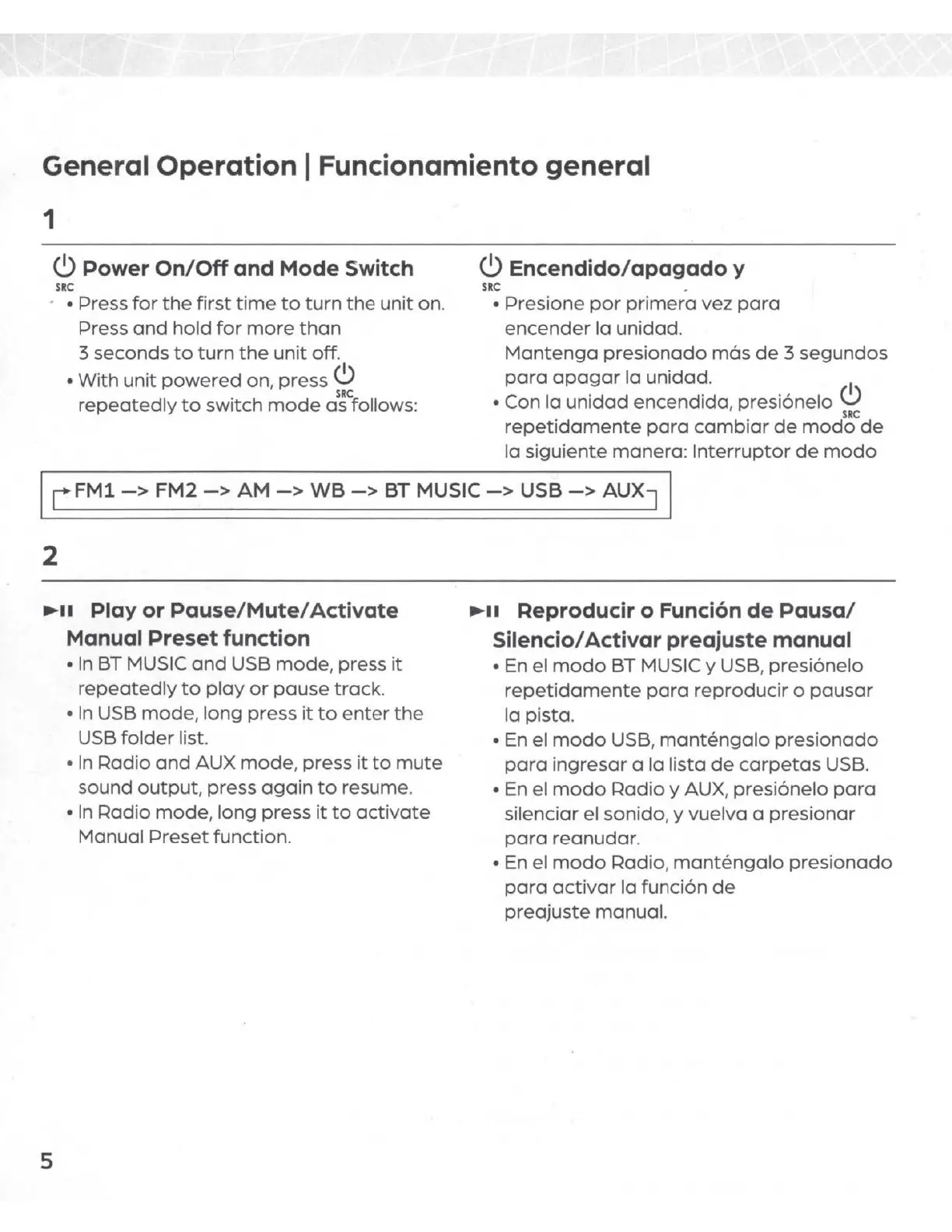
General Operation I Funcionamiento general
1
(!)
Power
On/Off
and
Mode
Switch
SRC
· Press
for
the
first
time
to
turn
the
unit
on.
Press
and
hold
for
more
than
3 seconds
to
turn
the
unit
off.
With
unit
powered
on,
press
(!)
SRC
repeatedly
to
switch
mode
as follows:
(!)
Encendido/
apagado
y
s~
.
Presione
por
primera
vez
para
encender
la unidad.
Mantenga
presionado
mas
de
3
segundos
para
apagar
la unidad.
1
Con
la
unidad
encendida,
presi6nelo
C)
SRC
repetidamente
para
cambiar
de
modo
de
la siguiente
manera:
Interrupter
de
modo
I r FM1
->
FM2
->
AM
->
w0
->
BT
Mus,c
->
us0
->
Aux
7
I
2
II
Play
or
Pause/Mute/
Activate
Manual Preset function
5
In
BT MUSIC
and
USB
mode,
press
it
repeatedly
to
play
or
pause
track.
In
USB
mode,
long
press
it
to
enter
the
USB
folder
list.
In
Radio
and
AUX
mode,
press
it
to
mute
sound
output,
press
again
to
resume.
In
Radio
mode,
long
press
it
to
activate
Manual
Preset
function.
II
Reproducir o Funci6n
de
Pause/
Silencio/ Activar preajuste manual
En el
modo
BT MUSIC y USB, presi6nelo
repetidamente
para
reproducir
o
pausar
la pista.
En el
modo
USB,
mantengalo
presionado
para
ingresar
a
la
lista
de
carpetas
USB.
En el
modo
Radio
y AUX,
presi6nelo
para
silenciar el sonido, y
vuelva
a
presionar
para
reanudar.
En el
modo
Radio,
mantengalo
presionado
para
activar
la
funci6n
de
preajuste
manual.

Related product manuals