Need help?
Do you have a question about the JBL JSR 635 and is the answer not in the manual?
Warnings about electric shock, not opening the unit, and proper connection.
Includes CATV installer note and explanation of safety symbols.
Proper handling of the power cord and placement of the unit on a stable surface.
Do not open the cabinet; clean with a soft cloth; refer servicing to qualified personnel.
Keep packing material for future shipping needs, such as moving or repairs.
Connect antennas (FM/AM) and various input sources like TV, AUX, CD.
Connect VCRs and cassette decks for playback and recording.
Connect front, center, and rear speakers, ensuring correct polarity and impedance.
Connect external amplifiers, pre-amplifiers, or subwoofers.
Connect the AC input cord and use provided outlets for accessories.
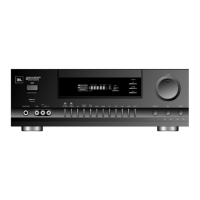
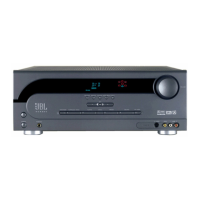
Controls for power, headphone jack, bass, treble, and balance.
Buttons for selecting input sources, surround modes, bypass, and tuning.
Buttons for memory storage, preset tuning, and seeking stations.
Volume control and explanation of the display window functions.
Creates an immersive sound field by combining front and rear signals.
Decodes and reproduces surround sound from movies and video programs.
Explains various speaker setup modes like NORMAL, PHANTOM, etc.
Turning on/off, selecting sources, adjusting volume, and headphone use.
Instructions for auto, manual, and preset tuning of AM/FM stations.
How to preset, recall, and scan radio stations.
Guide to recording on a cassette deck and dubbing between VCRs.
How to record video from one source and audio from another.
Explains the IR transmitter and the standby power button function.
Buttons for tuning, scanning presets, and selecting input sources.
Controls for test tone, rear level, master volume, mute, and surround modes.
Functions for display dimming, sleep timer, and battery compartment.
Instructions for installing batteries and understanding the remote's operational range.
A guide to diagnose and resolve common issues encountered with the receiver.
Technical details on power output, frequency response, and input sensitivity.
FM and AM tuner specifications including sensitivity, selectivity, and signal-to-noise ratio.

 To Next Page
 General