EasyManua.ls Logo

JBL Legend CP100 - User Manual

JBL Legend CP100
19 pages
Print Icon
To Next Page IconTo Next Page
Loading...
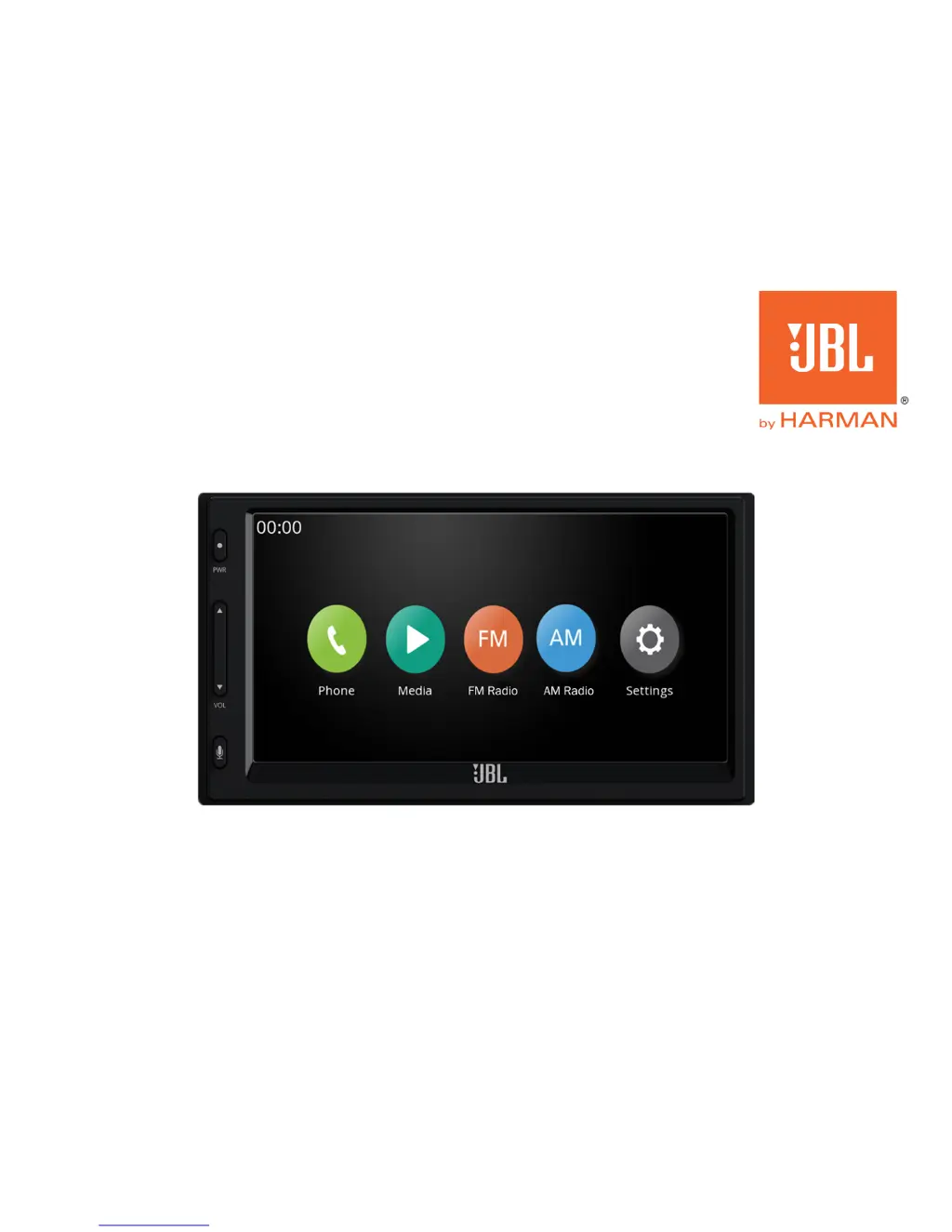
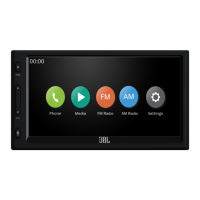
OWNER’S MANUAL
Legend CP100
smartphone receiver

Other manuals for JBL Legend CP100

Questions and Answers

  • L
    lisa54Aug 2, 2025
    What to do if my JBL Legend CP100 has no function or display?
    • I
      Ian ScottAug 2, 2025
      If your JBL Car Receiver isn't displaying anything or functioning, there might be a few reasons: * The vehicle's ignition might be off. Turn the key to the 'on' position or start the vehicle. * There could be an issue with the power/ground wire connections. Verify these connections. * A fuse might be blown. Check the fuse on the back of the receiver and replace it with one of the same rating if needed. * An internal malfunction may have occurred due to interference, noise, or electrical overload. Try turning the ignition key off and then on again.
  • S
    Stephen RossAug 8, 2025
    Why is there no sound coming from my JBL Legend CP100 or is the sound distorted?
    • S
      Sara PayneAug 8, 2025
      If you're experiencing no sound or distorted sound from your JBL Car Receiver, it could be due to a few reasons: * Incorrect settings of the volume, balance, or fader controls. Check and readjust these settings as necessary. * Loose or improperly made connections. Ensure all wiring connections are firm and secure.
  • W
    wisesharonAug 14, 2025
    Why is the broadcast distorted by noise or interference on my JBL Legend CP100 Car Receiver?
    • D
      Danielle ArmstrongAug 14, 2025
      If the broadcast on your JBL Car Receiver is distorted by noise or interference, consider the following: * The antenna might not be the proper length. Extend it fully if possible, or replace it if broken. * The antenna could be poorly grounded. Check your antenna connections and ensure it's properly grounded to the vehicle chassis. * The signal from the station might be weak and noisy. Try tuning to another station.
  • J
    Jeffery AndersonAug 20, 2025
    Why is my JBL Legend CP100 unable to find stations in seek mode?
    • J
      joseph31Aug 20, 2025
      If your JBL Car Receiver can't find stations in seek mode, it might be because: * The antenna may not be grounded or connected properly. Check your antenna connections and ensure it is properly grounded to the vehicle chassis. * The antenna may not be the proper length. Make sure the antenna is fully extended if adjustable; if the antenna is broken, replace it.
  • G
    George Smith MDAug 26, 2025
    What to do if content from a connected USB device or smartphone will not play on my JBL Car Receiver?
    • Z
      zwoodsAug 26, 2025
      If your JBL Car Receiver is not playing content from a connected USB device or smartphone: * The connected smartphone may not be supported by the receiver. Connect a compatible smartphone or try resetting your iPhone. * The connected USB device may not be supported. Try connecting another USB device. * There might be a communication interruption. Turn the ignition key off, and then on again, or disconnect and reconnect the USB device or smartphone. * The smartphone software version may not be compatible. Update the smartphone’s software version.

Summary

Warnings and Safety Precautions

Driving Safety

Avoid distracting features and minimize display interaction while driving.

Electrical and Fire Safety

Use correct fuses, ensure proper ventilation, and avoid product alterations.

General Safety

Keep small objects from children and discontinue use if a problem appears.

Product Care and Installation

Clean screen with soft cloth, operate within temperature limits, and choose a safe location.

Mounting the Receiver

Installation Warnings and Tips

Important advice for safe and correct installation, including battery disconnection.

Product Interface

Front-Panel Buttons

Description of the three primary physical buttons on the receiver's front panel.

Rear Panel Connections

Overview of the various inputs and outputs on the back of the receiver.

Initial Setup

Setting Date and Time

Procedure to program the date and time after installation or battery reconnection.

Home Screen Navigation

Understanding the Home Screen

Explains the main screen icons for accessing functions like Phone, Media, Radio, and Settings.

System Settings

Bluetooth Device Pairing

Guide on how to pair your smartphone via Bluetooth for hands-free calls and audio.

Date and Time Adjustment

Instructions to change the system's date and time settings.

System Language Selection

Steps to change the display language to English, Spanish, or French.

Phone Functions

Bluetooth Phone Calling

Using Bluetooth for making/receiving calls, dialing, and accessing contacts.

Media Playback

Playing Music from USB Drives

How to connect a USB drive and play MP3 files, browse albums, and search content.

Smartphone Integration

Using Apple CarPlay

Connecting an iPhone to use CarPlay for apps, navigation, and Siri voice control.

Using Android Auto

Connecting an Android device to use Android Auto for navigation, music, and Google Voice™.

Radio Operation

Listening to FM;AM Radio

How to tune into stations, use direct tuning, and set radio presets.

Specifications

Troubleshooting

No Function or Display Issues

Solutions for the receiver not turning on or displaying anything.

Audio Problems

Troubleshooting steps for no sound or distorted audio output.

Radio Reception Issues

Resolving problems with display not working, no radio stations, or poor seek mode.

USB;Smartphone Playback Issues

Fixes for content not playing from USB devices or smartphones.

JBL Legend CP100 Specifications

General IconGeneral
MP3 playbackYes
CD-R playbackNo
DIN size2 DIN
Output power- W
Product colorBlack
Audio output channels- channels
Display diagonal6.75 \
AM band range530 - 1170 kHz
FM band range87.7 - 107.9 MHz
Supported radio bandsAM, FM
Weight and Dimensions IconWeight and Dimensions
Weight1500 g

Related product manuals