18
Section 7: Trouble Shooting
TROUBLE SHOOTING
If there is no sound from your speakers, check these settings:
• Make sure a signal source is connected and producing sound.
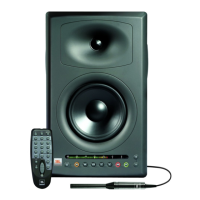
• Make sure the POWER INDICATOR is illuminated on the front of the speaker.
• Make sure the VOLUME CONTROL is not set to the full counter-clockwise minimum position.
• Conrm the power cable is connected and the POWER SWITCH is set to the ON position.
If the above measures do not correct the problem, please contact JBL Professional Customer Service.



 To Next Page