7 - 7
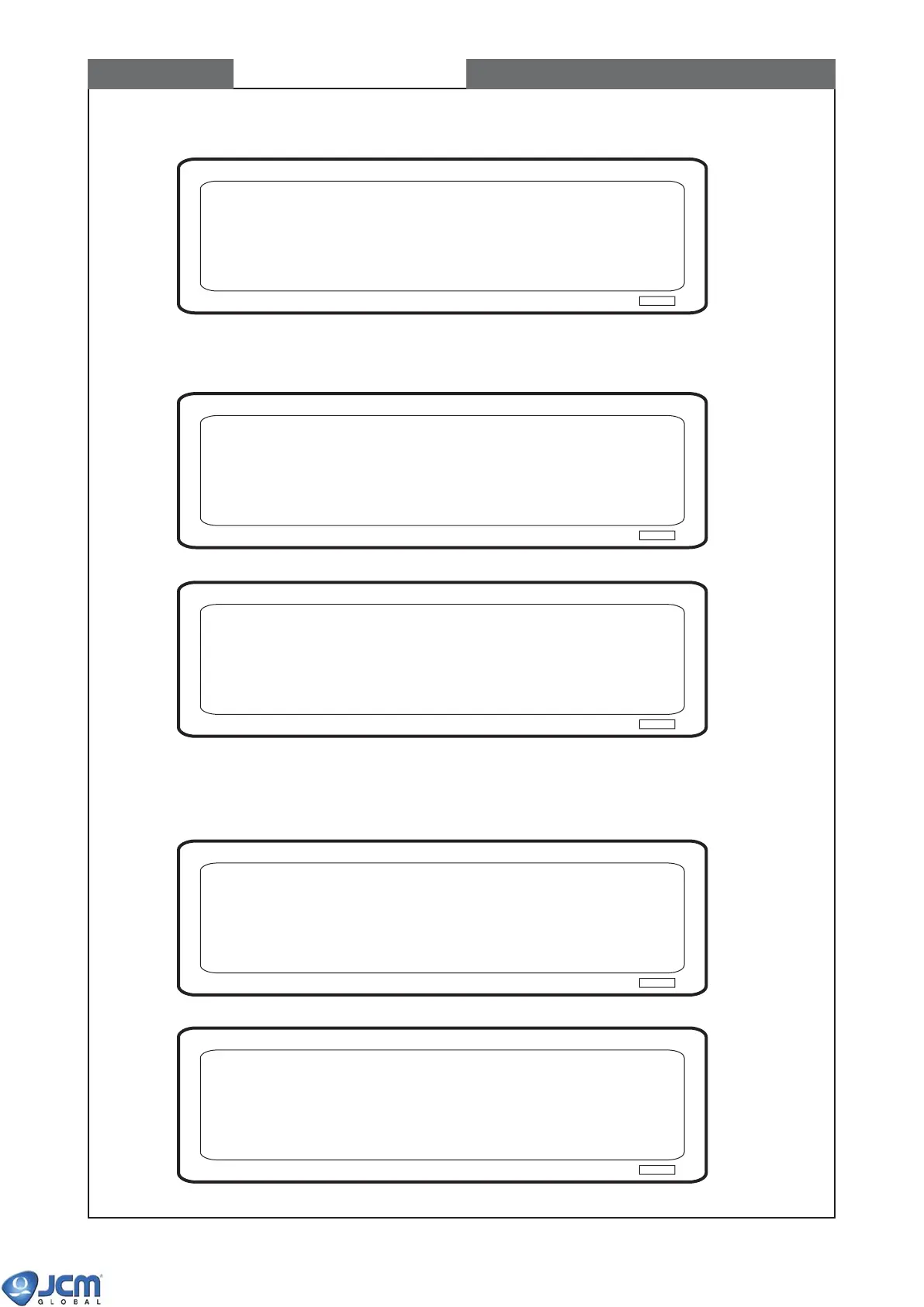
Fig-10
(3) When the Fig-11 appears, press "Enter". The UV sensor calibration starts.
Fig-11
Fig-12
(4) When the Fig-13 appears, remove White Reference Paper (KS-056). Insert Black Reference Paper
(KS-057) again, and press [Enter].
Fig-13
Fig-14
Calibrating......
UV calibration start.
Press ENTER
UV sensor calibration
Remove the white reference paper. Insert the black reference paper.
Press ENTER
Checking the black level......
CHAPTER 7 Calibration


 To Next Page