Connected Services
WITH CONNECTED SERVICES YOU CAN...
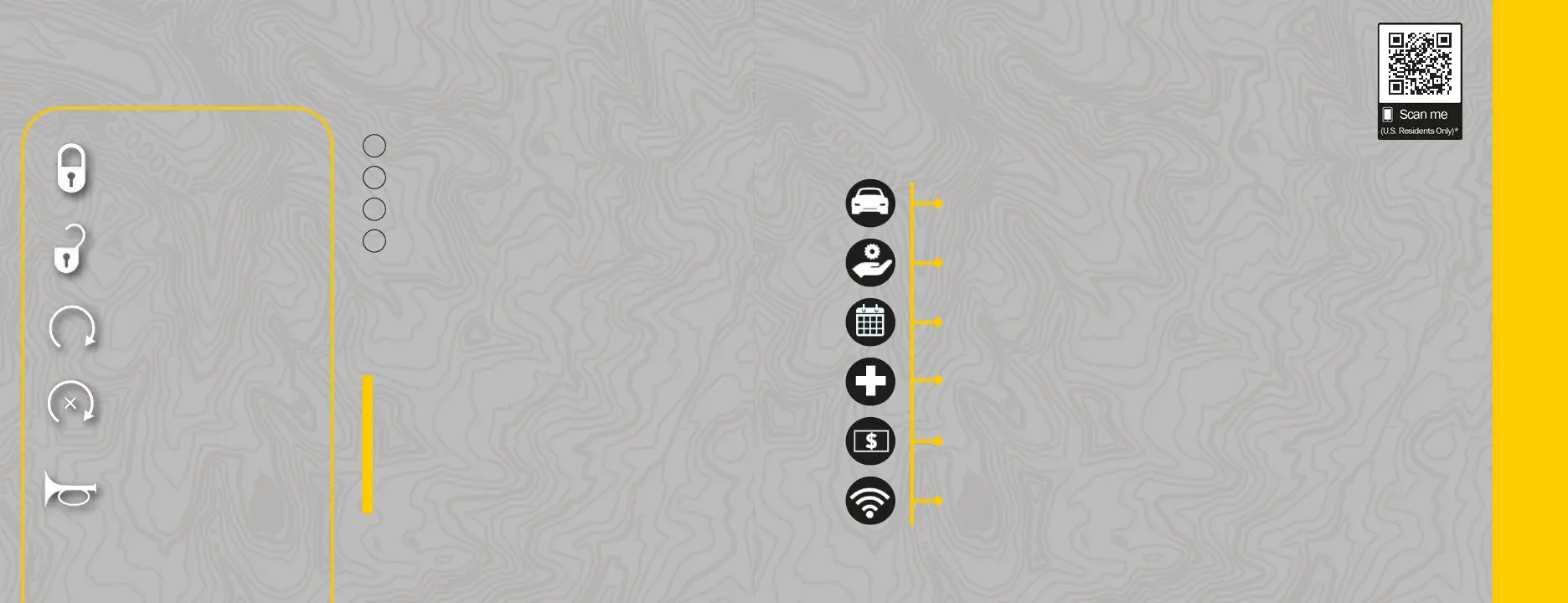
Lock Your Vehicle
Unlock Your Vehicle
Remote Start Your Vehicle
Cancel Remote Start
Activate Your Horn
You can use your remote commands from the
Uconnect App, your Owner’s Site account, or by
calling an agent.
However, not all remote commands will work when
calling the agent.
TIP:
ACTIVATE YOUR REMOTE SERVICESACTIVATE YOUR REMOTE SERVICES
1
Press "Apps" on the touchscreen.
2
Press "Activate Services".
3
Press "Activate Now".
4
There are two ways to activate: via email or via
an agent. On the next screen, you can either
enter your name and email, or press "Call An
Agent" to directly speak with someone.
Mopar
®
YOURYOUR Way
REAP THE BENEFITS OF YOUR OWNER'S PROFILE
Get an online experience all your own—tailored to you and your vehicle—accessible
anytime, anywhere.
24/7 Access to Everything You Need
Custom dashboard for every vehicle in your garage
Access to your vehicle's Owner's Manual, warranty & more
Ability to set preferred dealer & schedule service with ease
Maintenance records and up-to-date vehicle health reports**
Special oers on exceptional Mopar
®
service at your dealership
Remote vehicle commands right from your mobile device**
** Requires an active SiriusXM Guardian
TM
subscription
*Canadian residents are not required to create a prole, as one is created when a SiriusXM Guardian
TM
account is activated.
UTILIZE YOUR SERVICES & OWNER PROFILE






 To Next Page