1. Turn the ignition switch ON.
2. Push and hold the compass button for approximately
two seconds.
3. Push and release the down
arrow button until
“Compass Variance” message and the last variance
zone number displays in the instrument cluster dis-
play.
4. Push and release the right
arrow button until the
proper variance zone is selected according to the
map.
5. Push and release the compass button to exit.
MINI-TRIP COMPUTER — IF EQUIPPED
The Mini-Trip Computer is located in the instrument
cluster and features a driver-interactive trip information
and temperature display.
NOTE: The system will display the last known outside
temperature when starting the vehicle and may need to be
driven several minutes before the updated temperature is
displayed. Engine temperature can also affect the dis-
played temperature; therefore, temperature readings are
not updated when the vehicle is not moving.
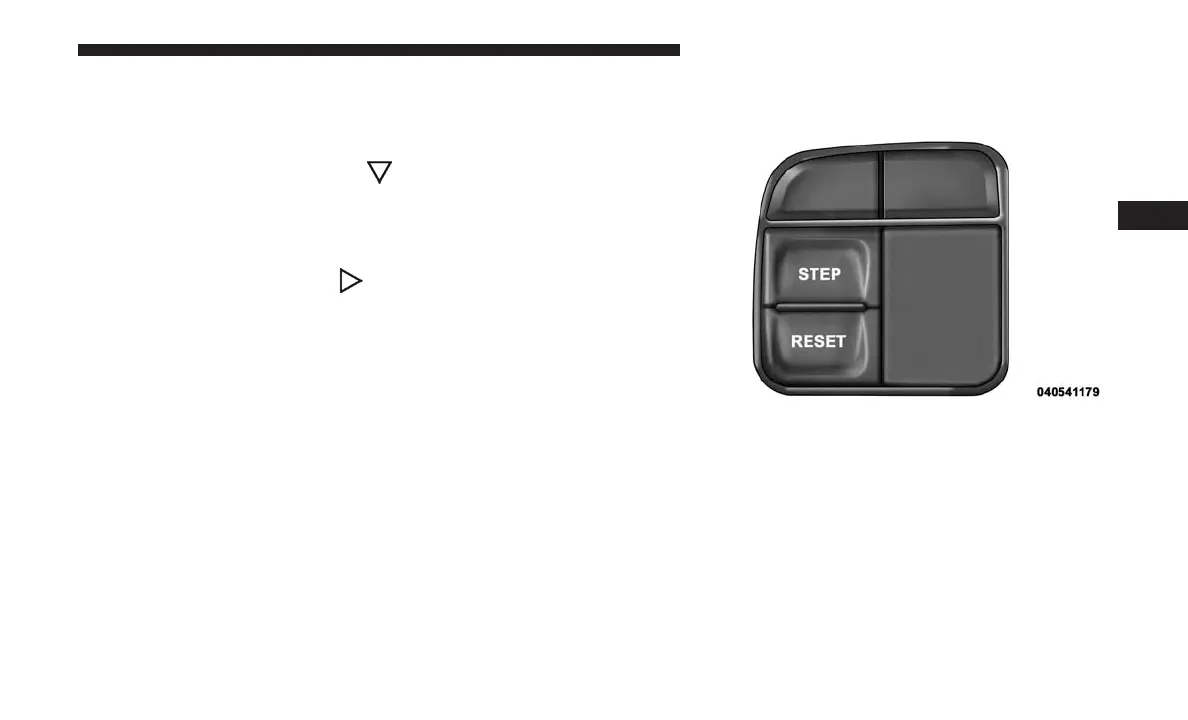
Control Buttons
STEP Button
Push the STEP button located on the steering wheel to
scroll through sub menus (i.e., Temperature, Trip Func-
tions: Odometer, Trip A, Trip B).
RESET Button
To reset the display shown, turn the ignition to the ON
position, then push and hold the RESET button located on
the steering wheel.
Mini-Trip Control Buttons
4
GETTING TO KNOW YOUR INSTRUMENT PANEL 109















 To Next Page