182 STARTING AND OPERATING
The vehicle is close to the obstacle when the warning display shows one flashing arc and sounds a continuous tone. The following chart shows the
warning alert operation when the system is detecting an obstacle:
NOTE:
ParkSense will reduce the volume of the radio,
if on, when the system is sounding an audio
tone.
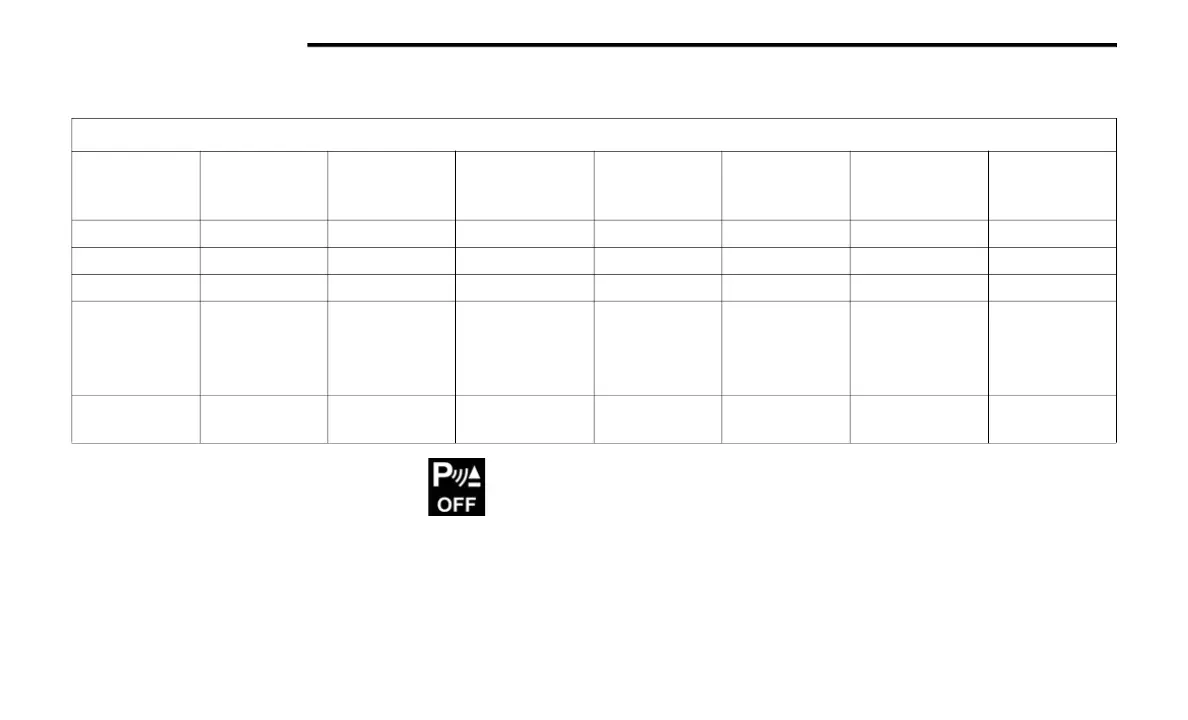
ENABLING AND DISABLING PARKSENSE
ParkSense can be enabled and disabled with
the ParkSense switch located below the
Uconnect display.
When the ParkSense switch is pushed
to disable the system, the instrument
cluster display Ú page 111 will show
the “PARKSENSE OFF” message for
approximately five seconds. When the gear
selector is moved to REVERSE and the system is
disabled, the instrument cluster display will
show the “PARKSENSE OFF” message for as
long as the vehicle is in REVERSE (Not in 4WD
Low).
The ParkSense switch LED will be on when
ParkSense is disabled or requires service. The
ParkSense switch LED will be off when the
system is enabled. If the ParkSense switch is
pushed, and requires service, the ParkSense
switch LED will blink momentarily, and then the
LED will remain on.
WARNING ALERTS
Rear Distance
(inches/cm)
Greater than
79 inches
(200 cm)
79-59 inches
(200-150 cm)
59-47 inches
(150-120 cm)
47-39 inches
(120-100 cm)
39-25 inches
(100-65 cm)
25-12 inches
(65-30 cm)
Less than
12 inches
(30 cm)
Arcs — Left None None None None None 2nd Flashing 1st Flashing
Arcs — Center None 6th Solid 5th Solid 4th Solid 3rd Flashing 2nd Flashing 1st Flashing
Arcs — Right None None None None None 2nd Flashing 1st Flashing
Audible Alert
Chime
None
Single 1/2- Sec-
ond Tone
(for rear center
only)
Slow
(for rear center
only)
Slow
(for rear center
only)
Fast
(for rear center
only)
Fast Continuous
Radio Volume
Reduced
No Yes Yes Yes Yes Yes Yes
21_JL_OM_EN_USC_t.book Page 182















 To Next Page